

Curious how TeamOhana can help you? Talk to us.
In this article
Never miss new content
Workforce cost modeling is the practice of estimating what your people will cost, by role, team and month, and how that number moves when hiring slips, roles change or plans shift. For open roles, it answers three questions finance gets asked every quarter: what does this vacancy cost us while it sits open, what happens to the budget if the role changes, and how much risk is hiding in our labor forecast?
Before TeamOhana, I ran FP&A and strategic finance at Docker. Our hiring plan started in a spreadsheet and very quickly got out of hand. Here's what I learned: the hard part usually isn't the math. It's that HR, recruiting and finance are each working from a different version of the plan. This checklist is how I'd get everyone onto the same numbers.
An open role past its start date is a saving on paper and a cost everywhere else
When a hire runs late, payroll looks great. You're under budget. But that underspend is hiding three things finance needs to see.
First, the work still has to happen. Someone covers it with overtime, a contractor, or a burned-out team. Or it just doesn't get done, and that shows up later as a missed launch or a revenue number that came in short.
Second, the forecast is quietly wrong. Start date is the most important field in any headcount plan from a financial perspective, because that's when the cash outflows begin. Everyone wants their headcount now. Very often it gets hired two months later, sometimes two quarters later. If the plan still shows the original start date, your forecast is fiction.
Third, nobody agrees on the numbers. On calls with finance and people teams this year, I keep hearing versions of the same story. One finance team had a recruiting dashboard showing 28 open roles, an HRIS showing 318 current employees, and a hiring plan that didn't tie back to either. Their first question was whether any of the data could be trusted. A 175-person software company had finance asking, "Wait, we're hiring someone three months early for an extra $25K? Where did this come from?" And at a fast-growing cloud company with more than 200 open roles, talent acquisition opened 100 requisitions in a single week. Finance had no real-time forecast, and no fast way to answer the bigger questions: Were these roles even budgeted? If they were, did their start dates line up with when the roles were opened? And were they still a business priority?
None of those are math problems. They're workforce cost modeling problems.
Start date is the most important field in any headcount plan, because that's when the cash outflows begin. If the plan still shows the original start date, your forecast is fiction.
How to calculate delayed hiring costs
A delayed hire has two numbers, and you need both. The budget number is the part of the role's approved budget that a delay leaves unspent. The forecast number is what the delay actually costs you.
Step 1: Get the fully loaded cost of the role. Base salary is never the real number. Start with total cash compensation: base salary plus variable comp, such as a bonus or commission. Then apply a load factor for payroll taxes, benefits and fringe costs like a work-from-home allowance, a home office stipend, and learning and development. Load usually applies to both base and variable comp, but variable pay can carry different taxes than salary, so check with payroll.
According to the Bureau of Labor Statistics, benefits (which include employer payroll taxes) made up 30% of total private-industry employer compensation costs in June 2026. Wages made up the other 70%. Expressed as a load on wages, that's roughly 43% (30 ÷ 70). Use your own load factor if you have it.
Benefits and employer payroll taxes made up 30% of private-industry compensation costs in June 2026. That's a load of roughly 43% on top of wages.
Step 2: Calculate the budget impact of the delay.
Step 3: Calculate the true cost of the delay.
Lost output is the hard one. For revenue roles, start with capacity: quota times expected attainment for the months the seat is empty. That capacity usually assumes a ramped rep hits 70 to 80% of quota, so it isn't a theoretical number. It's real revenue missing from the plan. For everything else, ask the hiring manager what doesn't ship, and put a date on it.
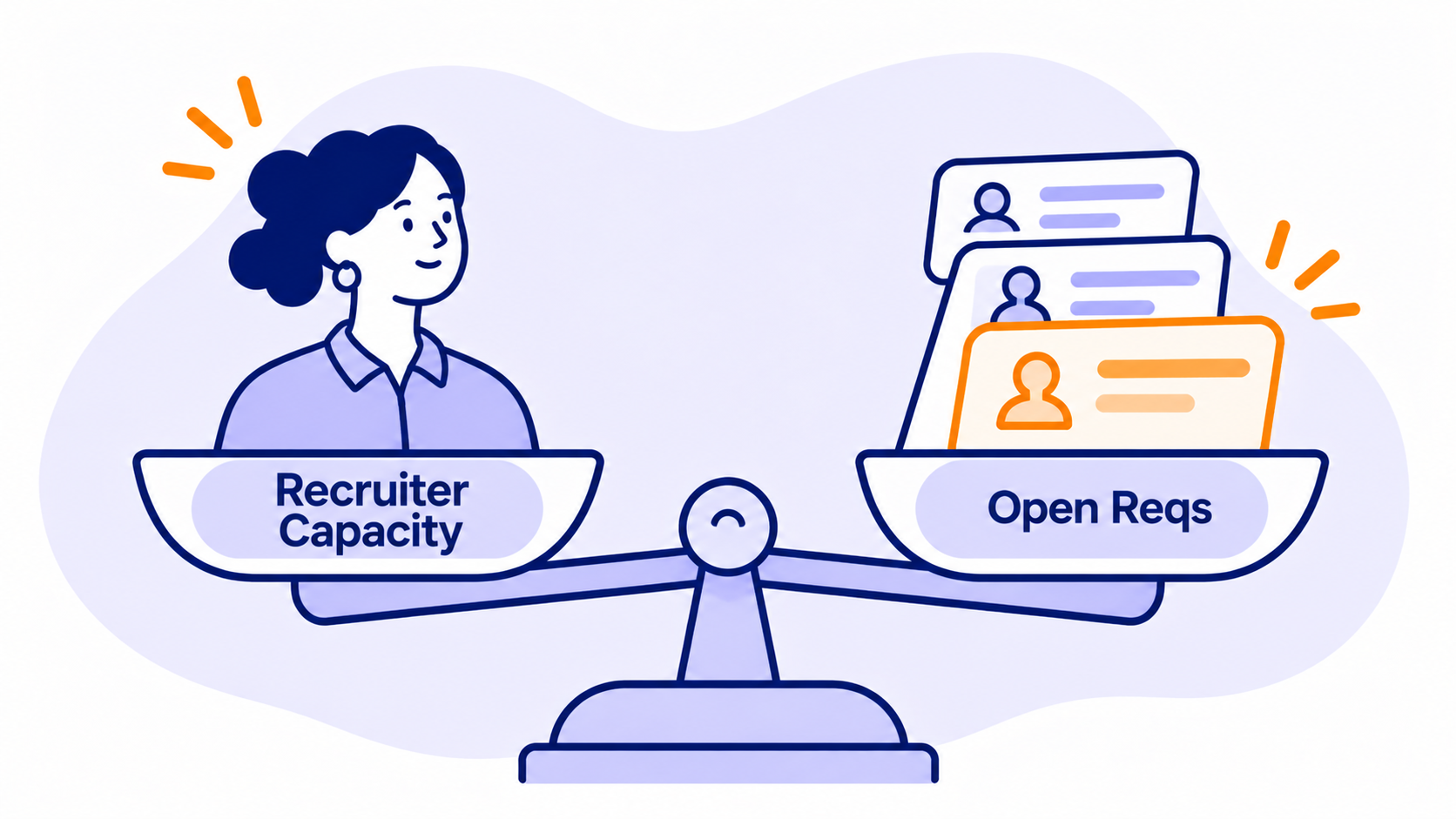
Added recruiting costs usually show up when delays pile up. Push too many roles into next quarter and you can blow past your recruiting team's capacity, which means paying for agencies, contract recruiters or extra sourcing to catch up. SHRM's 2025 benchmarking put average cost per hire at $5,475 for non-executive roles and $35,879 for executive roles. Your own cost per hire is better if you track it.
A worked example
Two roles, both pushed out 90 days. To keep the math simple, both use a conservative 25% load factor.
| Senior engineer | Account executive | |
|---|---|---|
| Base salary | $160,000 | $120,000 |
| Load factor | 25% | 25% |
| Variable comp (annual) | $0 | $120,000 |
| Fully loaded annual cost | $200,000 | $300,000 |
| Budget impact of 3-month delay | $50,000 saved | $75,000 saved |
| Cover or lost output | Contractor covering half the work at $120/hour: ~$31,200 | Quota capacity pushed out ($800K quota × 75% attainment × 3/12): $150,000 |
The engineer delay looks like a $50,000 win until you pay for cover and slip the roadmap. The AE delay looks like a $75,000 win and actually pushes $150,000 of bookings out of the year, revenue the plan was counting on. That's the conversation finance and HR need to have before a start date moves, not after.
Role change impact: the approved plan never stays the same
Here's how it usually goes. Headcount gets approved and everyone says, great, that's the plan. Once it's approved, it's approved. Every change after that is a request against what was already budgeted, and the requests start fast. "I thought you wanted an IC3." It becomes an IC6. The role moves from Austin to San Francisco. A backfill turns into a brand-new role on a different team. Each change is small. Together, they're how a plan drifts millions of dollars from budget without anyone deciding it should.
Model every role change against four things:
- Level. A level change should move cost to the midpoint of the new pay band automatically. A title change alone shouldn't move anything. If a role lands on a level with no band, flag it before it gets approved.
- Location. Pay zones can swing the cost of the same role by tens of thousands of dollars. Across countries, the load factor moves too, because benefits and payroll taxes vary by country. Location belongs in the model, not in a note on the requisition.
- Role type. New hires, backfills and internal transfers each need their own approval path. In my experience, new headcount gets the strictest review, backfills usually don't need to go all the way to the executive team, and internal transfers are the lightest.
- Trade-offs. The best role changes are budget neutral. Want to add five people? Fine. Which three roles move out a quarter to pay for it? Or say you lose a senior engineer and decide to fund raises instead of a backfill. The budget stays the same. Your headcount forecast goes down by one, while salary dollars for the team you already have go up. Both are valid. Both need to be visible.
One habit that saves a lot of pain: require a one-line justification on every new role and every change request, and keep it attached after approval. For new roles, it pays off a few months into the year, when it's easy to forget why a role was added and you need to decide whether it's still a priority. For changes, it works as a quick audit. Why did this role move from AMER to EMEA? Because we lost a few EMEA team members and needed to fill capacity. When someone up top asks what changed and why, you'll have the answer in seconds instead of a week of digging.
Labor cost forecasting: where the risk actually hides
Keep three numbers for every role. Budget is what you planned and are allowed to spend, and it never changes. Target is the latest and greatest plan for that role. Actual is what it costs once someone's hired. Your labor cost forecast adds up three groups: the people on payroll today, the people who have accepted offers but haven't started yet, and the roles you still expect to hire, all at their target cost and start date. Accepted offers are easy to miss, and at scale they stack up.
What are budget, target and actual? Budget is the approved cost of a role and never changes. Target is the latest plan for that role. Actual is what the role costs once someone is hired. Tracking all three is what lets finance explain variance.
When the forecast and budget don't match, the variance almost always comes from one of three places:
| Variance driver | What it looks like | Who usually owns the fix |
|---|---|---|
| Timing | Roles hired earlier or later than planned | Recruiting and hiring managers |
| Pay | Offers above or below the planned salary or level | HR, comp and hiring managers |
| Additional roles | Roles added that weren't in the budget | Department leaders and finance |
If you can split your variance into those three buckets, you can answer the question every CFO eventually asks: where are we over or under, and why?
A few places the risk hides:
Start dates in the past. If a role was supposed to start in March and it's now May, the plan is lying to you. Every month, push out start dates that no longer hold. My rule of thumb: for roles that aren't open yet, push them 60 days out for US roles and 90 days for roles outside the US. For roles already in progress, shorten that to 30 and 60 days.
Attrition. Your hiring plan isn't your hiring volume. Once you account for expected attrition and backfills, a plan with 82 new roles can easily mean closer to 116 hires. This matters more than it looks. Recruiting doesn't plan around net new roles. They plan around the total number of people they need to hire, so build recruiting capacity and cost on the bigger number. And estimate attrition by function: sales almost always runs higher than everyone else, and G&A often runs lower.
A budget that keeps moving. Don't keep editing one budget envelope throughout the year. You'll lose track of why and when it changed. Keep a base budget, and put gated or stretch roles in a separate envelope.
Currency. If you hire globally, report in constant currency. It separates the changes your team can control from exchange-rate swings nobody can control.
The workforce cost modeling checklist
Use this before every planning cycle, and revisit it monthly with your head of recruiting.
Set up the model
- Every role has a unique ID from the moment it's created, and the ID is never reused
- Every role has a level, location, department, start date and one-line justification
- Cost snaps to the pay band midpoint for the role's level and location
- A load factor covers payroll taxes, benefits and fringe costs (work-from-home allowances, home office stipends, learning and development), applied to base and variable comp
- Budget, target and actual are tracked separately for every role
Model open roles and delayed hiring costs
- Calculate the budget impact of every start date change
- Estimate the true cost of a delay: cover costs, lost output or revenue capacity, and added recruiting costs
- Flag revenue roles that are behind on hiring and show the impact on capacity and actual revenue
- Plan backfills using expected attrition rates by function and time to backfill, not just new roles
Model role change impact
- Re-cost any change to level, location or role type before approval
- Route new hires, backfills and transfers through the right approval path
- Show the trade-off when a change is meant to be budget neutral
Protect the labor cost forecast
- No start dates in the past: refresh them monthly
- Split variance into timing, pay and additional roles
- Keep the original budget fixed, with stretch roles in a separate envelope
- Report global headcount in constant currency
- Make sure HRIS, ATS and the plan tie out to the same headcount
Where TeamOhana fits
You can run this checklist in a spreadsheet. I did, for years. The problem is that the second you put something in a spreadsheet that isn't connected to anything, the data is stale. Priorities shift, start dates slip, and you're back to reconciling numbers that went out of date the second you pulled them into the spreadsheet.
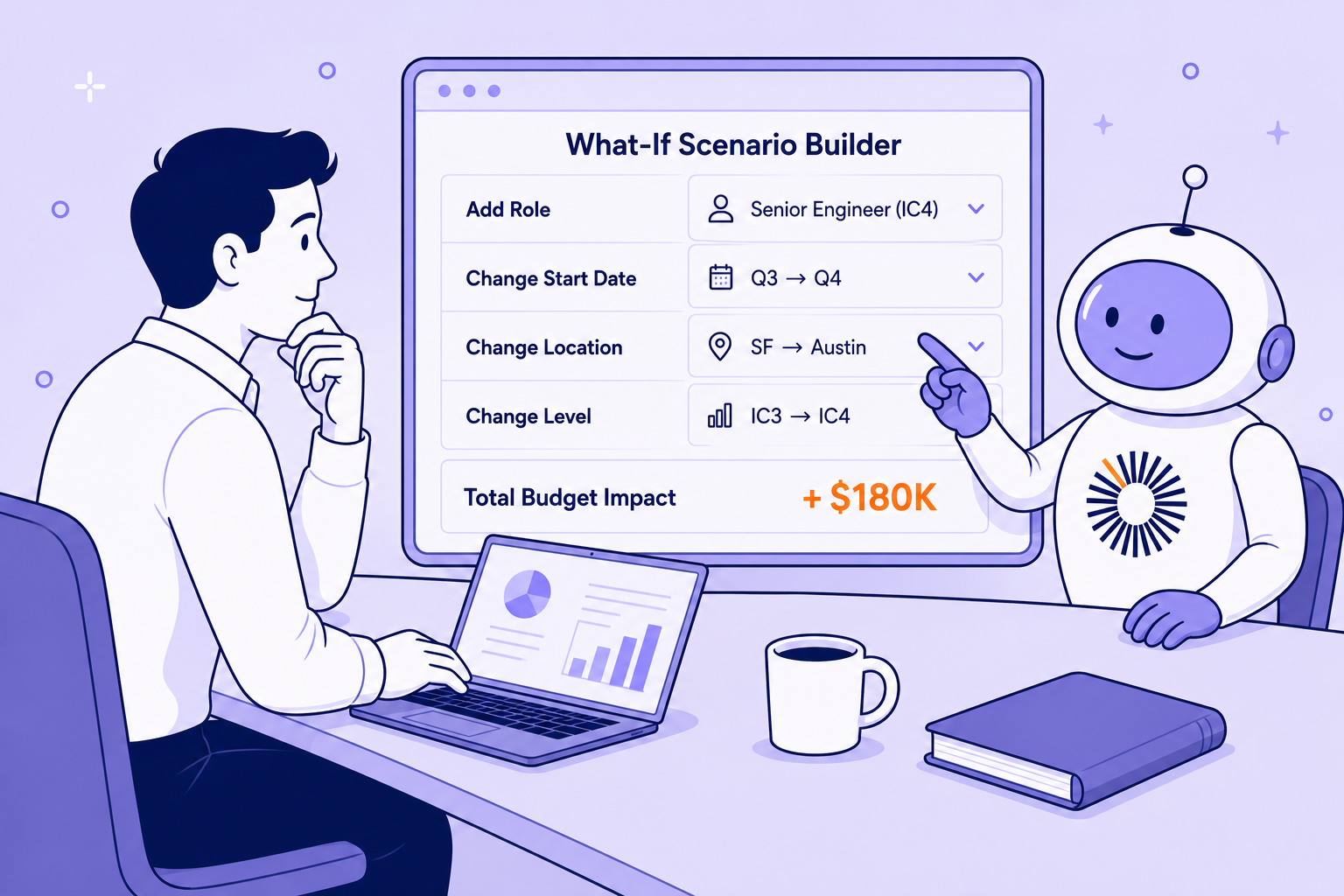
That's why I was TeamOhana's first customer before I worked here. TeamOhana works alongside your HRIS and ATS, not instead of them. It pulls in your people data so every role carries its budget, target and actual cost, with a headcount ID that follows it from approval to hire. Variance breaks down by timing, pay and additional roles automatically. And with scenarios in TeamOhana Computer, you can ask "what if we push these three roles out a quarter?" and see the dollar impact live, before anyone commits to anything.
HR, recruiting and finance finally look at the same plan. The monthly start-date review becomes a quick check, not a reconciliation project.
See what connected headcount planning looks like for your finance team. Book a demo.
Take control of your headcount spend

Workforce cost modeling FAQs
Simplifying TeamOhana: your questions, answered.
Workforce cost modeling estimates the cost of your people by role, team and month, and shows how that cost changes when hiring is delayed, roles change or plans shift. It combines salary, load factor, variable comp and start dates into one forecast that HR and finance share.
Start with the role's fully loaded annual cost and multiply it by the months delayed divided by 12. That's the budget impact. Then add up the real costs of the delay: contractor or overtime cover, lost output or revenue capacity, and any added recruiting costs. Subtract the budget impact, and what's left is the true cost of the delay.
Re-cost the role whenever its level, location or type changes. Cost should move to the midpoint of the new pay band, and the change should be compared to the original budget so you can see whether it's budget neutral.
Headcount planning decides how many roles you'll add, when and at what cost. Workforce planning is broader: it also covers skills, structure, attrition and how work gets done. Workforce cost modeling connects the two by putting dollars on every decision.
At least monthly. Refresh start dates with recruiting, move any dates that have already passed, and review variance by timing, pay and additional roles. Many teams also rebuild the full plan once or twice a year.