
Curious how TeamOhana can help you? Talk to us.
In this article
Never miss new content
Recruiter capacity planning, and the capacity model behind it, tells you whether your hiring plan is realistic before the quarter ever starts. Done well, it also shows you what to change if it isn’t.
I've been in talent for about 25 years, at Salesforce, LinkedIn, Fitbit, Pinterest, and now TeamOhana, where I lead people, ops, and strategy. At Fitbit we grew from about 1,500 to roughly 4,000 people after the IPO. At Pinterest we went from about 2,000 to roughly 6,000 and opened 10 countries on three continents.
For most of that time, my job was to have the answers. What's our run rate? Should we open a new geo? Does your team have the capacity to deliver this plan? These days, I've learned the better move is to ask questions back. And the question I still get asked more than any other is: how do I build a capacity model?
There's no single answer. But there is a way to get to yours.
The time I hired 100 people too many
Years ago, I was at a consumer internet company with a strong engineering recruiting program. Offer accept rates were high and attrition was low. Then, almost overnight, offer accepts plummeted and attrition spiked. We didn't know why, and the data to diagnose it came in quarterly reports.
So we did what most teams do. Our very generous CFO gave us more recruiters to feed the top of the funnel. It worked! We hit our goals. But we figured out the root cause (one bad manager) and fixed the offer problem at the same time our new capacity kicked in. By the end of the quarter, we'd hired almost 100 people too many. We had to let go of a team of really talented recruiters and pause hiring the next quarter.
We didn't have a capacity problem. We had a data problem, and we solved it with capacity. That's the lesson I'd hand any talent leader: capacity planning only works when it's tied to real, current data about your plan and your funnel.
We didn't have a capacity problem. We had a data problem, and we solved it with capacity.
Why hiring plans and recruiter capacity drift apart
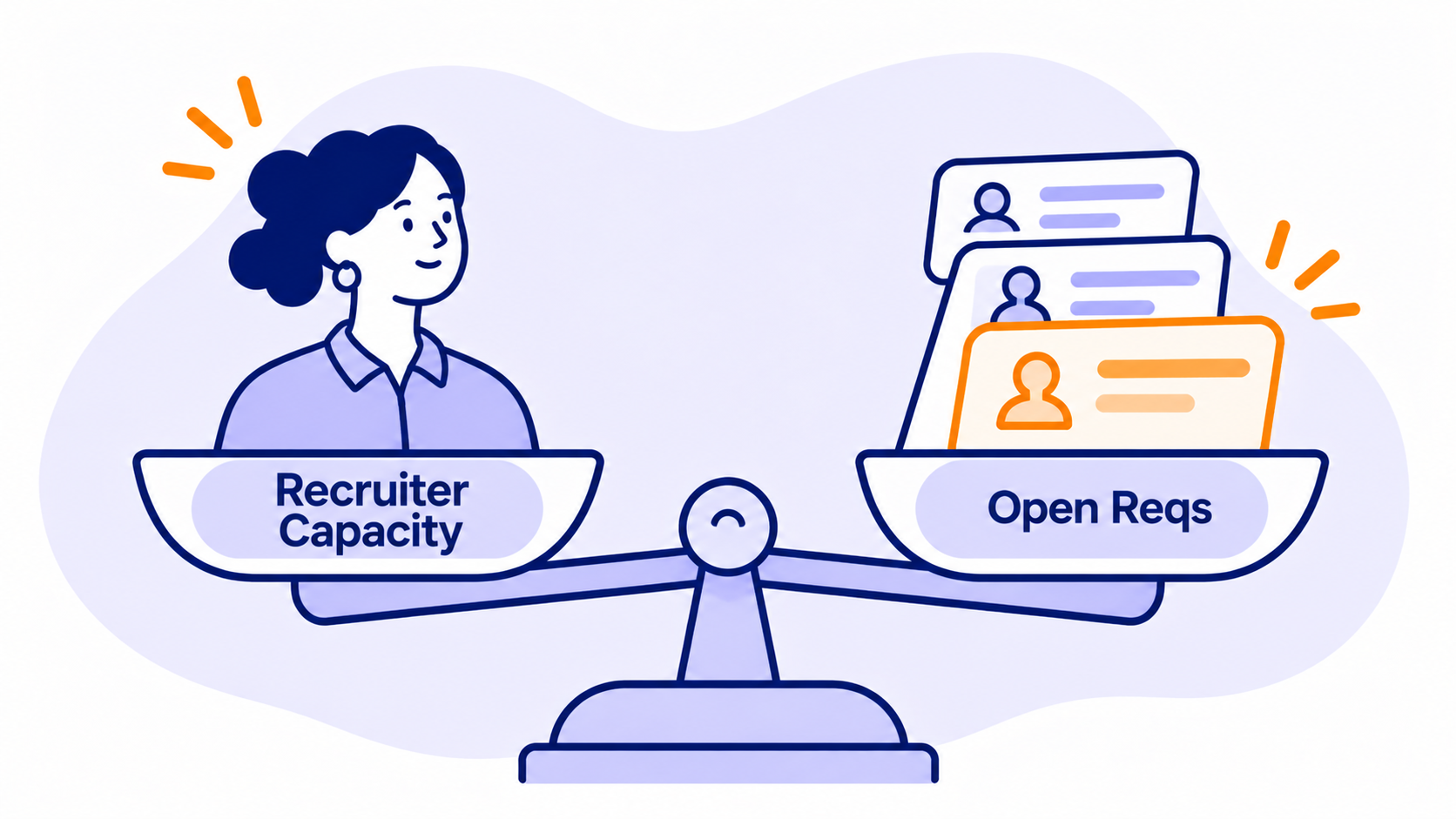
Recruiters are carrying more than ever. Gem's 2025 Recruiting Benchmarks, based on more than 140 million applications, found the average recruiter now manages 14 open reqs, 56% more than three years earlier. Average recruiting teams shrank from 31 to 24 people between 2022 and 2024, and average time to hire rose from 33 to 41 days.
14 open reqs per recruiter on average, 56% more than three years earlier, while recruiting teams shrank from 31 to 24 people (Gem, 2025 Recruiting Benchmarks).
Meanwhile, the hiring plan usually comes from Finance as an incremental forecast, peanut-buttered across the company. Recruiting gets it and is asked how many recruiters it needs. What's almost never baked in is attrition. In my experience, it's the number one impact on a headcount plan, and nobody talks about it.
We hear the same patterns from talent teams at TeamOhana:
- Everything opens at once. Hiring managers submit their whole six-month need on day one, so recruiters spend the first month triaging instead of hiring.
- The plan outruns the team. One fast-growing AI infrastructure company had 45 approved roles waiting to start and capacity to work 12 at a time.
- The plan keeps moving. At one company, Finance said TA was 50 roles behind plan, but the approved plan had changed since the budget was set. TA was actually hitting its dates. The blame landed on recruiting anyway.
- Start dates are wishes. Managers pick start dates without knowing real time to hire, so the budget assumes hires months before they can realistically arrive.
None of these are recruiter problems. They're planning problems that show up on recruiters' desks.
How to calculate recruiter capacity
Start with one number: how many hires one recruiter can deliver in a period. A simple way to estimate it:
Here's an example. An engineering recruiter works 10 active reqs at a time. Those roles take about 9 weeks from req open to accepted offer, and 85% of reqs end in a hire (the rest get cancelled or paused). That's 10 × 13 ÷ 9 × 0.85, or about 12 hires a quarter.
Now line that up with the plan. If Engineering needs 60 hires next quarter, you need about 5 recruiters. If you have 3, you're short roughly 24 hires before the quarter even starts. Better to know that now than in week 10.
What is recruiter capacity? Recruiter capacity is the number of hires one recruiter can deliver in a period. It's driven by three inputs: how many reqs they can actively work, how fast those reqs fill, and what share of reqs end in a hire.
Every input should come from your own data. SHRM's guidance is that there's no standard number for recruiter workload, and I agree. It depends on what I call your degree of difficulty. Sales, marketing, and G&A roles usually fill much faster than engineering. Machine learning and AI roles take far longer than back-end or UI roles. Geography, where you pay against the market, and your employer brand all move the number too. A hot brand hires faster. That's just the truth.
AI is changing the capacity math
That formula assumes your recruiters work the way they did last year. Many don't. At our fireside chat at Density, Will Barnett, who runs talent at Rad AI, shared that his three recruiters carried about 140 hires in a year because they use AI deeply in their work. Without it, he figures he'd need a team of five or six. That's roughly 47 hires per recruiter a year, close to the 12 a quarter in the example above.
AI changes two inputs at once: how many reqs a recruiter can carry, and how fast those reqs fill. So rebuild your req loads from this year's data, not a benchmark from before your team changed how it works.
It's changing the demand side, too. Every role in your plan may look different once you factor in what agents will do.
So here's my pro tip for planning season. Between now and January, most companies lock in next year's headcount. When Engineering asks what your capacity is, your first question back should be: what are your workflows today? What's human-led, what's agent-led, what does it cost, and how will that work shift next year? If they can't answer yet, you're not ready to commit recruiter capacity to that plan. I run it all through a simple filter: what, so what, now what.
Seven steps to align recruiter capacity to your hiring plan
- Ask what kind of plan this is. Before I build anything, I want to know: is this plan aspirational, or is the business depending on it? Is it fungible, so recruiting can flex with the business, or is this all we get for the year? And how does the board expect heads to land across the quarters? The answers decide how you sequence everything else.
- Start from the hiring plan, not the req list. Pull every approved role with its function, level, location, and target start date, and give each one a unique ID, even if it lives in a spreadsheet. Your ATS only sees opened reqs, so it can't tell you what's coming.
- Score the degree of difficulty. For each role family, pull time to hire by level, source of hire, and offer accept rate. This is where a req load stops being a guess. Treat Gem's 14-req average as a gut check, not a target.
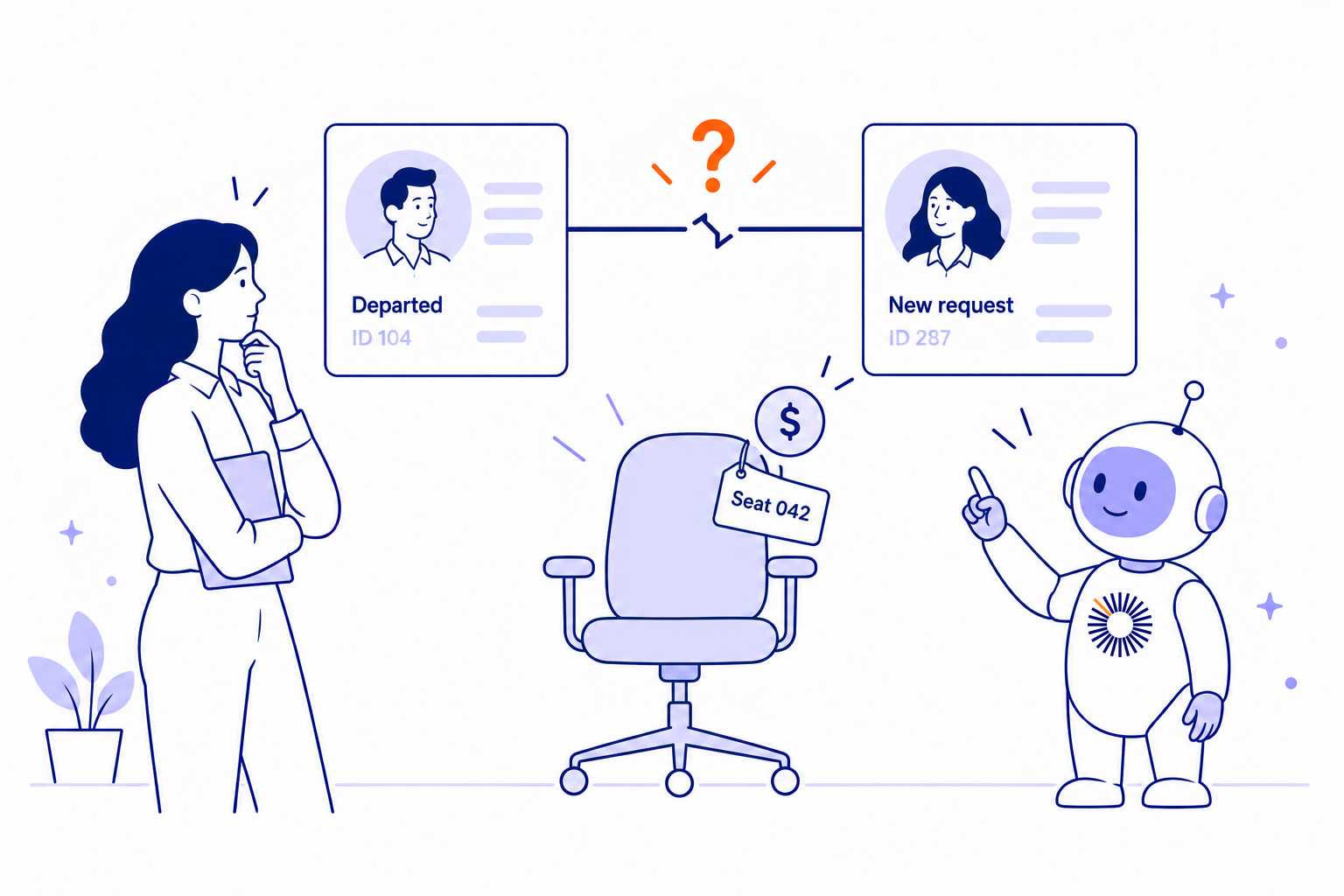
- Build attrition and backfills by org. Get attrition data from HR or your HRIS, team by team, and forecast how many seats you'll backfill on top of the incremental plan. Backfills usually take longer than new roles because you don't have pipelines for them, and they'll mess up a hiring plan faster than anything else.
- Forecast recruiter workload and find the gap. Run the capacity formula for each recruiter and compare it with the hires the plan needs each quarter. When demand beats capacity, pick a lever: sequence start dates by business priority, choose which roles open first, add contract or agency support, shift reqs between recruiters, or reduce the plan.
- Make the call with Finance in the room. The relationship between the head of TA and Finance is the most sacred one in this whole process. Finance usually can't see your ATS or attrition data, so show them how the work gets done. Once they understand the mechanics, they'll pull you in earlier when the business is about to shift.
- Watch leading indicators and re-forecast. Check offer accept rates, attrition, and time to hire monthly at minimum, not when the quarterly report shows up. Re-run capacity every time roles are added, cut, or re-leveled. Real-time data is what keeps you from hiring 100 people too many.
What changes when you get this right
Recruiters get a workload they can actually do well, so candidates get faster answers and better conversations. Hiring managers get honest start dates. Finance gets a forecast that holds up. And talent leaders stop defending misses that were baked into the plan from day one.
For most of my career, I’ve referred to this process as using duct tape and super glue. At one company, I needed up to five talent operations people just to mash together our spreadsheets, HRIS, and ATS data into something we could plan against. It's exactly the problem TeamOhana is built to solve. TeamOhana works alongside your HRIS and ATS, so the approved hiring plan, open reqs, and target start dates live in one place, and talent teams can track recruiter capacity, including how many open reqs each recruiter carries and which approved roles are ready to hire next.
See how TeamOhana connects your headcount plan to every system your team uses. Book a demo.
Take control of your headcount spend

Recruiter capacity planning FAQs
Simplifying TeamOhana: your questions, answered.
Recruiter capacity planning is the process of estimating how many hires your recruiting team can deliver in a period, and matching that to the roles in your hiring plan. It's a core part of talent acquisition planning.
There's no universal number. Gem's 2025 benchmarks put the average at 14 open reqs per recruiter, but the right load depends on role difficulty, applicant volume, and how much support recruiters have. Set loads by role type using your own historical data.
Multiply each recruiter's active req load by the number of times those reqs can turn over in the period (weeks in the period divided by average weeks to fill), then by your fill rate. Compare the total with the hires your plan needs, including expected backfills.
Most hiring plans only forecast new roles. Every employee who leaves creates a backfill that competes for the same recruiters, and backfills often take longer because there's no pipeline. Leave attrition out and your capacity plan will come up short.
It changes both sides of the math. Recruiters who use AI well can carry more reqs and fill them faster, so req loads built on old data will understate capacity. AI is also reshaping the roles in the hiring plan, so ask hiring managers which work will be human-led and which will be agent-led before you commit recruiters to it.
Recruiting workforce planning covers the whole TA function: team size, structure, tools, and budget. Recruiter capacity planning is the near-term piece, matching current recruiter workload to the hires due this quarter and next.
It turns the hiring plan into a forecast Finance can trust. When start dates reflect real recruiter capacity and time to hire, salary spend lands when the model says it will, and fewer surprises reach the budget review.
At least monthly, and any time the hiring plan changes. A plan that changed last week makes this week's capacity numbers wrong.