
.svg)
Curious how TeamOhana can help you? Talk to us.
In this article
Never miss new content
Every finance review ends the same way. Someone pulls numbers from the ATS. Someone else pulls from the HRIS. A third spreadsheet comes from the hiring plan. They don't match. The next hour goes to headcount reconciliation, not decisions.
By the time Finance and People Ops agree on what the headcount picture looks like, it's already changed. New offers extended. A backfill approved. A start date slipped two weeks.
This is not a data problem. Every system has the data. It's an assembly problem. The systems don't talk to each other in a way that gives you a single, current answer to the question that matters most: is our workforce spend tracking to plan?
Today, we're shipping the Variance Tracker.
One dashboard. Total picture.
The Variance Tracker gives Finance, People Ops, FP&A, and Talent leaders a consolidated view of budget vs. forecast, updated in real time and broken down by the components that actually drive variance.
No exports. No reconciliation calls. No waiting until end of month to find out you're 20% over on new hire spend in Engineering.
.png)
What's inside
Total budget burn-down
See your total budget being consumed across current employees, new hires, attritions, and forecast changes. Collapsed view gives you the headline numbers. Expand to see the full breakdown: starting costs, comp changes, terminations, committed hires, offer stage, in-progress, and known attritions by division or department.
.png)
New hire budget burn-down
Every new hire lifecycle stage, quantified. See your new hire budget alongside committed hires, accepted-not-started candidates, offer stage, in progress, and hiring not started. Expand to see the full pipeline by division or department. This widget is always available regardless of whether a total budget envelope is defined.
.png)
New hire variance analysis
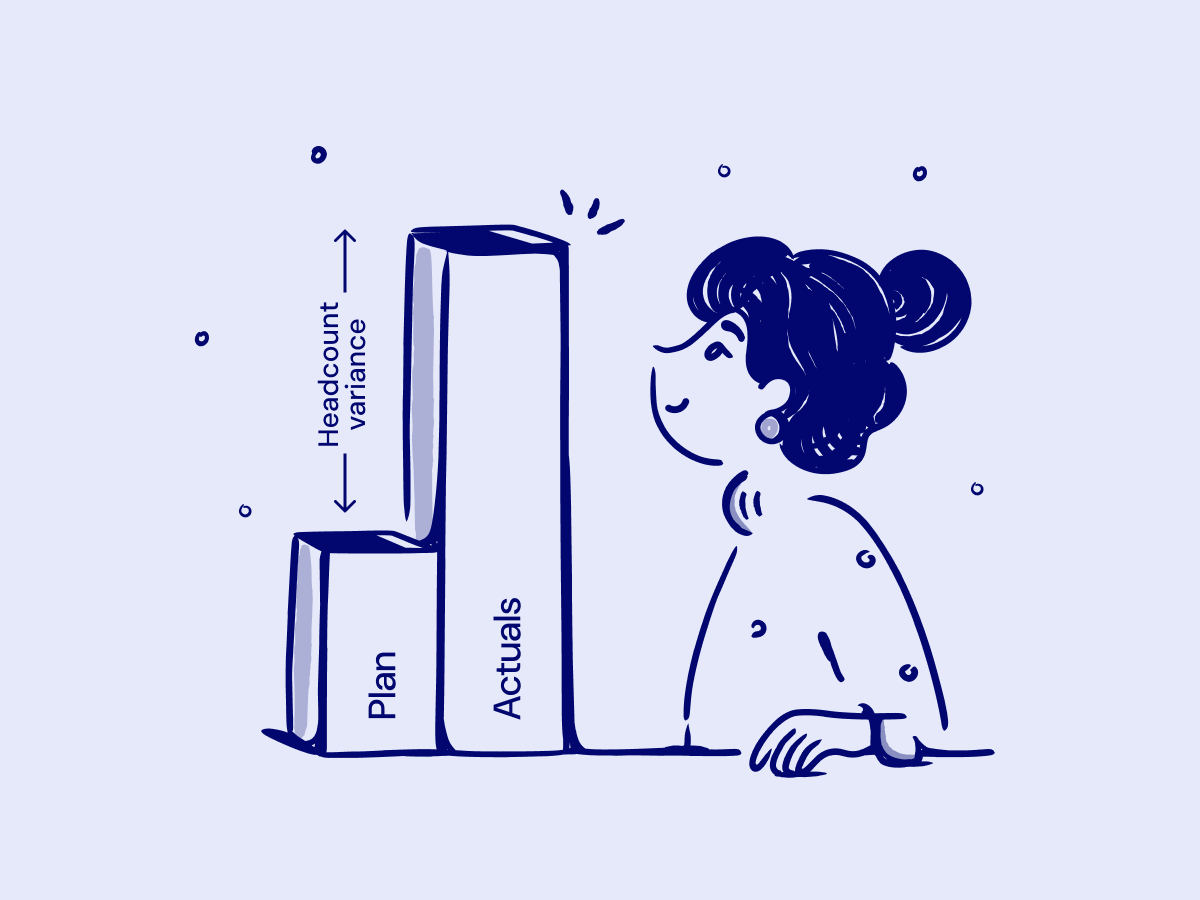
Instead of knowing that your new hire forecast is over budget, you know why. The variance is broken into five factors:
- Hires starting earlier than budgeted (Early Hiring)
- Hires starting later than budgeted (Late Hiring)
- Offers coming in higher than budgeted (Higher Pay)
- Offers coming in lower than budgeted (Lower Pay)
- Hires not included in the original budget plan (Non-budgeted Hires)
The chart view shows all five factors proportionally. The table view shows the dollar amounts by division or department. Total variance reconciles directly to the New Hire Available Budget on the Budgets and Forecasts page.
.png)
.png)
Deep linking to the List view
Every metric in the overview is clickable. Click a number and you land on the List view with filters pre-applied: division, department, hiring status, variance type. One click from the summary to the individual hire. No manual filtering.
Real time. Not end of month.
Everything in the Variance Tracker runs on the same computation logic as the Budgets and Forecasts page and the Effective Headcount Report. The numbers are live. If an offer is extended this afternoon, the variance updates. If a start date slips, the burn-down reflects it.
The teams who spend the most time on this (HR Ops, Finance Ops, Recruiting Ops, FP&A) now have a place to send people instead of building a report. The question goes from ‘can you pull the headcount numbers for the Finance sync?’ to ‘open the Variance Tracker.’
Who this is for
- Finance and FP&A teams who need to reconcile headcount spend against budget without waiting for an analyst to assemble it
- People Ops and HR Ops teams who get pulled into Finance reviews to explain variance they've never had a clean way to quantify
- Talent and Recruiting Ops teams who are asked to justify pipeline health against budget and have to build that answer from scratch every time
- Business leaders who want to know whether their division's headcount plan is on track without scheduling a meeting to find out
The Variance Tracker is available now. Log in and find it under Analytics. Or, reach out so we can discuss how TeamOhana can improve your workforce decisions.
Take control of your headcount spend

TeamOhana Variance Tracker FAQs
Simplifying TeamOhana: your questions, answered.
Yes. TeamOhana includes built-in workforce analytics through the Variance Tracker, the Recruiting Dashboard, and Teemo (AI Workforce Analyst). The Variance Tracker shows total headcount budget vs. forecast in real time, broken down by variance driver: early hiring, late hiring, higher pay, lower pay, and non-budgeted hires. The Recruiting Dashboard tracks pipeline health, hiring velocity, and gap analysis against plan. Teemo lets any user ask workforce planning questions in natural language and get answers on demand, without waiting for an analyst.
The Variance Tracker in TeamOhana automatically computes total budget vs. forecast using live data from the hiring plan, offer pipeline, and budget envelope. It updates in real time when offers are extended, start dates change, or new hires are added. Finance and People Ops teams can see total budget burn-down by division or department, new hire pipeline costs by stage, and a breakdown of variance by root cause. No manual exports or spreadsheet reconciliation required.
Headcount forecast and budget diverge for five common reasons: hires starting earlier than planned (early hiring), hires starting later than planned (late hiring), offer compensation coming in above budget (higher pay), offer compensation coming in below budget (lower pay), or hires that were never included in the original budget plan (non-budgeted hires). TeamOhana’s Variance Tracker breaks down each of these factors in dollars by division or department, so Finance and People Ops teams can identify the root cause instead of reconciling numbers manually.
Teemo is TeamOhana’s AI Workforce Analyst. The Variance Tracker is a dashboard: it surfaces the right numbers when you go looking for them. Teemo is the analyst: it answers workforce planning questions on demand, in natural language, for anyone in the organization, respecting each user’s data access permissions. Both run on the same governed data. The Variance Tracker gives Finance and HR leaders a structured view. Teemo gives every manager, recruiter, and business leader access to the same intelligence without requiring them to navigate a dashboard.
Visier is a people analytics platform that reports on historical workforce data pulled from HRIS systems. TeamOhana governs live workforce decisions before they become transactions. The Variance Tracker shows budget vs. forecast as it changes in real time, updated by actual hiring activity, not by a nightly HRIS sync. TeamOhana also owns the headcount planning and approval workflow, so the data driving the analytics is governed at the source. Companies that use Visier for historical reporting and TeamOhana for live workforce governance use them for different jobs.
ChartHop is an org management and people analytics tool focused on visualizing org structure and headcount data from HRIS. TeamOhana sits upstream of the HRIS as the decision layer: headcount requests are planned, approved, and governed in TeamOhana before anything is recorded in the system of record. The Variance Tracker gives Finance and People Ops a live view of budget adherence tied directly to the hiring workflow, not a visualization of what the HRIS already recorded. TeamOhana also includes ATS integration and full hiring pipeline visibility, which ChartHop does not.
CandorIQ focuses on compensation management and headcount planning within a compensation-first workflow. TeamOhana governs the full headcount decision lifecycle: from requisition creation and approval through hiring pipeline tracking, budget adherence, and workforce analytics. The Variance Tracker gives Finance and HR teams a unified view of total budget vs. forecast across all cost components, not just compensation. For companies that need both compensation intelligence and broader workforce governance in one platform, TeamOhana covers the larger scope.
Pigment is a business planning platform used by FP&A teams for financial modeling, scenario planning, and forecasting. It models what might happen. TeamOhana governs what is happening: approved headcount, live hiring pipeline, actual offer data, and real-time budget adherence. The Variance Tracker bridges the two by feeding actuals into the picture that FP&A teams need. Companies using Pigment for financial modeling and TeamOhana for headcount governance get a complete picture: Pigment owns the plan, TeamOhana owns the execution.
Yes. TeamOhana’s analytics are built into the platform and require no BI configuration, data warehouse, or analyst to set up. The Variance Tracker, Recruiting Dashboard, and Teemo all run on data already in TeamOhana from your ATS, HRIS, and budget integrations. Finance and People Ops teams get live dashboards and on-demand answers without writing queries or building reports. Teemo in particular is designed so that any user, including hiring managers without analytics backgrounds, can ask workforce planning questions and get answers immediately.
Finance and HR headcount numbers diverge because each team pulls from a different system at a different point in time. Finance works from the approved budget in a planning tool or spreadsheet. HR works from the HRIS, which reflects employees already on payroll. Neither captures the live hiring pipeline, pending offers, or approved roles not yet filled. TeamOhana connects all three sources into a single governed data layer, so Finance and HR are always looking at the same numbers.

.avif)