.svg)
Curious how TeamOhana can help you? Talk to us.
In this article
Never miss new content
Most companies pay for AI in at least four places. API usage with one or two model providers. A coding tool with seats and usage charges. Model usage billed through a cloud account. And a workplace AI tool licensed by seat.
Each one has its own console, its own export and its own idea of a user. This guide covers what each provider shows about spend, what to check before you rely on it, and what no provider view can show on its own.
Key takeaways
- Each provider reports spend in its own units and its own definition of a user, so totals do not combine cleanly.
- Most provider APIs that report cost need an admin-level key, which security teams may be reluctant to issue for reporting.
- Seat plans include some usage, and usage past that is billed separately. Count both, and do not count the same dollars twice.
- Cloud-billed model usage can be attributed to people and teams, but only with tags or identity data set up ahead of time.
- No provider view connects spend to role, team and comp, which is what Finance needs for the plan.
Anthropic
What you can see. Organizations on Anthropic's API platform can use an Admin API key to pull usage and cost across the organization, broken down by model, workspace, API key and service tier. Enterprise plans can use an Analytics API key for per-user usage and cost, broken down by product, such as the API, Claude Code and Claude.ai.
What to check. Which key type your plan supports, and what permissions it carries. Admin keys can manage the organization as well as read reports. At least one security team we spoke with declined to issue an admin key just for spend reporting, and looked for a narrower option.
OpenAI
What you can see. OpenAI's Usage API returns usage by minute, hour or day, filtered or grouped by API key, project, user and model. A separate Costs endpoint returns daily spend. Both require an organization admin key.
What to check. Whether your projects map to teams. Usage grouped by project is only useful for attribution if each project has an owner. Seat subscriptions for workplace chat products are billed separately from API usage and need to be added in.
Cursor
What you can see. Cursor's Teams plans charge per seat, and each seat includes a monthly usage allowance. Usage beyond the allowance is billed on demand and tracked per user in the admin dashboard and the Admin API.
What to check. How seat fees, included usage and on-demand usage are split, so the same dollars are not counted twice. Per-member spend limits depend on plan tier. Cursor's documentation also notes that spend limits are not enforced instantly, so usage can briefly run past a limit.
Amazon Bedrock
What you can see. Since April 2026, Amazon Bedrock can attribute inference costs to the IAM user or role that made each call, in AWS Cost Explorer and the Cost and Usage Report. Application inference profiles add another option: a tagged profile per team or application, with costs reported by tag.
What to check. Whether your IAM principals and profiles are tagged with team and cost center, and when the tags were activated. Cost allocation tags are not retroactive, so spend before activation stays unattributed. Model usage billed through AWS also needs to be reconciled against any direct account with the same model provider.
Glean
What you can see. Glean licenses seats per user per month. Under its Enterprise Flex model, advanced AI usage draws on a pooled balance of FlexCredits. Its admin console includes usage insights. Seat pricing is not published.
What to check. Seat counts against active users, and how pooled credits are being drawn by team. Pooled usage is efficient to buy and harder to attribute.
What no provider view shows
Every provider view stops at its own bill. None of them can show:
- Spend combined across every provider, with no double counting.
- Spend tied to a person's role, team and comp in the HRIS.
- AI spend as a percentage of payroll, by person or team.
- What next year's AI spend looks like when you add the roles in the headcount plan.
That is why teams end up exporting. A finance analyst at a software company described his routine: "I manually export all the reports." A contact at a developer tools company described "five or six different dashboards from different people." One customer built a script to pull usage from a monitoring tool. It worked, but it had to be uploaded by hand and fell out of date.
Questions to ask before a free dashboard becomes your plan
- Does it include every source, including seat licenses, enterprise plans and cloud-billed usage?
- Does every API key and seat have an owner?
- Can it match provider users to employees in the HRIS?
- Does it remove duplicates when two sources report the same dollars?
- Can IT see spend without seeing salaries?
- Can Finance use it to price a planned hire?
If the answer to the last two is no, the dashboard is a reporting tool. That has value. It is not a plan.
How TeamOhana fits
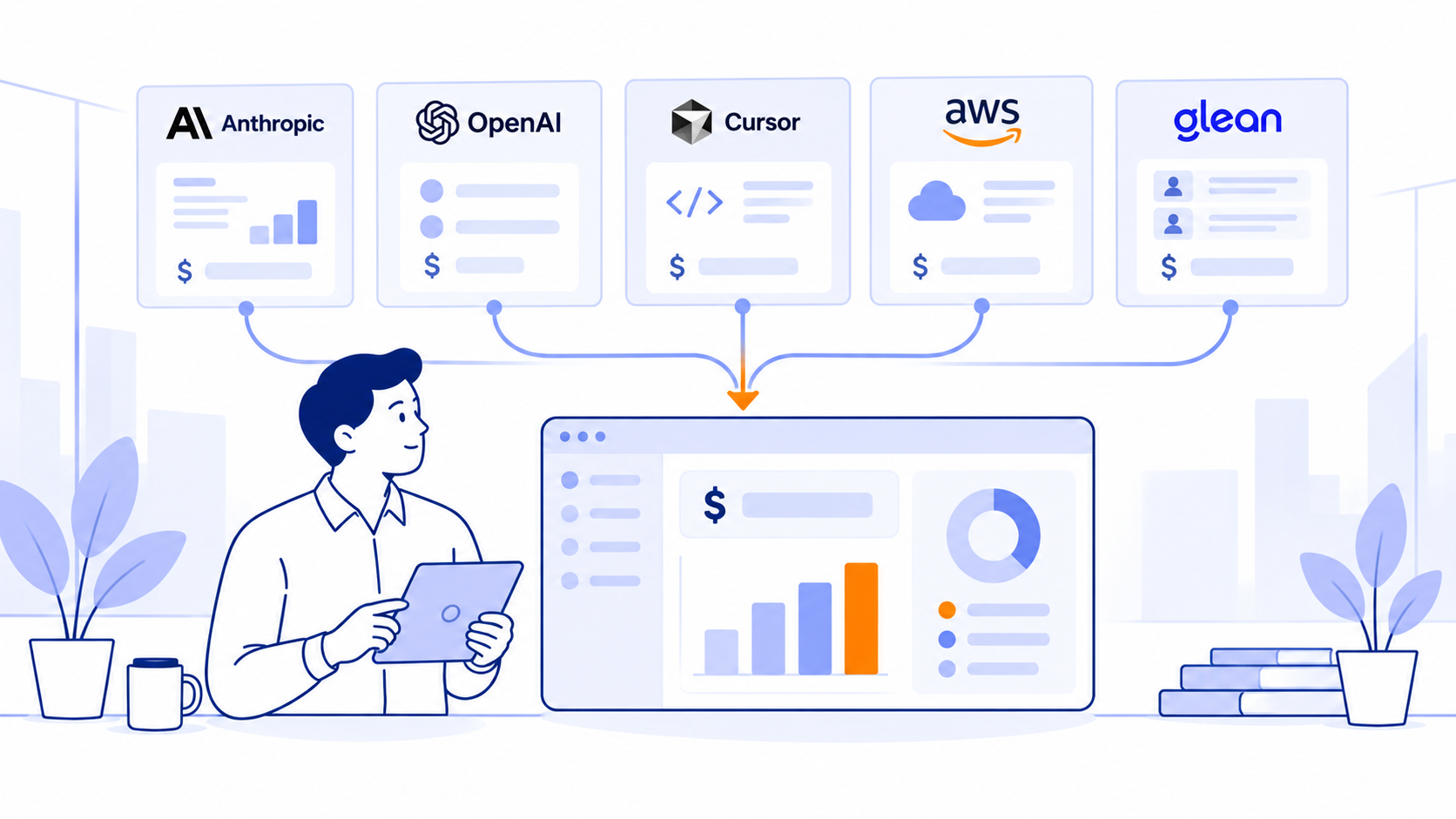
TeamOhana connects to Anthropic, OpenAI, Cursor, AWS Bedrock and Glean, imports seat and contract data, and syncs with HRIS systems including Workday, BambooHR, ADP, HiBob, Rippling and UKG. Every dollar is attributed to a person, a team or a digital co-worker, duplicate dollars are counted once, and seats are amortized daily. Finance sees AI spend as a percentage of payroll and prices every planned hire. See every provider in one ledger.
Related: Who spent it? Why AI cost attribution breaks at the invoice, How to budget AI spend in your 2027 headcount plan and why AI spend belongs in the headcount plan.
Sources
- Datadog documentation, Anthropic Usage and Costs integration (describes Anthropic Admin and Analytics API keys); verify against Anthropic's Admin API documentation
- OpenAI API reference, Usage and Costs endpoints; OpenAI developer forum announcement of the Usage API
- Cursor documentation, Teams pricing and spend limits
- AWS, Amazon Bedrock cost allocation by IAM user and role (Apr 9, 2026); Amazon Bedrock application inference profiles documentation
- Glean documentation, Glean Enterprise Flex pricing
- TeamOhana conversations with finance and IT leaders, Aug to Oct 2026 (anonymized)
Take control of your headcount spend

AI spend tracking FAQs
Simplifying TeamOhana: your questions, answered.
On Enterprise plans, the Analytics API reports usage and cost per user and product. On the API platform, the Admin API reports by workspace and API key, so per-user tracking depends on giving each user or team its own key or workspace.
Yes. The Costs endpoint reports daily spend, and usage can be grouped by project, user, API key and model. Both need an admin key.
Tag IAM users and roles, or use tagged application inference profiles, then activate the tags as cost allocation tags. Costs appear by tag in Cost Explorer from activation onward.
For visibility within one provider, often yes. For combining providers, tying spend to people and roles, and planning next year, Finance needs the employee record next to the spend.
No. Cost allocation tags apply from the date they are activated, so Bedrock spend before activation stays unattributed. Tag IAM users, roles and application inference profiles with team and cost center as early as possible.