.svg)
Curious how TeamOhana can help you? Talk to us.
In this article
Never miss new content
When bringing up position management with a new team, the first answer is often “our HRIS already does that.” Sometimes it does. Sometimes the feature exists but was never switched on. But having a field called “position” in your HRIS doesn’t mean you’re actually managing positions.
What is position management in an HRIS? Position management means every funded seat has its own record in the system, with a budget and a history, whether anyone is sitting in it or not. A “position” field on an employee record is not the same thing.
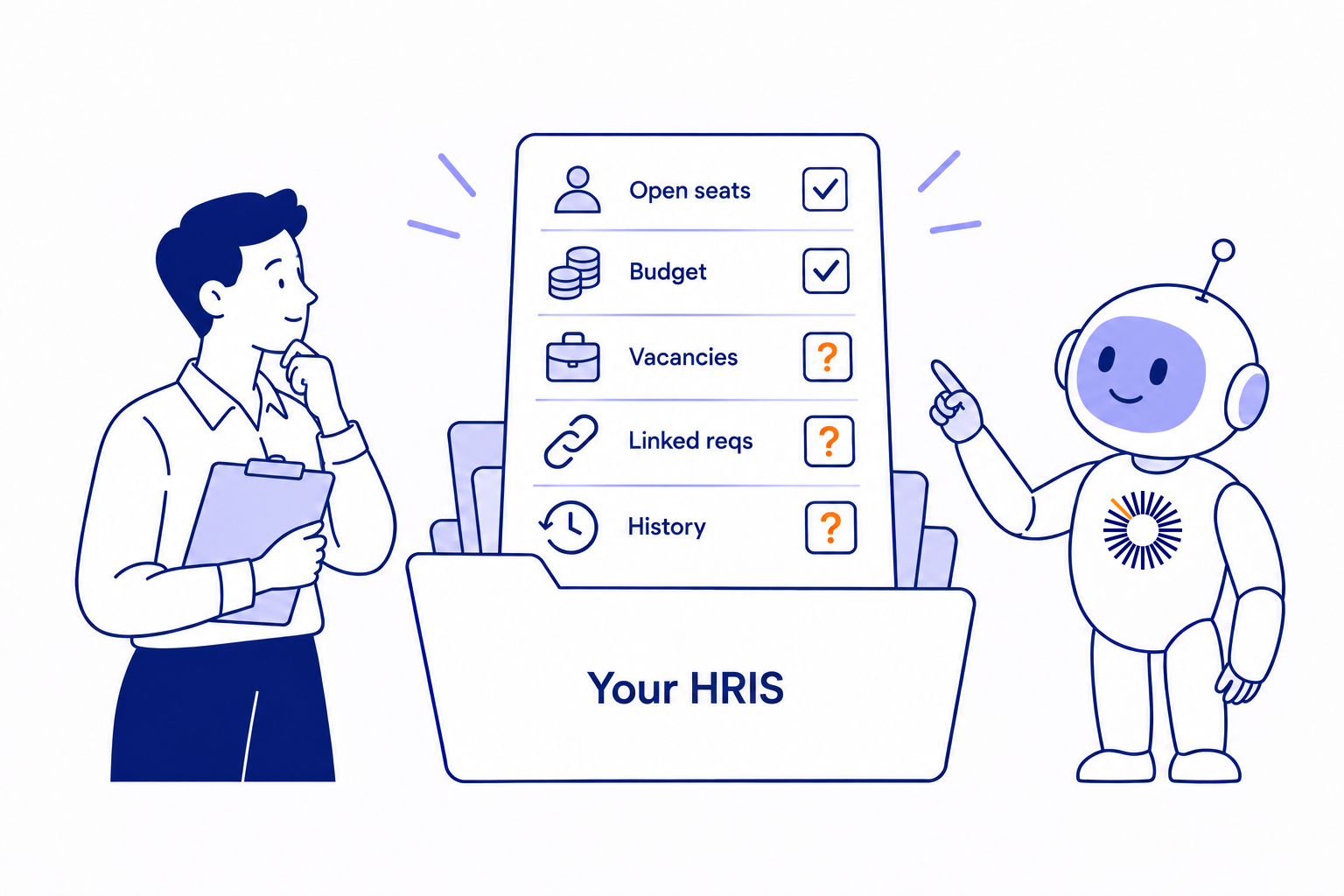
So before getting into the vendors, here’s a quick way to tell whether you have position management in practice. Five questions:
- Can a position exist in the system with nobody in it?
- Does that empty position carry a budget that Finance actually uses?
- When someone leaves or changes teams, does their position show up as open?
- Does every req point to one of those positions, so you can tell a backfill from new headcount?
- Can you revise a position’s scope or budget without losing its history?
If you can say yes to all five, you’re set. If not, the sections below explain what your platform offers, based on each vendor’s own documentation. If position management is new to you, start with our plain-English guide.
ADP Workforce Now
In ADP Workforce Now, the word position describes an employee’s work assignment. ADP’s API guides talk about adding a new position for an employee and terminating a worker’s position by its position ID. The position is part of the person’s record. ADP’s own comparison lists position management as a feature of ADP Lyric, its newer enterprise HCM, rather than Workforce Now.
So the question to ask is where an open seat lives when nobody is in it. For most ADP customers we talk to, the answer is a spreadsheet or a separate tool.
UKG Pro
UKG Pro’s feature is called Position Automation. UKG’s Position Automation Guide describes it as a way to manage positions for vacancy and headcount management, including tracking vacant, filled and overstaffed positions. A system administrator has to activate and configure it. Linking positions to openings in UKG Pro Recruiting takes a second setting on that side.
Check whether Position Automation is on in your tenant, and whether each recruiting opportunity is linked to a position. In the UKG accounts we see, it often isn’t switched on, which leaves seats tracked through employee records and reqs.
Workday
Workday lets each supervisory organization use one of three staffing models. In position management, positions are their own objects. You can create and change them without a worker, so they can be unfilled, filled or closed. In job management, a role only exists while someone holds it, so the organization always looks fully staffed. Headcount management sits in between: it limits how many workers an organization can have without tracking each seat individually.
The thing to check is which model your organizations actually use, because many Workday customers run job management in some or all of them. If you do run positions, the next question is where each position’s budget lives, and how the plan, the position and the req in your ATS stay connected as people move.
HiBob
HiBob handles positions in Bob Workforce Planning. HiBob’s developer docs describe positions as a core entity of that module, along with position openings and position budgets. Workforce Planning is one part of HiBob’s planning suite, which HiBob sells as modular, so not every Bob customer has it.
Check whether your company added Workforce Planning. If it did, check whether the position cost feature is turned on, since position budgets depend on it, and whether Finance plans against those budgets or keeps its own model somewhere else.
Paycom
Paycom sells a feature called Position Management that ties a role’s title, salary range and rules to a position seat instead of to the individual, and builds the org chart from those seats.
The name matches, but the job may not. Ask whether an open seat carries a budget, whether you can hold several open seats for a role you’re hiring more than once, whether backfills are tracked separately from new growth, and whether Finance plans against the seats.
BambooHR
BambooHR is built around the employee record, and its org chart shows the people who work there. Position management and headcount planning for BambooHR customers come from partner apps in the BambooHR Marketplace rather than the core product.
Check whether open seats appear on your org chart at all, and if they do, where their budgets and history are kept. An HR leader at a fintech running BambooHR put it plainly on a call with us: the org chart works, but the vacancies aren’t reflected in it.
Paylocity
Paylocity offers a Position Management module and a separate Headcount Planning product, sold as part of Paylocity for Finance, that plans at the seat level with approval workflows and a record of previous incumbents. As of April 2026, it also links approved headcount to requisitions.
Check which of these your company has bought, and whether Finance’s plan lives in Headcount Planning or in a separate model.
Paycor
Paycor, now part of Paychex, is a payroll-first platform built around the employee. Run the five questions above with your account team, especially whether a seat can exist without an employee in it and whether it can hold a budget.
What to do with your answers
If your HRIS passes all five questions and Finance trusts the budgets in it, you may not need anything else. If it misses one or more, you have two options. You can configure or buy the module your vendor offers. Or you can keep your HRIS as the record for people and add a separate record for seats that syncs with it.
Either way, the first step is the same: one list of every funded seat, filled and open, that Finance and HR both sign off on.
TeamOhana is the second option. If your HRIS has nowhere to keep an empty seat, TeamOhana becomes that record and syncs with the systems you already use. If you run positions in Workday, TeamOhana adds budget, seat history and backfill status on top and writes them back to the Workday position. Nebius and SafetyCulture run it next to HiBob, and CoreWeave and Socure run it with Workday.
See how TeamOhana connects your headcount plan to every system your team uses. Book a demo.
Take control of your headcount spend

Position Management HRIS FAQs
Simplifying TeamOhana: your questions, answered.
Position management in an HRIS means each funded seat is its own record that exists with or without an employee in it. The seat carries a budget and a history, and it shows as open when someone leaves. A position field attached to an employee record is not the same thing, because the seat disappears with the person.
Ask five questions: can a seat exist with nobody in it, does that empty seat carry a budget Finance uses, does a seat show as open when someone leaves or moves, does every req point to a seat, and can you change a seat's scope or budget without losing its history. If the answer to any of these is no, you have a position field rather than position management.
Yes. Workday lets each supervisory organization choose position management, job management or headcount management as its staffing model. Only position management treats positions as their own objects that can be unfilled, filled or closed. Many Workday customers run job management in some or all organizations, so it is worth checking which model each one uses.
UKG Pro offers Position Automation, which tracks vacant, filled and overstaffed positions for vacancy and headcount management. A system administrator has to activate and configure it, and linking positions to openings in UKG Pro Recruiting requires a separate setting. In many tenants it is not switched on.
HiBob handles positions, position openings and position budgets in Bob Workforce Planning, a module sold separately from the core suite, and position budgets depend on the position cost feature being on. BambooHR is built around the employee record, so position management and headcount planning for BambooHR customers come from partner apps in its marketplace.
In ADP Workforce Now, a position describes an employee's work assignment and lives on the person's record. ADP lists position management as a feature of ADP Lyric, its newer enterprise HCM, rather than Workforce Now. Most Workforce Now customers track open seats in a spreadsheet or a separate tool.
You can configure or buy the position module your vendor offers, or keep your HRIS as the record for people and add a separate record for seats that syncs with it. Either way, start with one list of every funded seat, filled and open, that Finance and HR both sign off on.