
Curious how TeamOhana can help you? Talk to us.
In this article
Never miss new content
The short answer
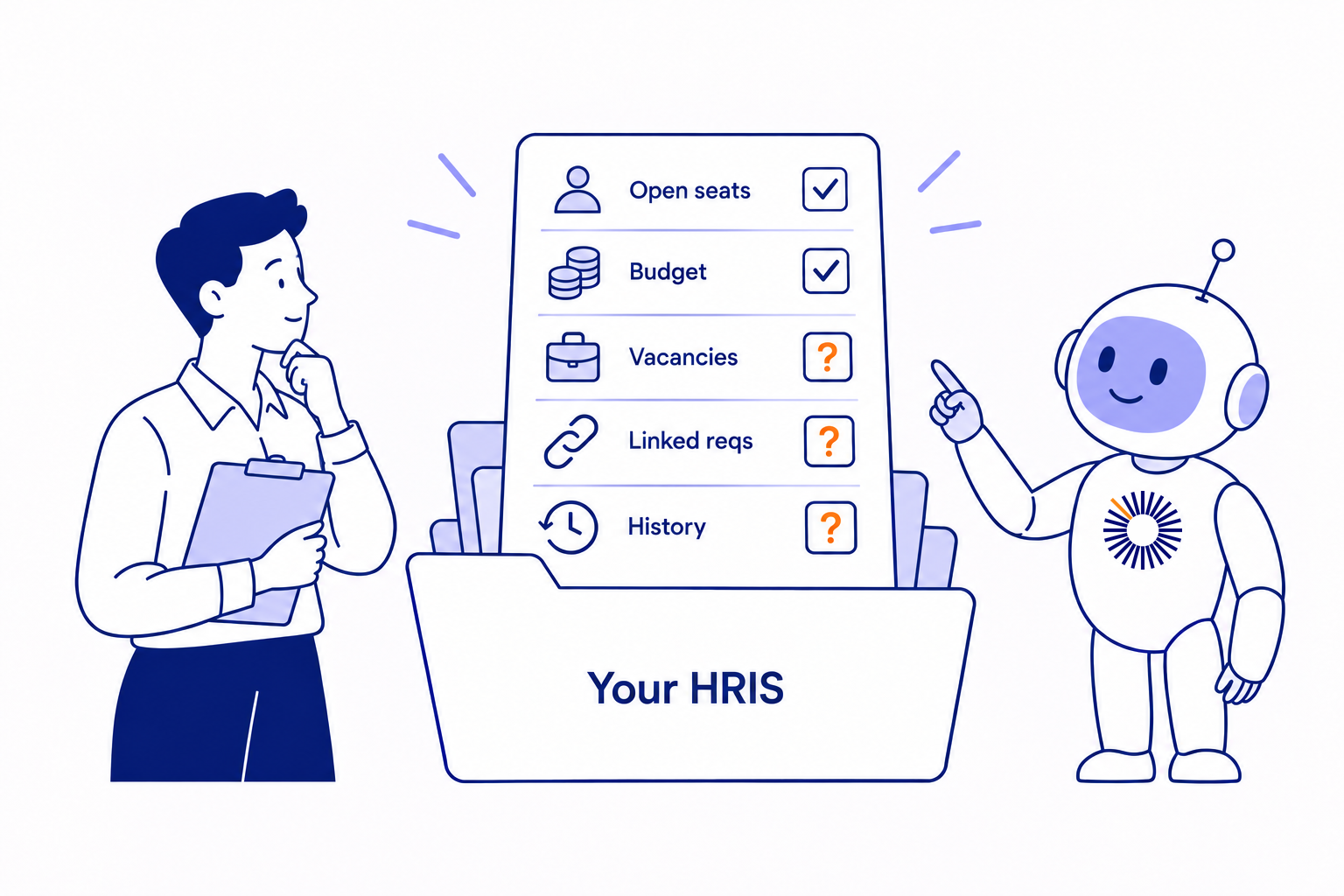
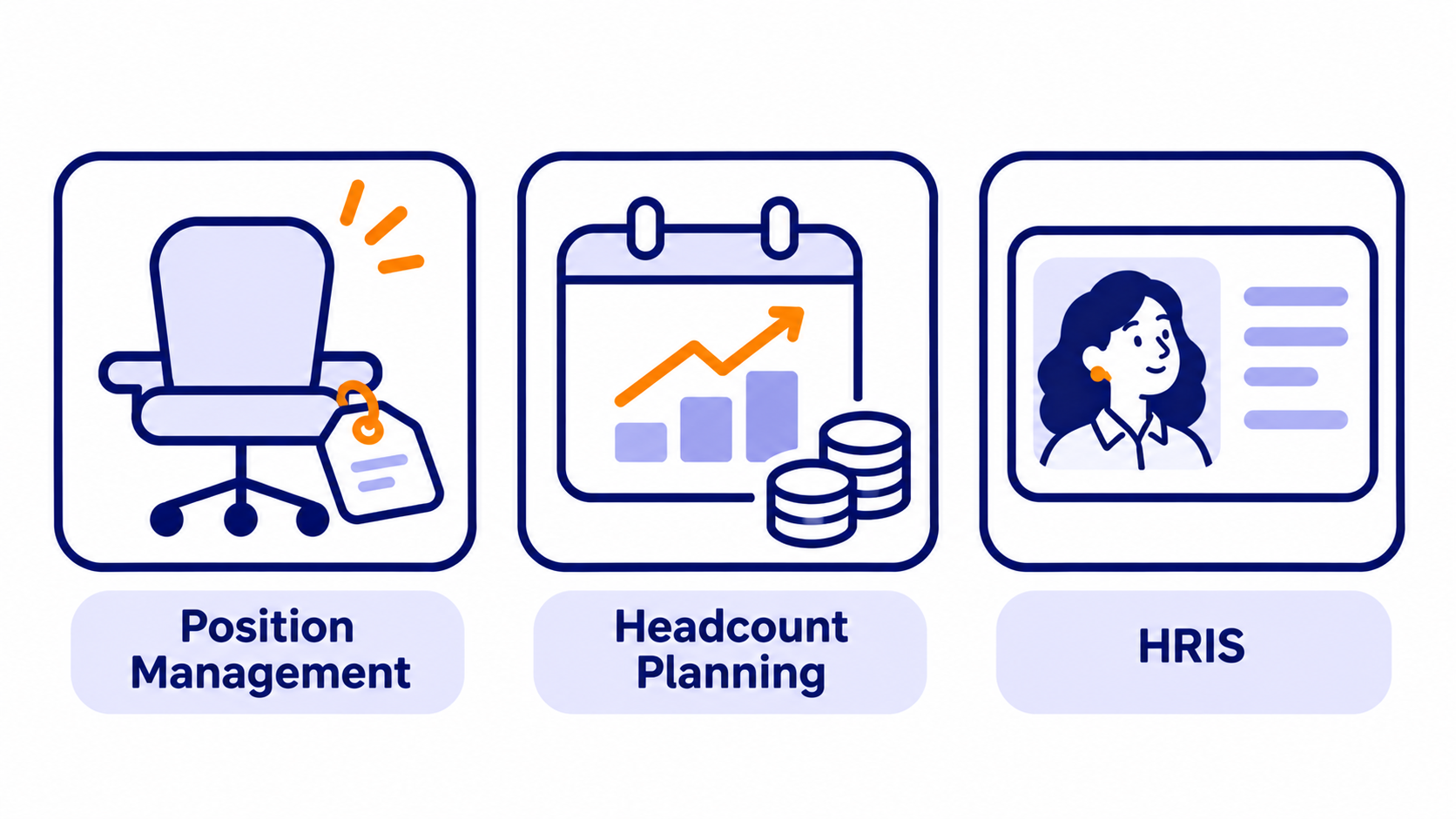
Your HRIS is the system of record for your people. Position management controls the seats those people fill. Headcount planning sets how many seats you need, what they will cost, and when to open them.
Those are three different jobs, and each one has its own owner and its own failure mode. On the calls we run, the HRIS is usually in good shape, position management is half-built, and the plan lives in a spreadsheet.
TeamOhana works alongside Workday, HiBob and BambooHR. It does not replace them. The rest of this post covers what each layer does, where they fall out of sync, and how to connect them.
What your HRIS does, and where it stops
An HRIS holds the employee record: hire date, manager, location, pay, job, org. Payroll, comp cycles and benefits all run off it. That is why no one should be swapping it out to solve a planning problem.
The catch is the word employee. Planning questions are about people who are not employees yet. Approved hires, roles nobody has opened, backfills in flight. A record built around people on payroll has no natural place for any of that.
HRIS vendors have started to close the gap, and they do it differently. Workday builds it into core HCM through staffing models, including position management and job management. HiBob sells workforce planning, including position management, as its own module. The BambooHR teams we talk to tend to keep the hiring plan in a spreadsheet or an FP&A tool.
A position module settles where a seat is recorded. It does not settle who keeps that record current, or how Finance sees it before an offer goes out. That second question is where most of the pain sits.
What position management does
A position is a seat. It has a job, a team, a cost center, a budget and an ID that stays the same whether someone is sitting in it or not. People come and go. The position stays, so you can see what is open, frozen, filled or closed at any moment. For a plain-English definition, see our guide to what position management is.
Position: a seat in the org with a job, a team, a cost center, a budget and a permanent ID, whether or not anyone is sitting in it.
Three objects get mixed up constantly, and the mix-up causes most of the downstream mess:
- Employee: a person on payroll. Lives in the HRIS.
- Position: a seat that exists in the org, filled or not. Carries the budget and the ID.
- Requisition: a request to fill an open seat. Lives in the ATS, and in Workday too if you turn requisitions on.
Workday's own documentation describes the order: the position control process begins with job requisitions, which ask for approval to fill a vacant position. One head of people services at a fintech company on Workday put the confusion this way: “A lot of people here get confused between what is a position and what is a rec.”
Positions earn their keep on backfills. A talent planning leader at a Workday company told us they backfill the same seat several times, so they would rather track openings by position ID than by “we backfilled this person.” That is the point of the model. The seat has a history even when the people in it change.
And for the record, position management belongs in the HRIS. A people systems manager we spoke with, whose company was mid-implementation on Workday, said it plainly: it is the foundation, because nobody can hire anybody without a position. We agree.
What headcount planning does
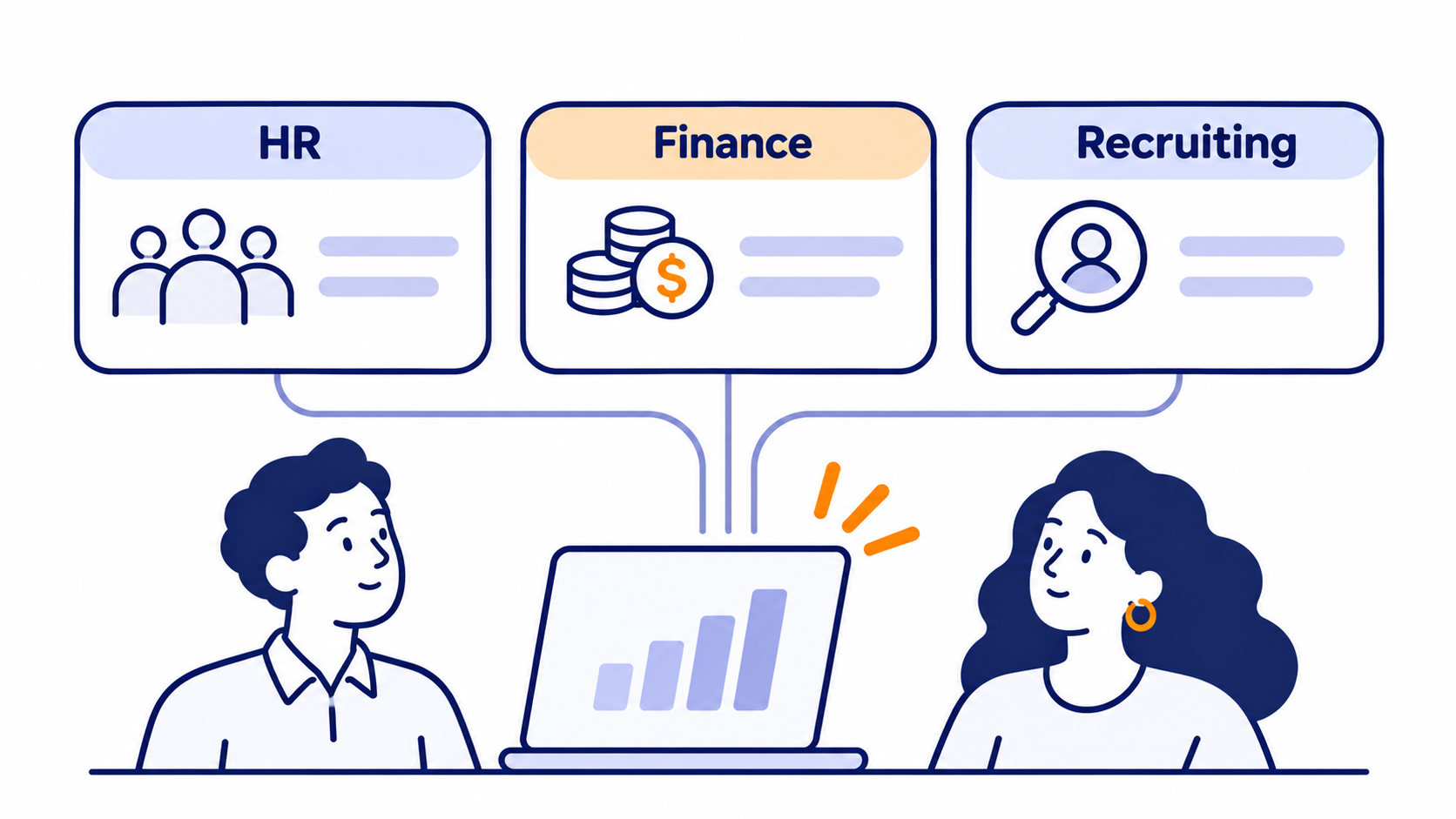
Headcount planning sets the number. How many people, in which roles, starting when, at what cost, inside which budget. Finance and HR both have a hand in it, and the output is usually a budget envelope per department, a hiring plan by quarter, and a few scenarios for when the quarter goes sideways.
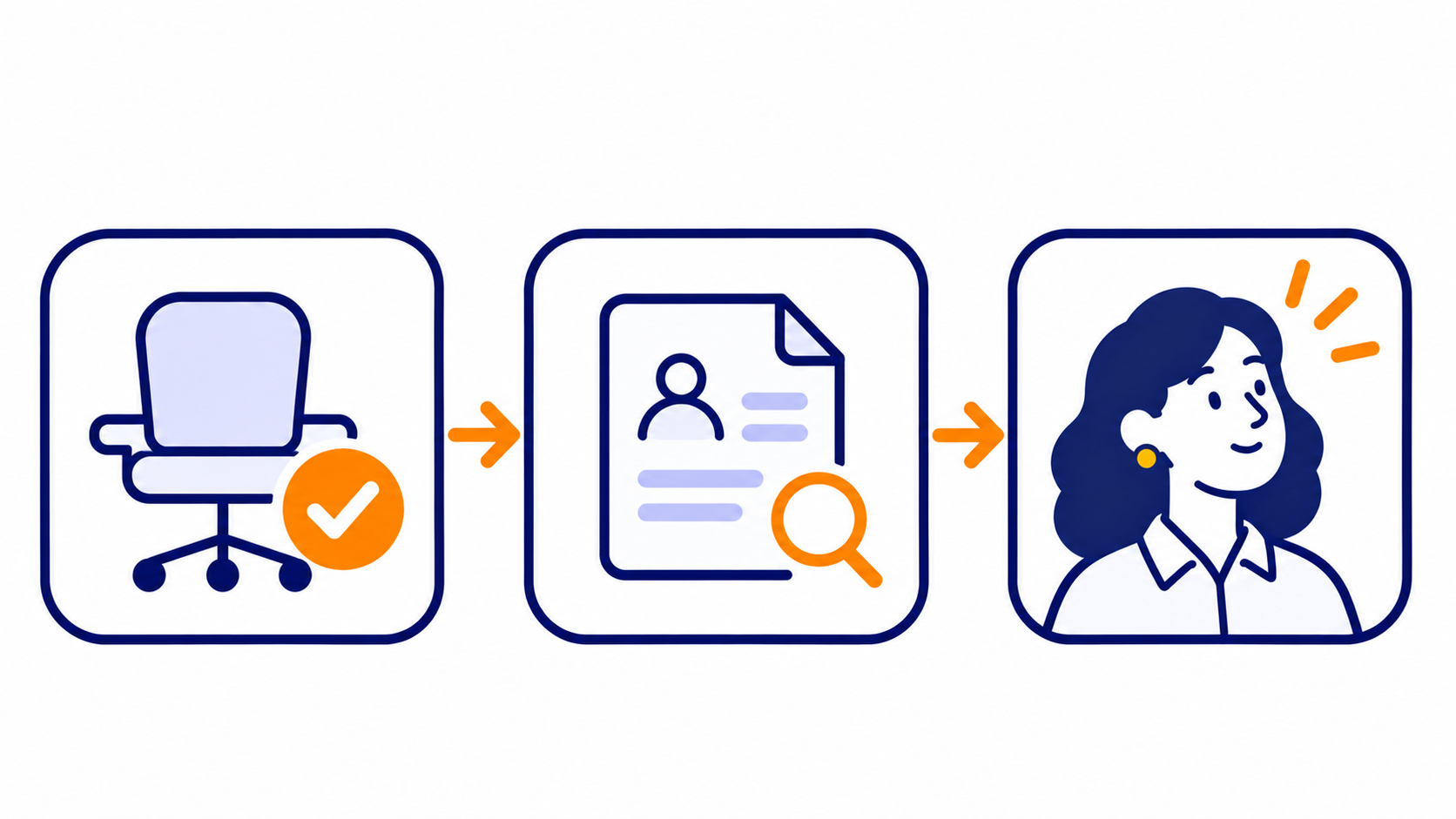
A plan can say “six engineers in Q2” before a single position exists. That is the difference from position management. Planning decides demand. Positions record the seats that demand creates. Once the plan is approved, each approved seat should turn into a position with an ID, and every later change should trace back to the plan.
Planning decides demand. Positions record the seats that demand creates. Once a plan is approved, each approved seat should become a position with an ID, and every later change should trace back to the plan.
The plan is also where Finance asks the question HR gets every week: are we behind? Answering it means comparing three counts at once. What was approved, what is open, and who has started. If those live in three tools, the answer takes a week.
Most plans start in a spreadsheet, and that is fine for a while. The trouble is what happens after approval. Researcher Raymond Panko pulled together field audits of real-world operational spreadsheets, and those audits found errors in 94% of the spreadsheets they examined. Several of the studies only counted serious errors, and the research covers spreadsheets in general, not headcount plans. Still, a plan that people copy, edit and re-send every week has plenty of chances to pick up a bad number.
94%: the share of real-world operational spreadsheets with errors in the field audits Raymond Panko compiled. The research covers spreadsheets in general, not headcount plans, but a plan that gets copied and re-sent every week has plenty of chances to pick up a bad number.
Where the three fall out of sync
The gaps show up in the same four places. These come from TeamOhana customer and prospect calls from this year, anonymized.
The count never matches
An FP&A leader at a healthcare data company described it in one line: the business says it has 20 heads, Finance's records show 18, and recruiting says it has been working on 21. Nobody is lying. Each team is reading a different system on a different day.
Approved is not the same as opened
A recruiting operations leader at a tech company on Workday and Greenhouse called it “the dead zone”: approved headcount in an approved plan, with no clear step that turns it into an open requisition. Hiring managers were not opening reqs on their own, and roles with a September 1 start date had not been opened 30 days ahead, as the team expected.
This gap is easy to miss in the benchmarks. SHRM's 2026 data puts median time-to-fill for nonexecutive roles at 39 days, and SHRM measures that from the day the requisition was opened. Weeks that an approved role spends waiting for someone to open it never show up in that number.
Positions and reqs drift apart
An FP&A leader at another Workday and Greenhouse company told us they probably had 2,000 positions in Workday when only about 800 should exist. At a fintech with Workday position management, recruiters kept hunting for position IDs before they could start, and the team called the whole routine the PID process. Another company ran two ID schemes at once: one generated by Workday, one by Finance at budget time.
Finance finds out late
A senior executive at a software company on BambooHR said they might benchmark a role at $100,000 and watch it come back at $110,000, with Finance pulled in at the end to say the offer was $10,000 over budget. A recruiting systems lead at a Workday company relayed what Finance tells them: you are 50 roles behind plan, but only 30 roles are open.
Most of these teams were not short on software. They had three jobs to do and nothing connecting them.
How the three fit together
Think of it as one run, with a different owner at each step:
- Plan. Finance and HR agree how many seats to open, in which quarter, inside which budget.
- Position. Each approved seat becomes a position with a permanent ID and a budget attached.
- Requisition. Talent opens a req against that position in the ATS.
- Hire. The person starts and shows up in the HRIS, in that position.
- Backfill, freeze or close. When they leave, the position stays, and what happens to it is a decision with a trail.
The HRIS owns step 4 and the employee record after it. Position management owns steps 2 and 5. Planning owns step 1, plus the comparison between what was planned and what happened.
Most breakdowns happen at the handoffs. Step 1 to step 2 is where approved headcount sits unopened. Step 2 to step 3 is where positions and reqs drift. Step 4 back to step 1 is where Finance asks whether you are behind plan and nobody can answer without a spreadsheet.
How TeamOhana works alongside Workday, HiBob and BambooHR
TeamOhana does not replace your HRIS. The HRIS stays the source of truth for employee data. TeamOhana is where Finance, HR and Talent plan headcount, approve requests and track hires against the plan. It pulls employee data in from your HRIS every few hours and syncs with your ATS, so the plan, the hiring pipeline and the people stay matched.
Here is what that looks like in each system:
- Workday: Workday stays the source of truth for employee records, and employee changes still get made there. TeamOhana pulls in new hires, terminations and org changes, and links each new hire to the approved headcount it was planned against. If your team uses Workday position management, keep using it. Hiring managers and FP&A partners request and approve headcount in TeamOhana, so they do not need to learn Workday to do it.
- HiBob: Employee records sync in from HiBob, and the headcount ledger syncs with your ATS. When a hire appears in HiBob, TeamOhana matches it to the approved headcount by name, so planned and actual line up without a spreadsheet.
- BambooHR: New hires sync in from BambooHR and match to approved headcount by name. Anything that does not match goes to a review list, so a mismatch gets seen instead of buried.
Teams raise a fair objection here. Why would a hiring manager use another tool instead of Workday? A systems lead on one of our calls called it a behavior change that a new system may not fix. We agree that it is a risk. The people who skip Workday today are hiring managers, FP&A partners and recruiters, and they are the reason the spreadsheets exist. Give them one front door for requests and approvals, and leave the HRIS as the record for employees. The spreadsheet in the middle goes away.
The same logic applies to your finance stack. If your plan lives in an FP&A tool like Pigment, TeamOhana adds the execution layer that turns an approved plan into positions, reqs and tracked hires.
A quick way to decide what you need
Match the symptom to the layer:
- Employee data is wrong or late. Fix the HRIS first. Nothing above it works on bad data.
- Finance and HR report different counts for the same team. You need one position record that both sides trust and neither side maintains in a private sheet.
- Approved roles sit unopened, or reqs open with no budget behind them. You need an approval flow that creates the position and the req from the same request.
- You cannot answer “are we behind plan?” without a week of reconciling. You need planning tied to live hires, so the answer is a view and not a project.
- Your HRIS already has position management, and it works. Keep using it, and ask who outside HR can see it and update it.
If two or three of those sound like your Monday, you likely have the HRIS you need and a gap between the layers.
See it working alongside your HRIS
If you want to see how headcount plans, positions and hires connect without replacing the HRIS you already run, set up a demo.
Take control of your headcount spend

Position management vs. HRIS FAQs
Simplifying TeamOhana: your questions, answered.
An HRIS is the system of record for employees: who they are, what they earn and where they sit in the org. Position management tracks the seats those employees fill, whether a seat is filled, open, frozen or closed. Some HRIS platforms include position management, and the two work best when the position record and the employee record stay in sync.
No. Headcount planning decides how many seats you will open, when, and at what cost. Position management records and controls those seats once they exist. A plan can call for roles before any position has been created, so the two feed each other.
A position is a seat in the org that exists whether or not anyone holds it. A requisition is a request to fill an open seat, and it usually lives in the ATS. One position can have several requisitions over time, for example each time the seat is backfilled.
If the module is in use, kept current and visible to Finance and Talent, you may not need anything else for that part. The common gap is that hiring managers, FP&A and recruiters do not work in the HRIS, so positions get tracked in side spreadsheets. Ask who can see and update positions outside HR before you decide.
Yes. TeamOhana works alongside all three and does not replace them. The HRIS stays the source of truth for employee data. TeamOhana pulls that data in and syncs with your ATS to keep plans, hiring and actual hires matched.
HR Ops usually owns the position record, because it ties to job architecture, comp and the HRIS. Finance owns the budget behind each position, and Talent owns the requisition. Problems start when one group maintains a private copy of the others' data.