
.svg)
Curious how TeamOhana can help you? Talk to us.
In this article
Never miss new content
During a demo this summer, a finance leader at a healthcare company explained position management in the simplest way. When one person leaves and another takes over, the team wants to avoid a pile of separate records: "we would prefer not to have three different positions for that chain of events but just that position and then it's just people moving in and out of it."
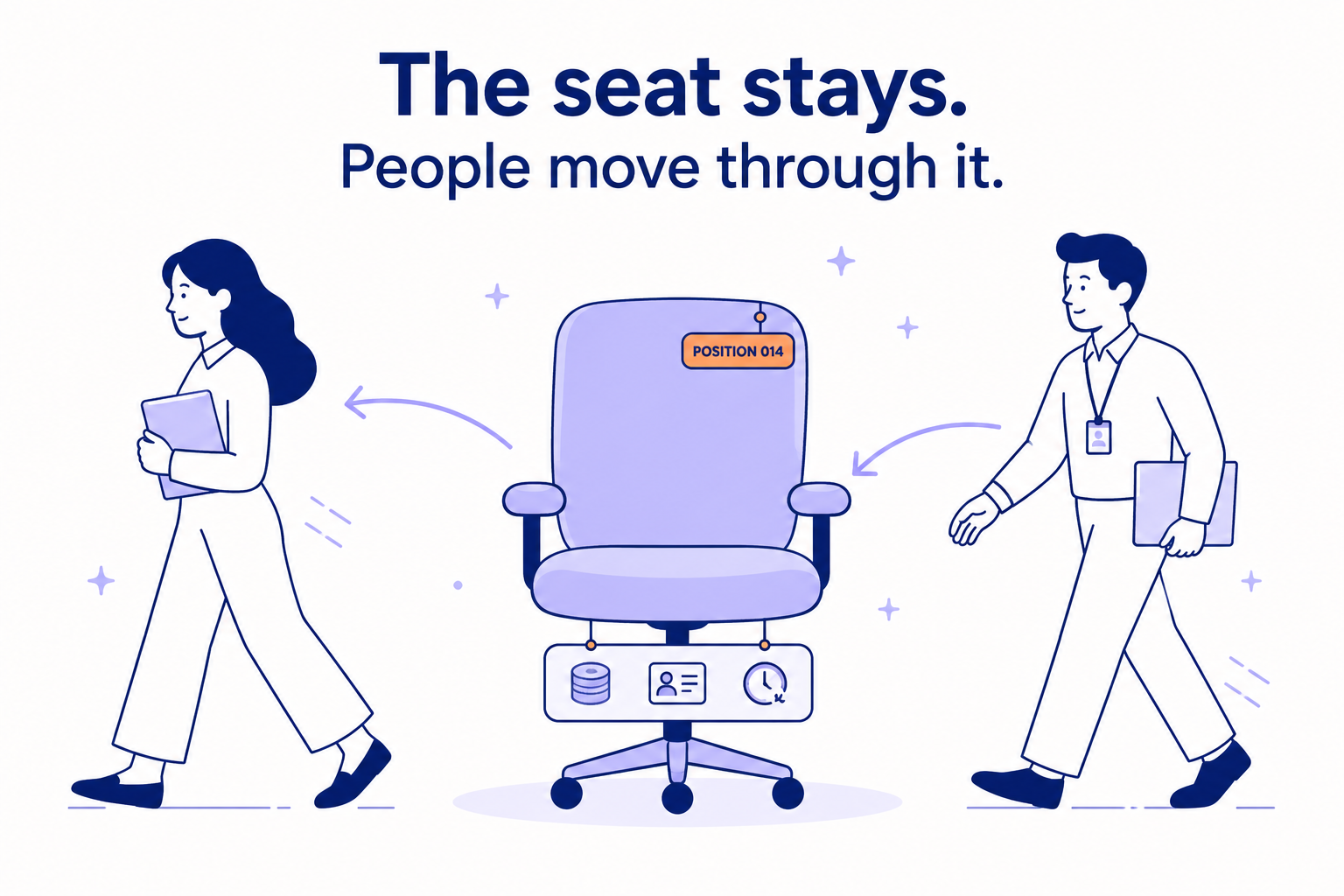
That's position management. The seat stays, and people move through it.
It sounds obvious. Yet most companies between 500 and 2,000 people aren't working this way. Their systems track people, and the seat only exists while someone is sitting in it. This guide explains why tracking seats matters, what changes when you do, and how to know if it's right for your company.
A position is the seat, not the person
A position is one specific, funded seat in your organization. It has an ID, a budget and a history, and it exists whether or not anyone is in it. It can be filled, open or frozen. When the person in it leaves, the position opens; it doesn't go anywhere.
What is position management? Position management is a way of tracking headcount by seat rather than by person. Every funded seat gets its own record, with an ID, a budget and a history, whether it's filled, open or frozen.
The vocabulary gets muddy, so it's worth clarifying what we mean by jobs, positions, and employees. A job is the template: Senior Accountant, with its level and pay range. A position is one seat for that job. If you have three Senior Accountants, you have three positions sharing one job. An employee is whoever is sitting in a position today.
The easiest way to understand the difference is to think about what happens when an employee leaves. With job management, the focus is on the employee and their assigned job. When someone leaves, their job assignment ends. With position management, the focus is on the seat itself. When an employee leaves, the position stays in place as an open seat that can be filled by someone new.
Think of it this way: If you have three Senior Accountants and one resigns, position management still shows three positions: two filled and one open. That gives Finance, HR, and Recruiting a clearer picture of both current headcount and hiring needs.
Some HR systems use slightly different terminology for the same concept. Paycom calls them "position seats," and Paylocity's Headcount Planning works at the seat level.
One thing positions aren't: static. Work changes, and a seat should be able to change with it. A good setup lets you revise a position's scope, requirements or budget without losing its history.
What most companies do instead
Without positions, headcount gets assembled from three separate records. The HRIS has an employee record. The ATS has an open req. Finance's plan has a headcount line. None of them stands for the seat itself, so any question about a seat means stitching the three together.
The stitching works while things are calm. However, every departure, promotion, transfer and reorg pulls the stitches apart, and somebody has to sew them back. A company we spoke with this summer needed five people in HR and three in Finance to reconcile a single held-open role. Eight people, all trying to answer a question that should have been straightforward.
Three records, none of them for the seat. Every departure, promotion, transfer and reorg means stitching them back together by hand.
What changes when the seat has its own record
An open role is accounted for, not buried in a spreadsheet. It's a seat with nobody in it, and it stays visible.
A departure becomes a decision. When the seat opens, its budget and history are right there, so the team can ask what the role needs now before anyone opens a req. The same job? A different one? A process, a tool or an AI agent instead of a hire? Whatever you decide can go through the same approval as any new opening.
The backfill question gets a clear answer. If Jim leaves and you replace Jim, that's a backfill. If Jim's team of one becomes two, that's new headcount. If Jim's role changes, that's its own case, and it's visible as one instead of hiding in either column.
The budget sits on the seat. Finance can see what an open seat costs before anyone is hired and what it really costs once someone starts.
History survives. Each seat keeps a timeline of everyone who held it, with their level, pay and dates. Each person's moves between seats, promotions included, stay on record too. Leveling questions, succession planning, and audit requests become lookups instead of projects.
Position management is not headcount planning
Headcount planning answers how many: how many people each team will have next year and what they'll cost. Position management answers which one: which seat, held by whom, since when, funded by which budget, and whether it's open right now.
You need both. A plan that says Engineering grows by 12 is a headcount plan. Position management tracks the 12 seats that plan creates, plus changes to those seats.
Headcount planning answers how many. Position management answers which one.
A note for Workday customers
If you run Workday, you've seen these ideas as staffing models. Workday offers three: job management, headcount management and position management. In job management, a role is tied to the person in it, so an open seat lives on a requisition rather than in the org structure. In position management, positions are their own objects and can sit open, and you need an open, approved position before you can hire or move someone into it. Plenty of Workday customers start with job management because setting up positions is real work. That's a reasonable choice when you're small, but it gets harder as hiring and reorgs pick up.
When you need it, and when you don't
Company size alone doesn't decide this. Motion does: how often people move through seats, and how many teams need to trust the same number. In practice, the need tends to show up somewhere between 500 and 1,000 employees and is nearly unavoidable past 1,000.
A few signs it's arrived: Finance and HR report different headcount numbers in the same week and both are technically right. Nobody can say which open reqs are backfills without checking. Departures turn into reqs before anyone asks what the role needs. Or someone asks who held a role two years ago, and the answer takes a week.
If none of that sounds familiar, you probably don't need position management yet. A company with low turnover, rare reorgs and one person who genuinely keeps track can run on a spreadsheet for a long time.
What your HRIS already gives you
This varies a lot. Workday has a full position management model. UKG Pro has Position Automation, which has to be activated; UKG Ready offers position management on its Premium tier. HiBob tracks positions in its Workforce Planning module, which is sold separately from the core suite. Paycom ties titles and salary ranges to position seats. Paylocity sells Headcount Planning as part of its Finance suite. BambooHR and ADP Workforce Now are built around the employee. We go through each one in Position management in HiBob, BambooHR, UKG, ADP, Workday and Paycom.
Where to start
Start with a list of every funded seat, filled and open, that Finance and HR both agree on. Then give each seat an ID that will survive the next departure, put each seat's budget on the seat itself, and require every new req to point to a seat. Add a short review before any seat is refilled. Record history from that point forward.
At TeamOhana, this is what we build: a record for every seat on your org chart, with its budget and history, running next to the HRIS you already have. CoreWeave, Socure, Nebius and SafetyCulture run their headcount on it. Here's how it works.
See position management in action. Book a demo.
Take control of your headcount spend

Position Management FAQs
Simplifying TeamOhana: your questions, answered.
Position management is a way of tracking headcount by seat rather than by person. Every funded seat gets its own record, with an ID, a budget and a history, and that record exists whether the seat is filled, open or frozen. When someone leaves, the position opens instead of disappearing.
A job is the template, such as Senior Accountant, with its level and pay range. A position is one funded seat for that job, so three Senior Accountants means three positions sharing one job. An employee is whoever is sitting in a position today.
Headcount planning answers how many: how many people each team will have next year and what they will cost. Position management answers which one: which seat, held by whom, since when, funded by which budget, and whether it is open right now. Most companies need both, because position management tracks the seats a headcount plan creates.
The position stays in place as an open seat, with its budget and history attached. That gives Finance and HR a chance to decide what the role needs before anyone opens a req: the same job, a different one, or no hire at all. Whatever they decide can go through the same approval as any new opening.
The need is driven by how often people move through seats and how many teams rely on the same headcount number, not by size alone. In practice it tends to appear between 500 and 1,000 employees and is nearly unavoidable past 1,000. Common signs include Finance and HR reporting different headcount numbers and nobody being able to say which open reqs are backfills without checking.
Yes. Workday offers three staffing models: job management, headcount management and position management. In position management, positions are their own objects and can sit open, and an open, approved position is required before someone can be hired or moved into it. Many Workday customers start with job management because setting up positions takes real work.
Start with a list of every funded seat, filled and open, that Finance and HR both agree on. Give each seat an ID that survives the next departure, put its budget on the seat itself, and require every new req to point to a seat. Add a short review before any seat is refilled, and record history from that point forward.