
Curious how TeamOhana can help you? Talk to us.
In this article
Never miss new content
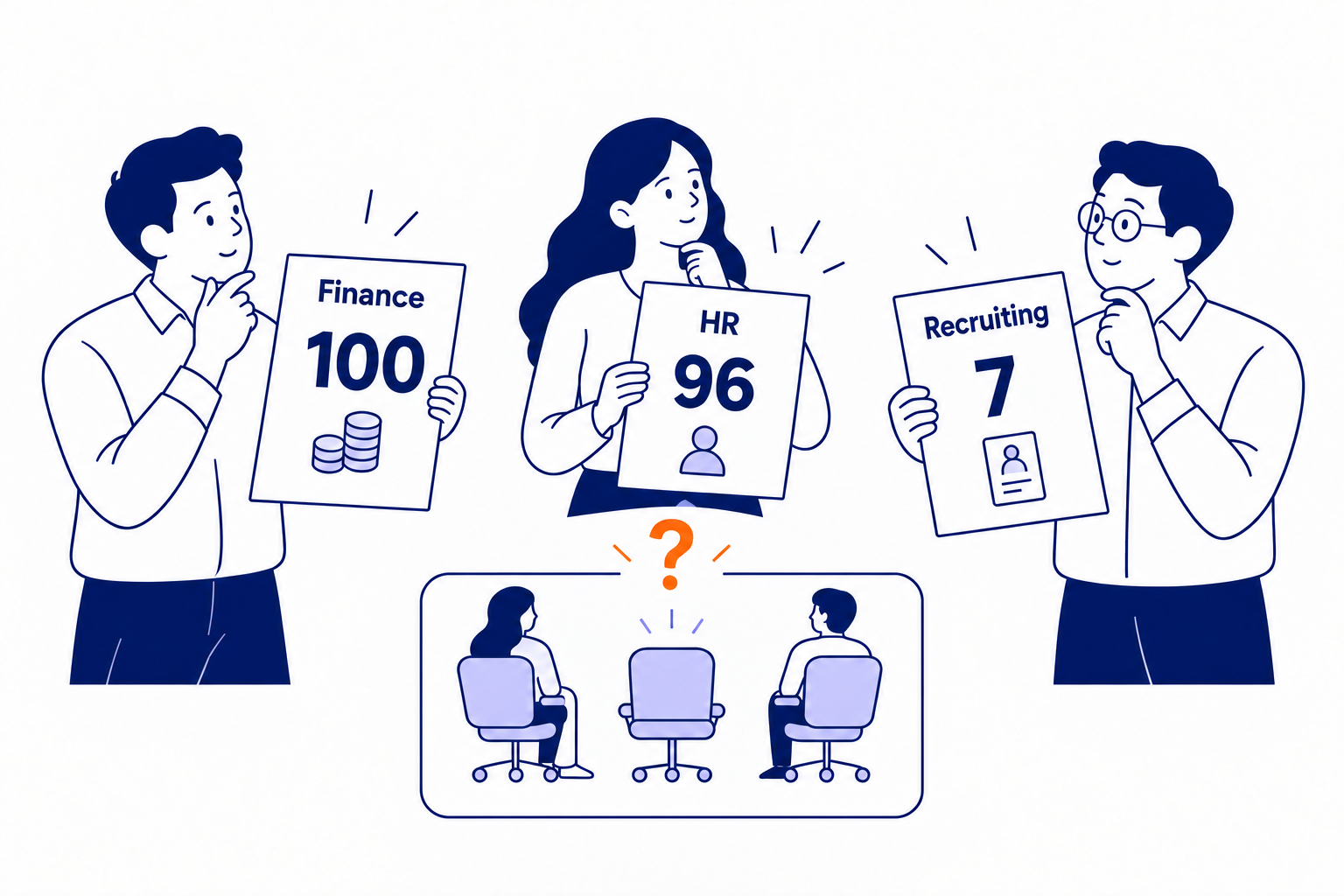
Finance sets a budget. HR maps the org. Talent opens the reqs. A quarter later, nobody can agree on how many people you're supposed to have.
Most of the time, the tools are the problem. More than half of HR leaders are still planning in spreadsheets or relying on tools run by HR consultants, according to OrgChart’s State of Workforce Planning 2026 survey of 409 US HR leaders. On the finance side, 45% of organizations still rely primarily on spreadsheets for planning, per the FP&A Trends Survey 2025.
In the same OrgChart survey, 90% of HR leaders reported at least one significant challenge with their workforce planning tools, and 84% said they're interested in switching. Spreadsheets and HRIS platforms were each built for a different job, and headcount control falls through the gaps between them.
90% of HR leaders report at least one significant challenge with their workforce planning tools, and 84% say they're interested in switching (OrgChart, 2026).
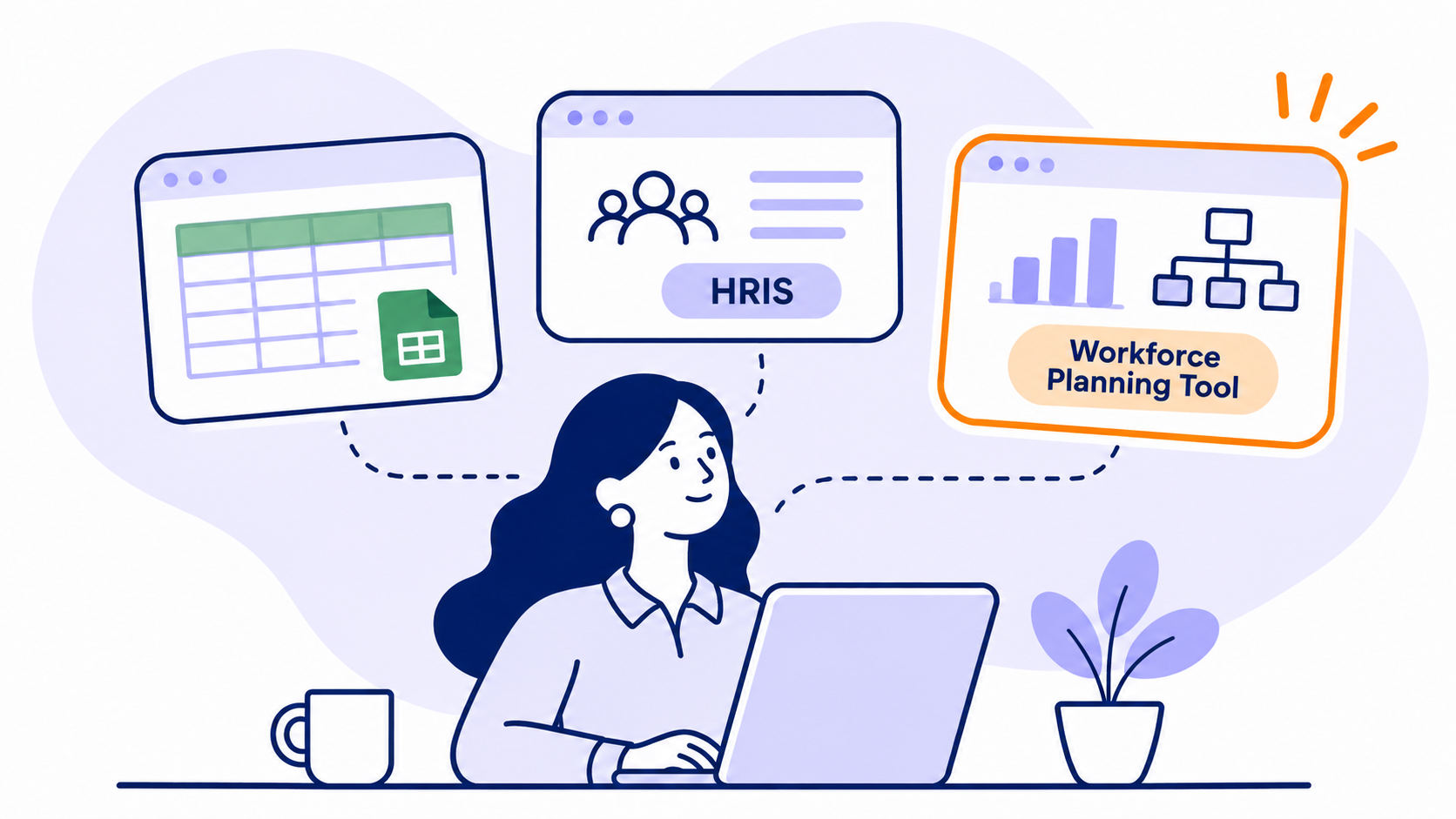
We compared the three setups finance, HR and talent leaders use most: spreadsheet-based workforce models, HRIS platforms and dedicated workforce planning tools. For each one, we cover what it does well, where it breaks and which companies it fits.
The quick answer
Spreadsheets work for early-stage teams with a simple hiring plan and one person who owns it. An HRIS is the system of record for the employees you already have, but it isn't built to plan, approve or budget future headcount. A workforce planning tool connects the two: it plans and approves new roles, tracks budget vs. forecast, and reconciles every hire against your ATS and HRIS. Most growth-stage and enterprise companies end up running a workforce planning tool alongside their HRIS, not instead of it.
Workforce planning tool vs. HRIS vs. spreadsheets at a glance
Here's how the three stack up on the things finance, HR and talent leaders care about most.
1. Spreadsheets: easy to start, hard to scale
Spreadsheets are free, everyone knows how to use them, and you can model almost anything. For a 50-person startup with one finance lead and a short hiring plan, a spreadsheet-based workforce model is often the right call.
The trouble starts when more people need to touch the plan. Department heads want their own view. Recruiting needs to update start dates. Finance needs last week's version, not the one somebody "fixed" on Tuesday. Before long, most of the week goes to reconciling files.
FP&A teams that run planning in spreadsheets spend 50% of their time on manual data collection and validation, and 28% on analysis (FP&A Trends Survey 2025). On the HR side, 47% of HR leaders say their workforce planning tools don't have accurate workforce data, and many still update plans by hand (OrgChart, 2026).
What spreadsheets do well
- Fast to set up, with no implementation or new budget line
- Unlimited flexibility for custom models and one-off analysis
- A good fit when one person owns the whole plan
Where spreadsheets break
- Version control: "Headcount_Plan_FINAL_v7_REAL.xlsx" is not a governance strategy
- No approval trail, so roles get added without a clear yes from Finance
- Manual updates from the HRIS and ATS mean the plan is out of date the minute you close it
- One broken formula can quietly throw off your whole budget
- Sharing is all or nothing, which is a problem when compensation is involved
Best for: early-stage companies with a simple hiring plan, a small leadership team and one clear owner.
2. HRIS: the system of record for the people you already have
Your HRIS (think Workday, HiBob, BambooHR, UKG, ADP or Rippling) is the source of truth for employee data. Names, titles, managers, comp, start dates, terminations. It also runs payroll, benefits and compliance.
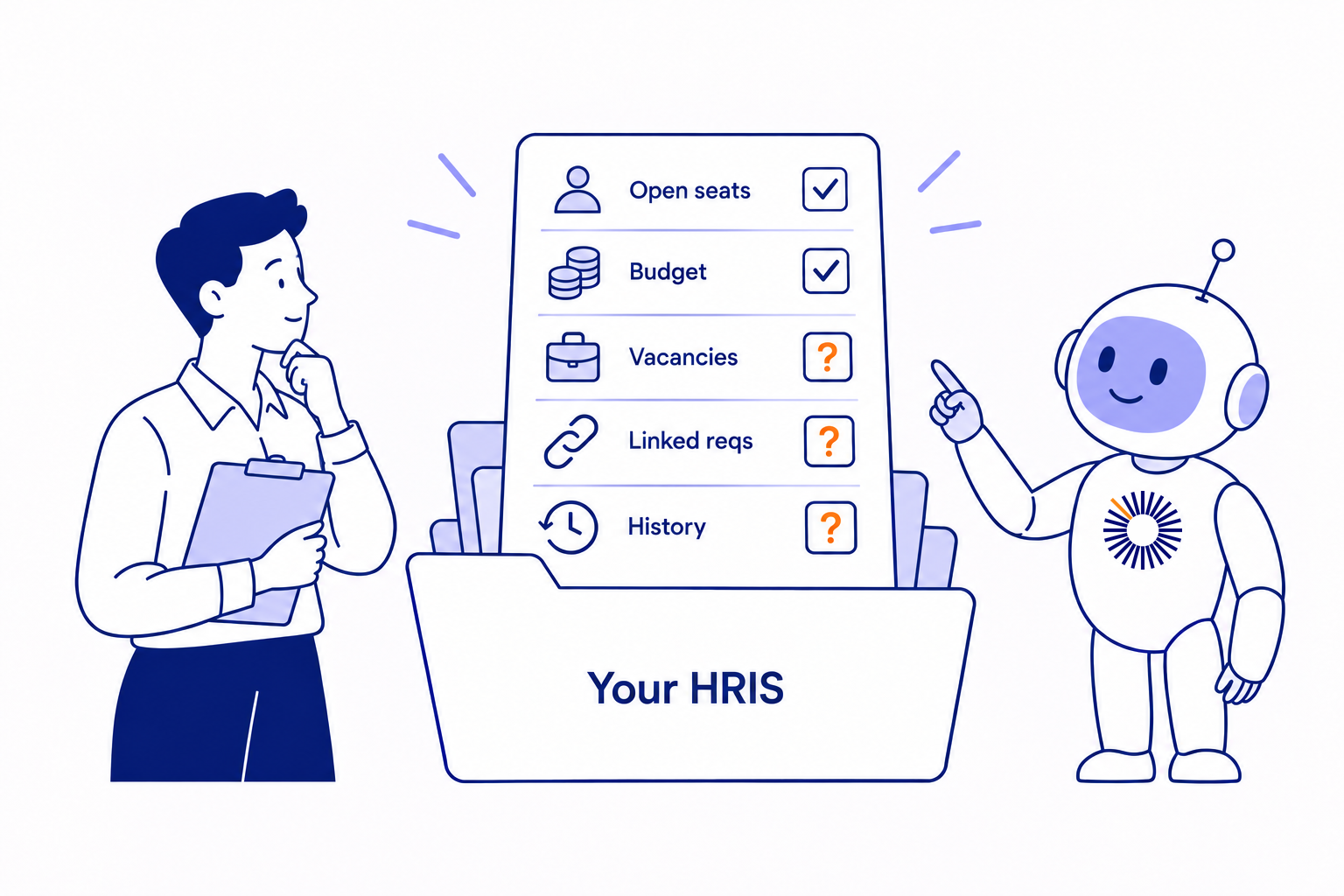
But an HRIS is built around employees. It knows who's in seat today. It doesn't know about the 40 roles you approved for next quarter, which ones are budgeted, or why Engineering is trending over its new-hire budget. Some HRIS platforms offer planning add-ons, but they tend to be HR-centric and light on the finance side of headcount control.
That gap is why consolidating data is one of the top challenges HR leaders report with their workforce planning tools (OrgChart, 2026). Finance sees the same thing: 84% of organizations still work from multiple data sources that need manual reconciliation (FP&A Trends Survey 2025).
What an HRIS does well
- Accurate, real-time employee records
- Payroll, benefits, compliance and core HR workflows
- Strong permissions for sensitive employee data
Where an HRIS falls short for workforce planning
- Limited support for future roles that don't have a person attached yet
- Little or no budget vs. forecast tracking for Finance
- Approval workflows built for HR, not cross-functional sign-off
- No connection to recruiting until someone is hired
- Scenario planning is rare, and usually separate from the live plan
Best for: managing your current workforce. Pair it with a dedicated tool for planning the workforce you're building.
3. Workforce planning tools: purpose-built for headcount control
A workforce planning tool sits between Finance, HR and Recruiting. It doesn't replace your HRIS or your ATS. It pulls data from both so the hiring plan, the budget and the employee records match.
What is a workforce planning tool? A workforce planning tool is software that plans, approves and tracks future headcount against budget. It runs alongside your HRIS and ATS, giving every planned role an ID, an owner and an approval trail from request to hire.
Every position is tracked from the moment it's requested to the day someone starts. A role is requested, approved, budgeted, pushed to the ATS, filled, then matched to the employee record in the HRIS. At every step, Finance can see planned vs. offered vs. actual cost.
Scenarios matter here too. According to the FP&A Trends Survey 2025, 19% of finance teams still can't run scenarios at all, and a lack of dynamic tools is the top barrier, cited by 39%. Teams that can run scenarios in under a week are three times more likely to make data-driven decisions.
What workforce planning tools do well
- One source of truth for headcount, with a unique ID for every position
- Budget vs. forecast tracking, including variance from late hires or higher-than-planned comp
- Cross-functional approvals so Finance, HR and department leaders sign off before a role opens
- What-if scenarios for reorgs, reforecasts and next year's plan
- Two-way sync with your ATS and automatic updates from your HRIS through native integrations
- Role-based access, so leaders see their own budget without seeing everyone's salaries
Where they fall short
- A new system to implement and adopt (plan for weeks, not days)
- Only as good as the HRIS and ATS data feeding it
- Overkill if your hiring plan fits on one screen
Best for: growth-stage and enterprise companies hiring across multiple teams, where Finance needs budget control and HR needs one plan everyone works from.
How to choose: signs you've outgrown spreadsheets and your HRIS
The right answer depends on how complex your hiring is and how many people need to trust the plan. If three or more of these sound familiar, it's time for a dedicated workforce planning tool.
- You have more than one "official" version of the headcount plan
- Finance finds out about new roles after the offer goes out
- Your HRIS headcount and your budget headcount never match
- Department leaders can't see their own budget without asking Finance
- Reforecasting takes weeks of copy-paste
- Nobody can say exactly why you're over (or under) budget
If your team spends more time reconciling the headcount plan than deciding what to do with it, the tool has become the bottleneck.
What each leader should look for
Where TeamOhana fits
TeamOhana is a workforce planning platform that runs alongside your HRIS. Your HRIS stays the system of record for employees, and TeamOhana becomes the single source of truth for every position: planned, open, offered and filled.
What Finance, HR and Talent get:
- Position management from request to hire. Every role gets a unique ID, moves through configurable approvals, and syncs to your ATS once it's ready to hire.
- Budget governance for Finance. The Variance Tracker compares budget with forecast and breaks variance down into hiring timing, comp differences and non-budgeted hires. Budget Envelopes let you set top-down targets by department or division.
- Automatic reconciliation. TeamOhana compares the approved request, the offer and the HRIS record, so you always know planned vs. actual.
- AI-first planning. TeamOhana Computer, our AI analytics agent, answers headcount questions in plain English using your HRIS, ATS and plan data. Scenarios are native too, so you can model a reorg or forecast without leaving the plan.
TeamOhana connects with HRIS platforms like Workday, HiBob, BambooHR, UKG, ADP and Rippling, and ATS platforms like Greenhouse, Ashby and Lever.
Stop forcing tools to do what they weren't built for. See how TeamOhana works or book a demo to walk through your own headcount plan.
Take control of your headcount spend

Workforce planning tool vs. HRIS FAQs
Simplifying TeamOhana: your questions, answered.
An HRIS manages the employees you have today: records, payroll, benefits and compliance. Workforce planning is about the workforce you're building: which roles to add, when, at what cost and against what budget. Most companies use both, connected.
You can track current headcount in an HRIS, and some offer planning add-ons. Most aren't built for budget vs. forecast tracking, cross-functional approvals or recruiting sync, which is where headcount control usually breaks down.
When more than one team edits the plan, when your plan and HRIS stop matching, or when Finance can't explain budget variance without a manual audit. For many companies, that happens somewhere past their first few hundred employees or their first multi-department hiring plan.
Workforce management tools usually handle scheduling, time and attendance for hourly teams. Workforce planning tools focus on strategic headcount: what roles to add, how much they cost and whether you're on budget.
No. A good workforce planning tool reads from your HRIS and syncs with your ATS. Your HRIS stays the source of truth for employee data.