

Curious how TeamOhana can help you? Talk to us.
In this article
Never miss new content
What is requisition management?
Requisition management is the process of keeping three numbers in agreement: the positions finance approved, the requisitions talent has open, and the people actually hired. Done well, every open req traces back to an approved position, and every hire closes one out. It's the operating layer of workforce planning, where the plan meets the ATS.
That sounds tidy. In practice, the three numbers start drifting apart soon after the budget is signed.
A finance leader we spoke with this year said their HRIS held about 2,000 positions when roughly 800 should exist. A people-ops lead at a consumer software company reconciles by hand every month. His HRIS shows 150 open positions, his team is recruiting on 100, and he has to figure out what the other 50 are.
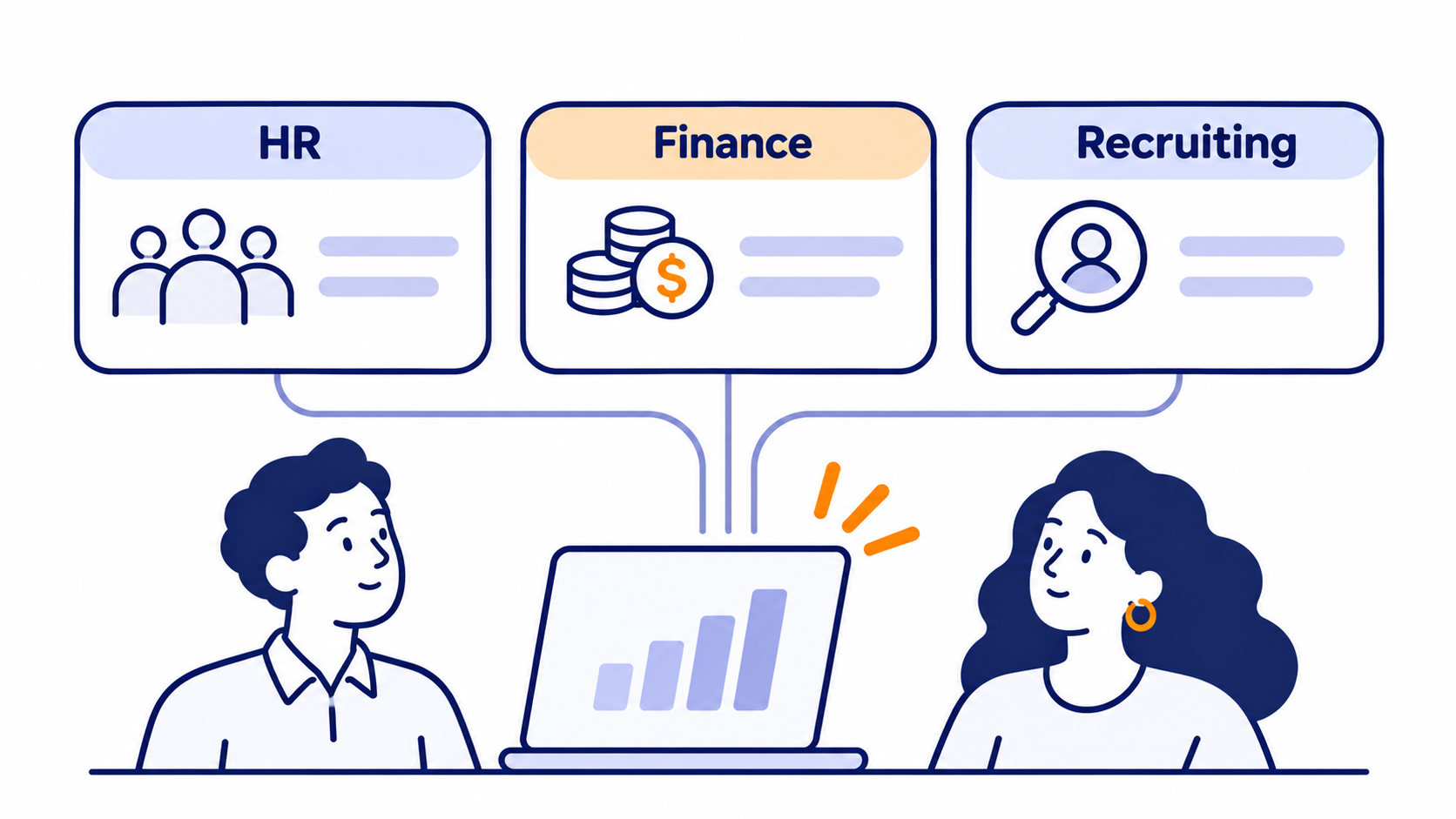
Both teams have the same setup: headcount planning in one place, approvals in another, and recruiting in a third. Requisition management connects those pieces so finance, HR, and talent can look at one hiring plan and agree on what it says.
Approved positions, requisitions, and actual hires: three different things
Most alignment problems start with a vocabulary problem. Hiring managers say "req" when they mean "budget." Finance says "approved" when talent hears "go." One people-services lead told us her managers routinely confuse a position with a requisition, and her recruiters spend their days "hunting down position IDs."
Here's what each term means and who owns it.
Here's how they nest. Workforce planning sets the shape of the company over the next one to three years. Headcount planning turns that into approved positions and a budget. The hiring plan is the list of those positions for the year. Requisition management is how each approved position becomes an open req, then a hire, without anyone losing track along the way.
The rule that makes it work: one approved position, one req, one hire, one ID that follows the seat through all three systems. When that ID breaks, so does role alignment.
Where approved roles, open reqs, and hires drift apart
We talk with finance, people, and talent teams about their hiring process all the time. The same seven problems keep coming up.
1. The plan lives in a spreadsheet. The system of record lives somewhere else. A recruiting systems owner described his spreadsheet as "a staging area" for Workday. Then a manager changes a team of four to five in a meeting, nobody updates the sheet, someone else updates Workday, and the "source of truth" no longer matches the system of record. Another team called its tracker "our awesome spreadsheet, AKA terrible."
2. Approvals happen in Slack, Jira, and email. At one fintech, getting a new role opened means a budget sign-off, a Jira ticket from the people partner, a position created in the HRIS, and finally a req in the ATS. Her summary: it's "so hard to understand where is the approval sitting." Another company routes change requests through an IT ticketing tool, so approvals never show up in the headcount plan at all.
3. The ATS only knows what's been activated. One finance lead said their ATS "doesn't have the whole hiring plan. It only has what's activated." The rest was spread across roughly 12 spreadsheets, and reqs had to be matched to the plan by hand.
4. Ghost positions and zombie backfills pile up. Vacated positions don't close themselves. That's how one company ended up with 2,000 positions when 800 should exist, and how another discovered that many of its backfills were leftover data migrated from a previous HRIS.
Ghost position: a position that still sits in the HRIS after the seat was vacated or dropped from the plan. Ghost positions inflate open headcount and hide the real gaps between the plan and the ATS.
5. Reqs get opened without approval, or kept open on purpose. A people partner told us some leaders believe they "have approval for this headcount" when they don't have the approval or the budget. Without a gate, "that would turn into a free for all." Elsewhere, recruiters asked TA ops to open "a dummy headcount" just to keep a req alive so the candidate pipeline wouldn't be closed out.
6. Changes get made in the wrong system. When someone edits a role in the ATS instead of the HRIS, the sync breaks and the hire lands with mismatched data. One team saw approved reqs flow into its ATS automatically, then sit untouched for 90 days. Another found that re-leveling a role from L5 to L6 kicked off a full re-approval loop.
7. Finance and talent are counting different things. Finance says engineering is "50 roles behind plan." Talent says, "we only have 30 roles open." Both numbers can be true at once. The gap is approved roles that never became reqs, plus reqs stuck for weeks waiting on approval. In one case a finance team traced an eight-figure overspend to a single quarter of hiring nobody had approved.
None of this is unusual. In Planful's 2025 global finance survey, 30% of organizations said they lack integration between systems, 28% reported siloed data across teams, and 21% struggled with inconsistent assumptions between workforce and financial plans. Good requisition management closes those gaps before they show up in the budget.
Finance says engineering is 50 roles behind plan. Talent says only 30 are open. Both are right, and the 20-role gap is where requisition management lives.
The requisition lifecycle: a structured workflow from plan to filled seat
The fix for drift is a workflow where every step hands off to the next one in the same system, using the same ID. Here's the version we see working at growth-stage, mid-market, and enterprise companies.
- Plan the position. Every role starts in the hiring plan with a department, level, target compensation, budget location, and target start date. If it isn't in the plan, it isn't a role yet. It's an idea.
- Request and approve it in one place. Route new hires, backfills, and changes to approved roles through the same approval chain, for example hiring manager, then finance, then compensation. The approval lives on the position record, so nobody has to ask Slack where it's sitting.
- Decide when to start recruiting. Approved doesn't mean "open the req today." A role budgeted for Q3 shouldn't eat recruiter time in February. Work backward from the target start date using your actual time to fill, and flip the role to ready to hire when it's inside that window.
- Open the req from the approved position. Create the ATS job and opening from the position record, not from scratch in the ATS. One opening maps to one approved position, and the position's ID travels with it. No ID, no req.
- Recruit in the ATS. Sourcing, screening, and interviews stay where they belong. The planning system just needs to know the role is in progress.
- Check the offer against the plan. When the offer goes out, pull the candidate's start date and compensation back onto the position. Now finance can see an offer that's 12% over budget before it's signed, not after payroll runs.
- Close the loop with the HRIS. When the new employee record appears, link it to the position. If the names don't match or it was an internal move, put it in a queue someone owns. Declined offer? The role goes back to in progress, not into limbo.
- Handle departures as new requests. When someone leaves, the backfill is its own request, linked to the departing employee and routed for approval. It doesn't silently inherit the old req.
Steps 2 and 4 are where most time disappears. SHRM's 2025 benchmarking puts median time to fill at 44 days for nonexecutive roles and 45 for executive roles, counted from the day the req opens. Extra-large organizations took 61 days for nonexecutive roles and spent nearly twice as long getting positions approved and posted. Those extra days come from internal process, which means you can win them back.
44 days is the median time to fill a nonexecutive role, counted from the day the req opens. At extra-large organizations it's 61 days, and positions take nearly twice as long to get approved and posted. (SHRM, 2025 Recruiting Benchmarking)
Who owns what: finance, People, and talent
Requisition management fails quietly when everyone assumes someone else owns the reconciliation. Spell it out.
Two decisions trip teams up most often.
Who flips a role to "ready to hire"? Some companies let hiring managers decide, some leave it to FP&A, and some give it to recruiting leads who can match recruiter capacity to demand. Any of the three works. Not deciding doesn't.
Who owns the monthly reconciliation? Unlinked hires, unmatched employee records, and reqs with no approved position should land in one named person's queue. When that queue is everyone's job, it grows.
Real-time headcount visibility: the numbers to watch
A monthly spreadsheet export tells you what was true three weeks ago. One people team called it "static data by the time you actually work on it." With real-time visibility, the hiring plan updates when the ATS and HRIS do, so these numbers are current whenever someone opens them.
Then set a regular cadence. A weekly 30-minute sync between finance and talent covers new approvals, reqs that are ready to open, and offers that are out of band. A monthly reconciliation clears the unlinked hires and stale reqs. A quarterly hygiene pass archives positions that aren't coming back.
When the CFO asks "how many people will we have on January 1?" the answer should take ten seconds, not a week.
Backfills, transfers, and mid-year changes
Building the annual plan is the easy part. The hiring plan you approve in January will change many times before December, and every change is another chance for approved positions and actual hires to drift apart.
Backfills. Treat every backfill as a new request, linked to the employee who left. That gives finance a clean read on replacements versus net-new growth. Pre-fill the backfill with the departing employee's department, level, and salary, then route it for approval. Add a rule that sends it to an extra approver if the new comp lands more than a set percentage above the old. And if a role isn't getting backfilled, archive it. Don't let it sit open in the HRIS for a year.
Internal transfers. When an employee moves into an open role, the new position is filled and the old one becomes vacant. Both need to show up in the plan. A people and finance team at one software company told us a single transfer "sets off a chain of events" that made it hard to match the employee to the budget line they came from.
Re-leveling and comp changes. Changing an approved role's level or pay is a change request, not a new position. Route it through approval, but don't restart the entire chain if the change stays inside the budget.
Timing changes. Pushing a target start date out by a quarter doesn't change the role's annual cost, but it does change what lands in this fiscal year. Late hiring shows up as a positive variance against the current-year budget. That's fine when it's intentional. It's a problem when slow hiring is the only reason the forecast looks on budget.
Re-forecasting. For bigger shifts, like a new product line, a hiring freeze in one division, or a board-mandated cut, model the change as a scenario first. Compare its cost and headcount impact to the current plan, get it approved, and then merge it into the live hiring plan. That way reqs open and close after the decision is made, not before.
Tools for requisition management: what each one is good at
Most companies already have good systems in place. The problems show up in the handoffs between them.
You don't need to replace any of them. You need one place that holds the approved plan and stays connected to the systems on either side.
A requisition management checklist
Use this to audit your current process. If you can't tick a line, that's where your plan and your hires are drifting.
- Every open req maps to exactly one approved position, with an ID both systems share.
- Approvals for new roles, backfills, and changes happen in one place, and anyone can see where a request is sitting.
- "Approved" and "ready to hire" are separate states, and you've named who flips the second one.
- Reqs are created from the approved position, not typed fresh into the ATS.
- Offer comp and start dates are compared against the budget before the offer goes out.
- New employee records are linked to their position within days of appearing in the HRIS.
- Backfills are their own requests, linked to the person who left.
- One named person owns the monthly reconciliation of unlinked hires and stale reqs.
- Finance and talent look at the same approved, open, and filled numbers, updated automatically.
- Mid-year changes are modeled and approved before reqs open or close.
How TeamOhana handles requisition management
TeamOhana sits alongside your HRIS and ATS as the headcount planning layer. It doesn't replace either one. Your HRIS stays the source of truth for employees, and your ATS stays the place recruiting happens. TeamOhana keeps the approved plan, and the IDs that tie everything together.
- One ID per seat. Every approved position gets a headcount ID that follows it from request to ATS opening to HRIS employee record.
- Approvals in one place. New hires, backfills, change requests, transfers, and terminations each have their own approval policies, with multi-step chains for hiring managers, finance, and compensation. No double approval in the ATS.
- Ready to hire, separate from approved. Teams approve the plan early and mark roles ready to hire when it's time to recruit. An AI-recommended target open date, based on your own time-to-fill history, shows when that should be.
- Reqs opened from the plan. With Greenhouse, Ashby, or Lever, recruiters create the job and opening straight from the approved headcount, with fields pre-filled. The role moves to in progress on its own.
- Offers and hires flow back. Offer details sync from the ATS within about 30 minutes. The HRIS syncs every few hours, and new employee records link to their headcount automatically when names match. Anything that doesn't match lands in a queue to resolve.
- Variance you can trace. The Variance Tracker splits budget-versus-forecast gaps into early hiring, late hiring, higher pay, lower pay, and non-budgeted hires, down to the line item.
- Answers on demand. TeamOhana Computer, TeamOhana's AI analytics agent, answers questions like "which approved roles in engineering don't have an open req?" across HRIS, plan, and ATS data, and now runs scenarios natively, too.
Finance, HR, and talent all work from the same hiring plan, and it stays current because it updates as reqs open, offers go out, and people start.
See how TeamOhana connects your headcount plan to every system your team uses. Book a demo.
Take control of your headcount spend

Requisition management FAQs
Simplifying TeamOhana: your questions, answered.
Requisition management is the process of creating, approving, tracking, and closing job requisitions so that every open req ties back to an approved position in the hiring plan, and every hire closes one out. It connects headcount planning in finance and HR to recruiting in the ATS.
A position is a budgeted, approved seat in the org. A requisition is the request to recruit for it. One position can be filled many times over the years. Each time, it gets a new req. In the ATS, one job can hold several openings, and each opening should map to one approved position.
Workforce planning decides how many people, in which roles, the business needs. Headcount planning turns that into approved positions and a budget. Requisition management makes sure those approved positions become open reqs at the right time and turn into actual hires, so the plan and reality stay in step.
It's shared. Finance owns the budget and approved positions. People and HRBPs own leveling, backfills, and the HRIS record. Talent acquisition owns the reqs and pipeline. The key is one shared system and one named owner for monthly reconciliation.
Give every approved position an ID, create reqs from that position rather than from scratch, and let offers and new employee records sync back to it. Changes should be made in the planning system and flow outward, not edited directly in the ATS.
With a connected system, the numbers update continuously. Most teams still hold a weekly finance and talent sync, a monthly reconciliation of unlinked hires and stale reqs, and a quarterly hygiene review to archive positions that are no longer needed.