
Curious how TeamOhana can help you? Talk to us.
In this article
Never miss new content
The short answer
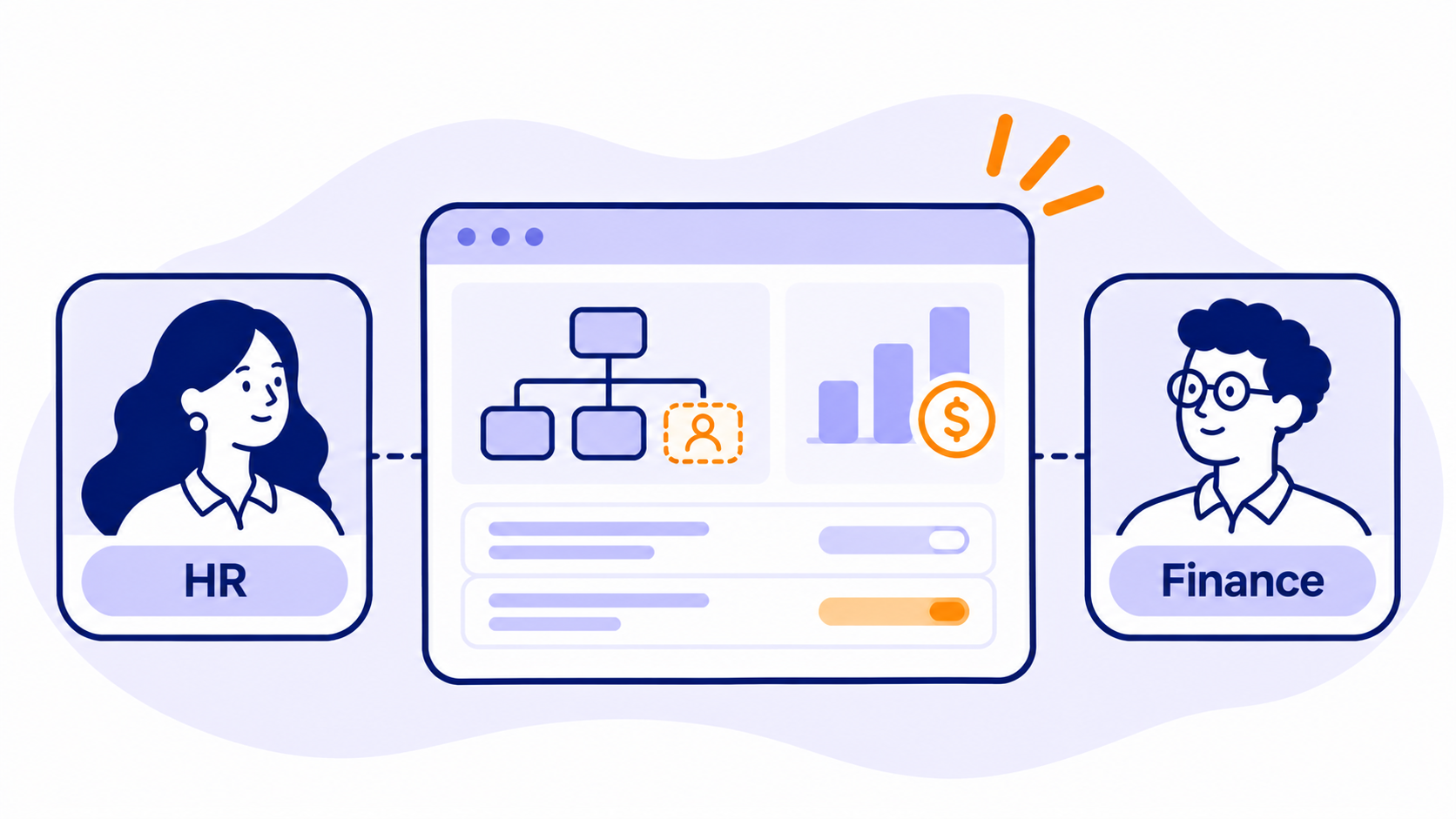
The best hiring planning tool for Finance and HR is the one that gives all three teams (Finance, People and Talent) the same headcount number, the same approval trail and the same view of budget, without anyone re-typing it into a spreadsheet. That's what recruiting team alignment actually means in practice.
Here's the quick version:
- Best purpose-built hiring planning layer for companies from high-growth startups to global enterprises, on top of your existing HRIS and ATS: TeamOhana
- Best all-in-one people platform with planning built in: ChartHop
- Best for Finance teams that want one modeling platform for the whole business: Pigment
- Best for companies already standardized on Workday: Workday Adaptive Planning
- Best for large, multi-function enterprise planning: Anaplan
- Best ATS-native requisition approvals: Ashby
- Another dedicated headcount management option: HeadCount365
No single tool wins everywhere. Most companies, from growth-stage to enterprise, end up with an ATS for recruiting, an HRIS for employee records, an FP&A tool for the P&L, and a planning layer that ties hiring to budget. The question is which tool owns that middle layer, and how much manual glue you're willing to keep.
What is a hiring planning layer? A hiring planning layer is the system between your HRIS, ATS and FP&A model that owns each role's request, approval and budget, then closes the loop once someone is hired. It connects those tools rather than replacing them.
Why Finance, HR and Talent fall out of sync
Recruiting team alignment breaks down because each team runs hiring out of a different system, and none of those systems was built to talk to the others. Finance lives in an FP&A model. HR lives in the HRIS. Talent lives in the ATS. The hiring plan lives in, well, a spreadsheet. Usually several.
This isn't a niche problem. In a Grant Thornton UK survey of 300 CFOs in March 2025, 62% said they don't have a strong working relationship with their HR counterpart, even though 94% said that relationship matters. And in The Adecco Group's 2026 research, only 34% of CHROs said their organization is highly effective at using workforce data to inform hiring decisions.
62% of CFOs say they don't have a strong working relationship with their HR counterpart, even though 94% say that relationship matters.
We hear the same story on our own calls with Finance, People and Talent leaders this year. A few patterns come up again and again:
- Three teams, three numbers. One People team told us the business, Finance and Recruiting were each holding a different count for the same plan: 20, 18 and 21 roles.
- The "human API." HR business partners get stuck in the middle, re-keying requests from a sheet into the HRIS, then into the ATS, then reporting back to Finance.
- Approvals that live in Slack. Headcount sign-offs happen in Slack threads, email chains and "a random Zoom," so nobody can see where a request is sitting. One team told us requisitions routinely waited two to three weeks in approval.
- "Approved" doesn't mean "being worked." A role can be approved in the ATS while Finance assumes it's already budgeted, and Recruiting hasn't started on it.
- Budget surprises land late. One HR leader described forecasting flat, hiring through attrition, and only discovering the comp overrun in Q4, when it's too late to fix.
- Two valid dates, zero reconciliation. Finance locks a budgeted start date to match the board plan. Talent and the hiring manager agree a realistic one. Without a tool that holds both, variance never ties out.
Here's the honest part: tooling doesn't fix ownership. One Finance leader put it bluntly. Most of the gap is "behavior, process, ownership and accountability." The right tool makes good process visible and repeatable. It won't invent the process for you.
How we evaluated these recruiting tools
We judged each tool on four questions that decide whether Finance and HR coordination actually improves, or just moves to a new screen.
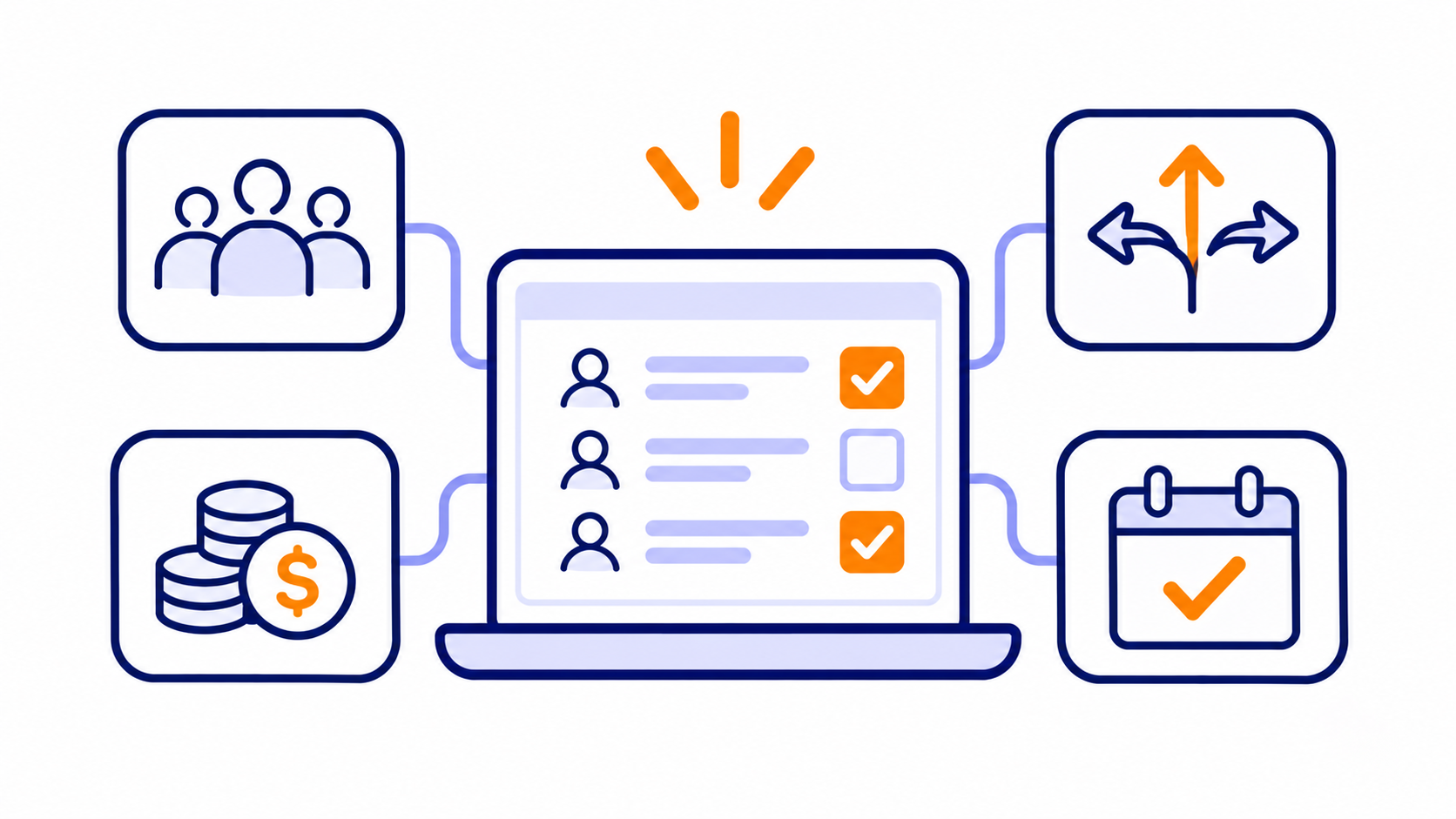
- Approvals. Can Finance, People and the business approve a role in one place, with conditional routing (by department, level or cost) and an audit trail? Does a change to an approved role go back through approval automatically?
- Budget visibility. Can hiring managers and Talent see the budget a role is drawing from, and can Finance see forecast vs. budget update as offers land, not a month later?
- Hiring execution. Does an approved role flow into the ATS without re-keying? Do offer details and start dates flow back so the plan reflects reality?
- Fit with your stack. Does it work with the HRIS, ATS and FP&A tools you already have, or does it ask you to replace one of them?
We also weighed time to value and who needs to run the tool day to day, because a planning model only Finance can edit doesn't help a recruiter.
Sources: vendor sites, G2 and TrustRadius reviews, TeamOhana's published competitive comparisons, and anonymized themes from conversations with Finance, People and Talent leaders. TeamOhana is our product, so we've tried to be just as direct about where it falls short.
The best hiring planning tools for Finance and HR, compared
1. TeamOhana
Best for: companies from high-growth startups to global enterprises that want one shared hiring plan across Finance, People, Talent and hiring managers, without replacing their HRIS or ATS.
TeamOhana is a headcount planning platform that sits between your systems. Your HRIS (Workday, BambooHR, HiBob, UKG, Rippling and others) stays the source of truth for employees. Your ATS (Greenhouse, Ashby or Lever) stays the place recruiting happens. TeamOhana owns the part in between: the request, the approval, the budget and the loop back once someone's hired.
Where it shines
- Approvals in one place. Approval policies route by request type (new hire, backfill, change, transfer) and by conditions, through multi-step chains like hiring manager, then Finance, then comp. Approvals happen in TeamOhana, so there's no second approval in the ATS.
- Budget visibility both ways. Finance can set a top-down budget envelope by department or division and compare it with the bottoms-up hiring plan. The Variance Tracker splits variance into date (hired early or late) and comp (offer vs. budget).
- Execution without re-keying. Approved roles can be pushed to Greenhouse, Ashby or Lever as jobs and openings. Offer details sync back within about 30 minutes, and HRIS records link on the next sync.
- Planning ahead. Scenarios let Finance and department heads model plan changes before submitting them for approval, and TeamOhana Computer, the built-in AI analyst, answers plain-language questions across HRIS, plan and ATS data.
- Reviews. On G2, reviewers rate TeamOhana 9.6/10 for quality of support and 9.0 for reconciliation (G2).
Honest drawbacks
- It's not an ATS or an HRIS, by design. You still need both. If you want one vendor for everything people-related, an all-in-one platform will feel simpler.
- HRIS data flows one way. Employee changes start in the HRIS and sync in every 2 to 4 hours (Rippling usually daily). Actions taken in TeamOhana, like starting a termination, don't write back to the HRIS.
- It's not a full FP&A tool. TeamOhana models headcount cost, not revenue or non-people expenses. It also doesn't do top-down driver modeling (say, revenue targets converted into hires per team), so Finance teams that plan that way keep doing it in their FP&A model.
- Cost modeling has limits. Fully loaded cost runs on load factors, which some Finance teams find simpler than the itemized taxes-and-benefits math in their own models. Splitting a single head across several lines of business has also been a sticking point for some buyers.
- Reporting and polish. G2 reviewers score its reporting 7.8, below ChartHop's 8.8, and the most common complaints are missing features (11 mentions) and software bugs (10) (G2). Some reviewers want more control over notifications and field displays.
- Price and setup. G2 lists entry pricing at $15,000 a year, and some mid-market buyers have told us the price felt high next to their HRIS. Getting value also means setting up your org structure and job catalog, plus some change management, which takes about two months on average per G2 reviewers.
2. ChartHop
Best for: mid-market companies that want org charts, HRIS, comp, performance and headcount planning from one vendor.
ChartHop is an HR platform, with an HRIS module, org charts and people analytics, where headcount planning is one module among several. Its org charts are a standout, and reviewers like seeing the budget impact of plan changes visually.
Where it shines
- Strong org visualization and scenario planning on the same data that powers comp and performance.
- G2 reviewers score its headcount planning 9.8 and reporting 8.8 (G2).
- Modular pricing starting at $5 per employee per month for ChartHop Core, per G2.
Honest drawbacks
- Built for HR first, Finance second. ChartHop offers budget allocation and dashboards showing cost impact, but it doesn't natively calculate fully loaded cost with overhead, FX or regional rates at the point of request. Variance tied to live recruiting isn't a core workflow, so Finance teams often export to spreadsheets to reconcile plan against hiring (TeamOhana vs ChartHop).
- Thinner scenario and variance tools. In our side-by-side comparison, ChartHop has no dedicated variance tracker or scenario planning, and only partial support for headcount forecasting and plan-vs-actual (TeamOhana vs ChartHop).
- One-way ATS hand-off. ChartHop pushes approved requisitions to Ashby, Greenhouse, Jobvite and Lever. It doesn't create and keep ATS openings and custom fields in sync both ways (TeamOhana vs ChartHop).
- Customization and depth. G2's top complaints are limited customization and missing features (11 mentions each), and reviewers note a learning curve from configuration depth (G2; SelectSoftwareReviews).
- Possible HRIS overlap. If you already run Workday, HiBob, UKG or another HRIS, you may pay for HR modules you already have.
3. Pigment
Best for: Finance teams that want one flexible modeling platform for revenue, expenses and workforce.
Pigment is a business planning platform built for FP&A. Workforce planning sits next to the rest of the financial model, which is exactly what many CFOs want. It's also a TeamOhana integration partner, and plenty of teams pair the two: Pigment for the company-wide model, a hiring layer for requests, approvals and recruiting execution.
Where it shines
- Flexibility. Reviewers rate it highly for building models that fit their business, and it sits at 4.6/5 on G2 with most reviewers in the mid-market (G2).
- One source of truth for financial metrics, expenses and headcount.
Honest drawbacks
- Reviewers consistently mention a learning curve, including a proprietary formula syntax and implementation work beyond the vendor's solutions team (G2).
- It's built for Finance. Finance teams we talk to describe it as their FP&A system, not a place hiring managers or recruiters work. Request intake, cross-team approvals and the ATS hand-off usually happen elsewhere, often in forms and spreadsheets.
- Keeping it in sync with hiring takes deliberate design. Teams tell us they still reconcile start dates between the ATS and the plan by hand when nothing sits in between.
4. Workday Adaptive Planning
Best for: companies already running Workday HCM that want Finance and HR planning in the same ecosystem.
Adaptive is Workday's planning product, covering budgeting, forecasting and workforce planning. Its biggest advantage is native integration with Workday HCM.
Where it shines
- Reviewers value bringing financial and workforce planning together, and some say it helps bridge headcount planning between HR and Finance (G2; TrustRadius).
- Handles multi-entity, multi-currency headcount planning.
Honest drawbacks
- G2 reviewers flag complexity, a steep learning curve and pricing that's tough for smaller companies (G2).
- TrustRadius reviewers say the interface isn't as intuitive for HR and built-in reports can be restrictive (TrustRadius).
- It doesn't run the recruiting workflow. Teams we talk to still build position IDs in a spreadsheet, load them into Adaptive, and map them to ATS requisitions by hand, which leaves People and Talent without visibility.
5. Anaplan
Best for: large enterprises planning across sales, supply chain, finance and workforce on one platform.
Anaplan is a connected planning platform. When it's well built, every team plans off the same model.
Where it shines
- Flexibility and scale. G2 reviewers praise its ease of use once built and its ability to model almost any process (G2).
Honest drawbacks
- G2 reviewers cite limited reporting, slow performance and learning difficulty (G2).
- Most teams need dedicated model builders, and implementations commonly run 4 to 12 months, per one competitor's buyer guide (Datarails).
- The annual plan goes stale fast. Teams we've spoken with build the plan in Anaplan, bulk-load it into the HRIS, then watch it drift as start dates slip and roles change in the ATS. Finance ends up rolling dates forward by hand at month-end.
- It's usually overkill if workforce is the only thing you need to plan.
6. Ashby
Best for: fast-growing recruiting teams that want analytics-heavy recruiting with headcount planning built in.
Ashby is an all-in-one recruiting platform with a headcount planning module. When set up, it shows which roles are approved and can block requisitions that exceed budget (Rippling).
Where it shines
- Strong recruiting analytics and a 4.7/5 G2 rating (G2).
- Approvals and headcount live right where recruiters work.
Honest drawbacks
- The most common complaint is the learning curve, and some reviewers note a smaller integration catalog than some longer-established ATSs (Noon).
- Reviewers have asked for more flexible parallel approval routes (G2).
- The plan is scoped to recruiting. Finance's full budget, backfills from attrition and in-seat costs typically live in another tool.
7. HeadCount365
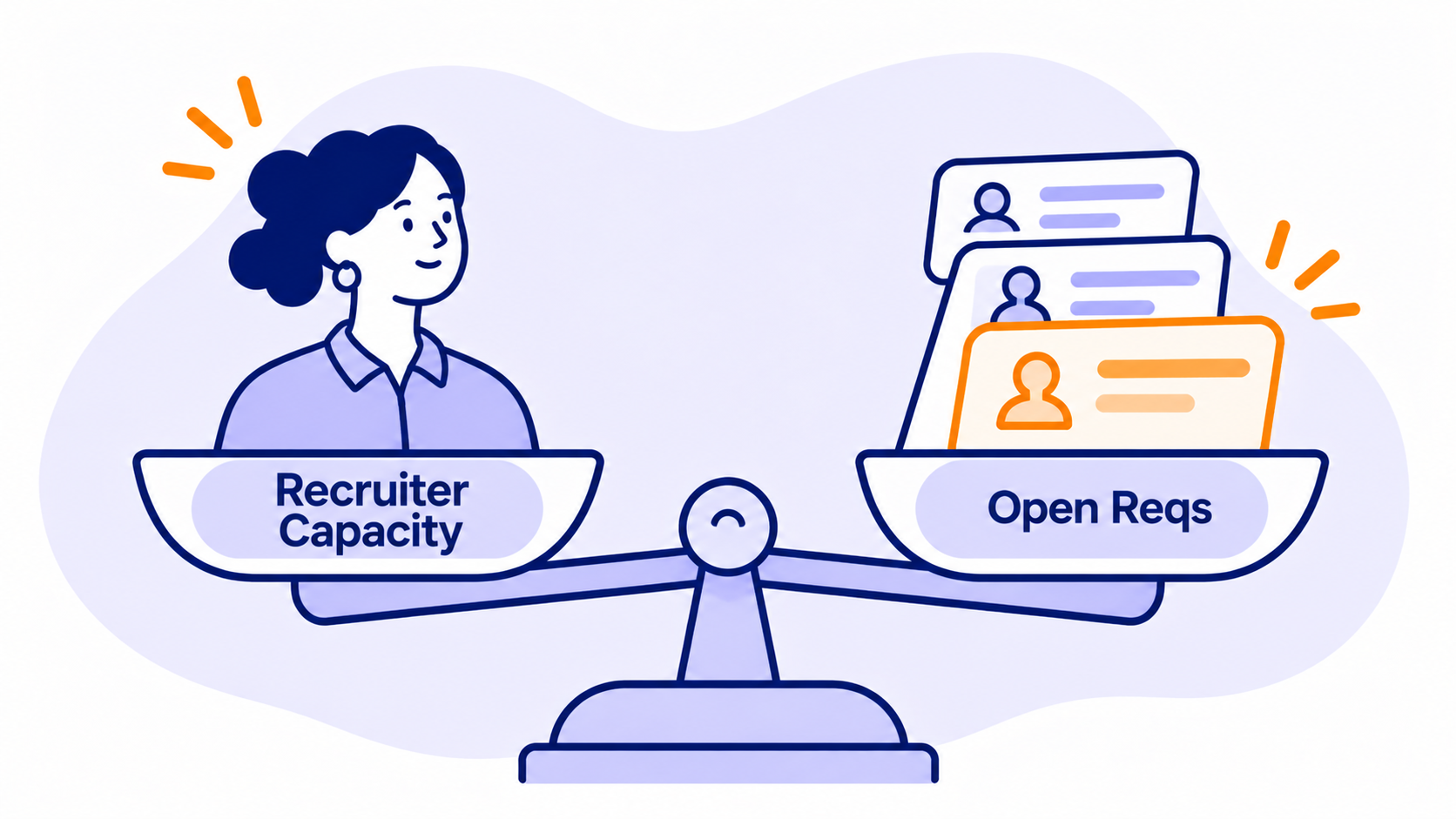
Best for: teams that want a dedicated headcount request and approval system with recruiting capacity planning.
HeadCount365 is a request and approval governance platform, most often adopted by Recruiting Operations teams, that replaces spreadsheets with one system for headcount requests, approvals and backfills (G2).
Where it shines
- Reviewers like having requests, approvals and hiring data in one place, and call out its Ashby integration (G2).
Honest drawbacks
- Approvals first, Finance second. It's strong at stopping unapproved hiring. In our comparison, variance analysis against plan, forecast landing views and budget ownership by department are limited or partial (TeamOhana vs HeadCount365).
- Static cost estimates. Cost is typically captured on the request form as a fixed estimate, rather than a fully loaded cost that refreshes when comp bands, regions or start dates change (TeamOhana vs HeadCount365).
- Smaller review base. Around 35 G2 reviews means less public evidence, and some reviewers note certain features still need refinement (G2).
To be fair, some buyers who evaluated both told us HeadCount365 felt similar to TeamOhana on approval workflows. The gap shows up when the CFO asks what's landing this quarter and what changed.
Honorable mention: the spreadsheet
Let's be fair to the spreadsheet. It's free, flexible and everyone knows how to use it. It's also why one company we spoke with was running its plan across "roughly 12 spreadsheets." Spreadsheets break down at the hand-offs: no audit trail, no routing, and no link to what actually happened in the ATS or HRIS.
Honorable mention: your HRIS's headcount add-on
Some HRIS platforms, including Rippling and HiBob, now offer headcount planning modules, sometimes bundled cheaply or included. For a company making a few dozen hires a year, that can be enough, and we've seen buyers pick it on price. The trade-off we hear most is scenario planning: one Finance leader who chose a bundled add-on still called its scenario planning weak. HRIS add-ons also tend to stop at the HRIS, so the ATS hand-off and Finance's budget model stay manual.
Side-by-side comparison
The biggest difference between these tools is which team they're built around: Finance (FP&A tools), Talent (ATS tools), HR (people platforms), or all three (dedicated headcount planning).
| Tool | Built around | Cross-team approvals | Budget visibility for HR and Talent | ATS hand-off | Biggest trade-off |
|---|---|---|---|---|---|
| TeamOhana | Finance, HR, Talent and hiring managers | Conditional multi-step policies for every request type | Budget envelopes plus Variance Tracker | Bidirectional with Greenhouse, Ashby, Lever | Not an HRIS, ATS or full FP&A tool |
| ChartHop | HR / People | Yes, within headcount planning module | Visual budget impact on plan changes | Pushes approved reqs one way to major ATSs | Customization limits; overlap with existing HRIS |
| Pigment | Finance | Model-level workflows | Strong for Finance; less used by recruiters | Via integrations | Learning curve; Finance-centric |
| Workday Adaptive Planning | Finance | Workflow within planning models | Strong for Finance in Workday shops | Not native | Complexity and cost |
| Anaplan | Finance and enterprise ops | Model-level workflows | Strong once built | Not native | Model builders and long implementations |
| Ashby | Talent | Requisition approvals with budget checks | Within recruiting scope | Native (it is the ATS) | Learning curve; recruiting-scoped plan |
| HeadCount365 | Finance, HR, Talent | Request and approval workflows | Yes | Integrations incl. Ashby | Smaller review base |
G2 ratings and pricing change often, so check each vendor's current page before you shortlist.
How to choose the right hiring workflow management tool
Start with where your hiring plan breaks today, not with a feature list.
- If approvals are the bottleneck (requests stuck in Slack, nobody knows who's next), you need conditional routing and one approval trail. A dedicated headcount planning tool or a well-configured ATS approval flow both work. Pick the dedicated tool if Finance and the business need to approve before a job ever reaches the ATS.
- If Finance and Talent disagree on "behind plan," you need plan, offer and actual in one place. Look for variance that splits date and comp, and for offer data that syncs back automatically.
- If Finance needs the whole P&L in one model, an FP&A platform like Pigment, Adaptive or Anaplan is the right home for the budget. Plan for how requests and recruiting will connect to it, since that's where these tools are thinnest.
- If you want fewer vendors, an all-in-one like ChartHop or an ATS with headcount planning like Ashby can cover a lot. Just check how much of Finance's budget and backfill logic actually fits inside.
- If you're about to change your HRIS or ATS, favor a planning layer that integrates with several of each, so your hiring plan survives the migration.
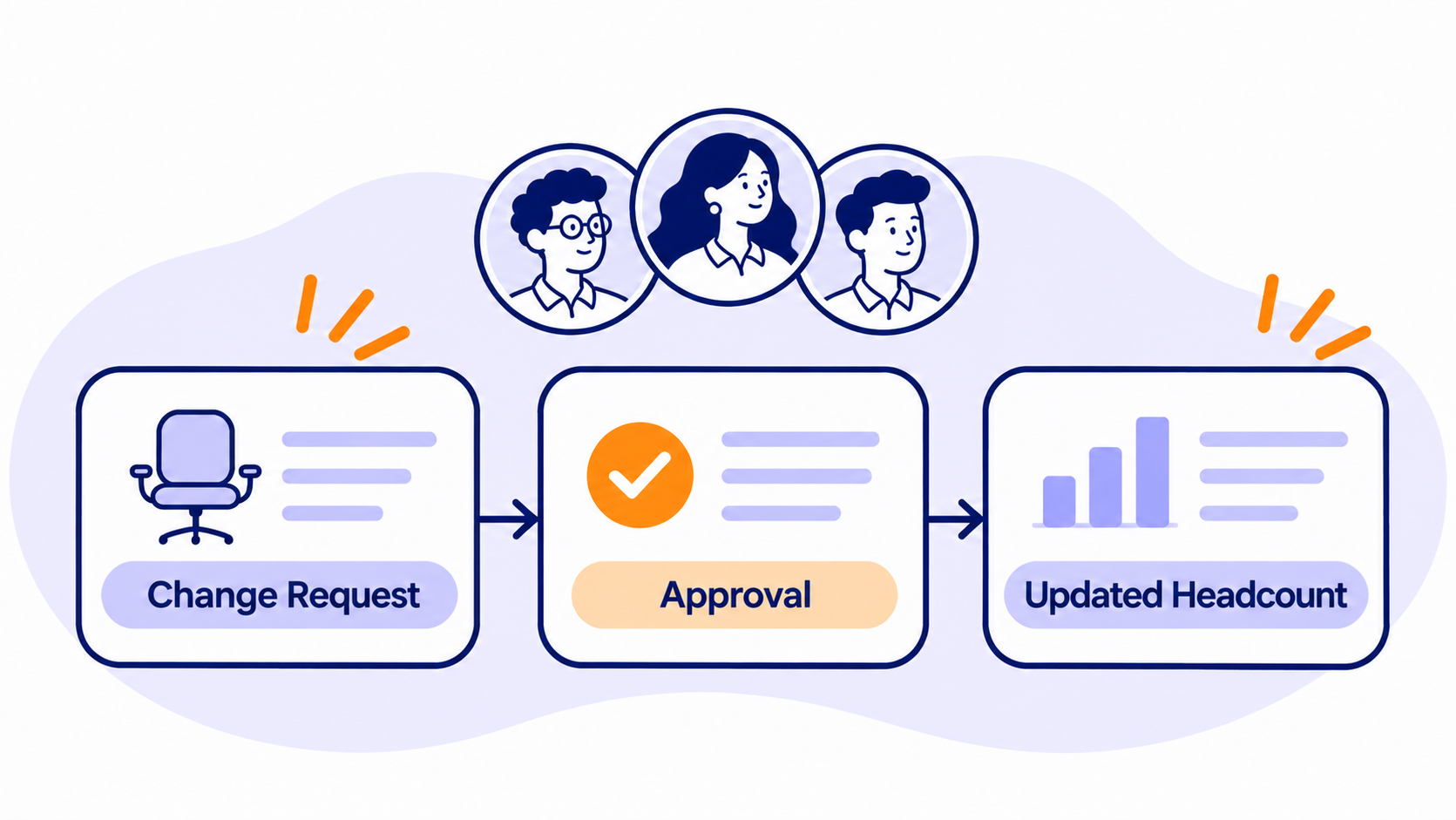
A practical test: ask each vendor to walk one role from request to approved to offer to start date, then show the variance report. Watch how many times someone has to copy data by hand. That number is your alignment tax.
Walk one role from request to start date and count how many times someone copies data by hand. That number is your alignment tax.
The bottom line
Cross-functional collaboration on hiring doesn't come from one more meeting. It comes from one shared record of every role, which every team trusts. FP&A tools give Finance the model. ATS tools give Talent the pipeline. HRIS tools give HR the employee record. The best hiring planning tool is the one that connects those three without making your HRBPs the human API.
If that middle layer is where your plan keeps breaking, see how TeamOhana connects Finance, HR and Talent on top of the HRIS and ATS you already use.
See how TeamOhana connects your headcount plan to every system your team uses. Book a demo.
Take control of your headcount spend

Hiring planning tools FAQs
Simplifying TeamOhana: your questions, answered.
Recruiting team alignment is when Finance, HR and Talent Acquisition work from the same hiring plan, the same approval status and the same budget numbers. In practice it means one record per role that everyone can see, from request through approval, offer and start date.
An ATS (like Greenhouse, Ashby or Lever) manages candidates once a job is open: sourcing, interviews and offers. A hiring planning tool manages what happens before and after that: which roles are approved, what they cost, how they fit the budget, and whether the hire matched the plan.
Sometimes. FP&A tools like Pigment, Workday Adaptive Planning and Anaplan are excellent at modeling headcount cost. They're usually weaker at day-to-day request intake, cross-team approvals and ATS hand-offs, so many teams pair an FP&A tool with a dedicated hiring layer.
No. Most hiring planning tools, including TeamOhana, read employee data from the HRIS you already use (such as Workday, BambooHR, HiBob, UKG or Rippling) and keep it as the source of truth.
It varies by tool. On G2, reviewers report about two months to implement both TeamOhana and ChartHop. Enterprise planning platforms like Anaplan commonly take several months and need dedicated model builders.
Finance should look for approval routing that includes Finance by default, a clear link between each role and its budget, top-down vs. bottoms-up budget comparison, and variance reporting that separates timing from compensation.