
Curious how TeamOhana can help you? Talk to us.
In this article
Never miss new content
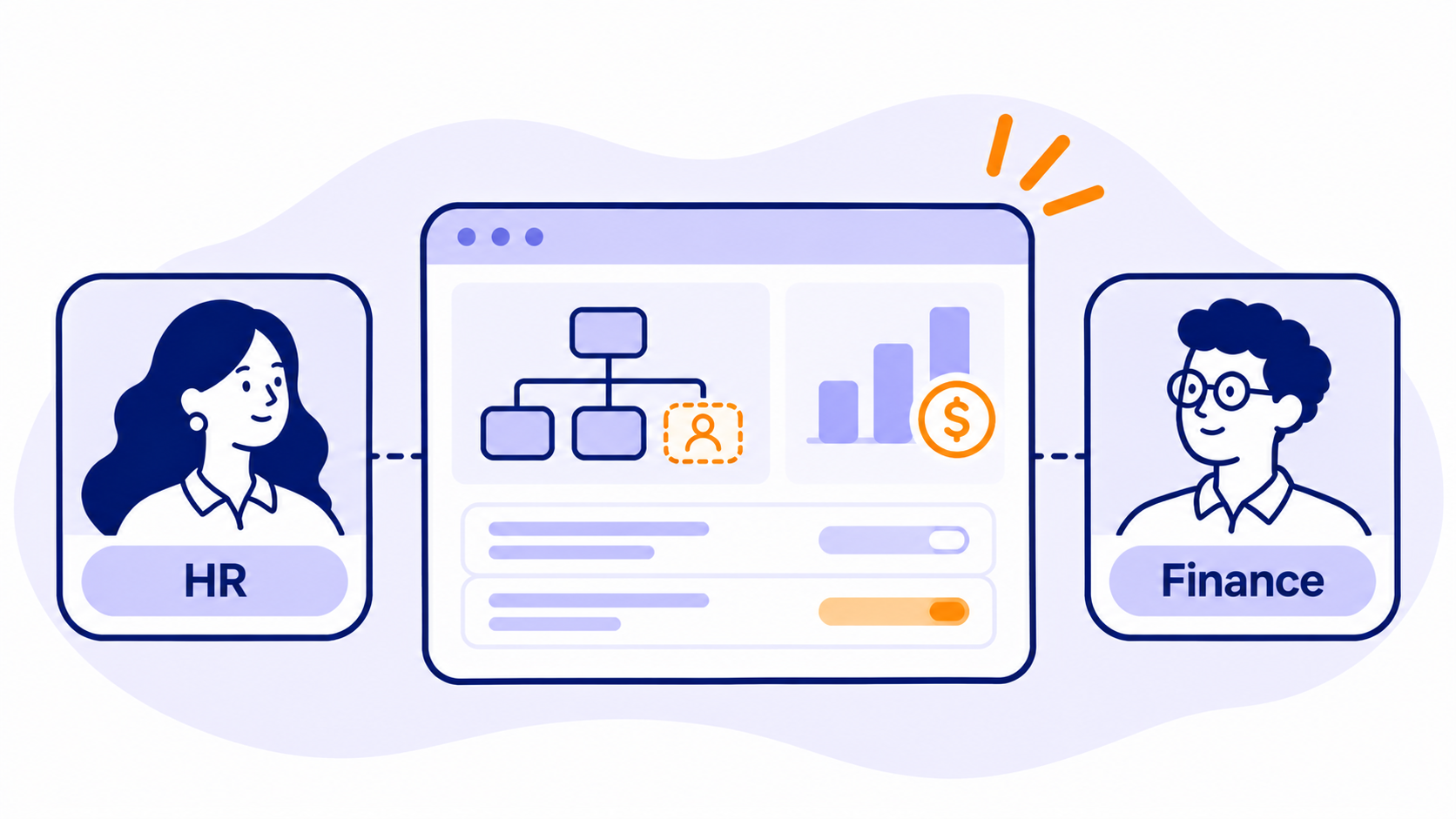
The best workforce planning software is the one HR and finance will both open, and both trust, because it runs on the same numbers. For most growth-stage and mid-market teams, that means a tool that plans at the position level, syncs with your HRIS, and shows the budget impact of every hire before anyone says yes.
Here's the short version. Purpose-built headcount platforms fit teams that want position-level control without a heavy implementation. Finance-led planning platforms fit teams that want headcount inside a full financial model. Workforce analytics and org design tools fit teams that need deeper insight or are reshaping the company.
Full disclosure: we build TeamOhana, so you'll find us on this list. We kept it honest. Tools are listed alphabetically within each group, not ranked, and every entry says where it's a weaker fit.
What is workforce planning software, and how should you evaluate it?
Workforce planning software helps HR, finance, and operations teams forecast, model, and approve headcount, cost, and talent decisions against business goals. It replaces the spreadsheet that finance keeps and the different spreadsheet that HR keeps.
We compared tools on six criteria that matter most to HR and finance teams:
- Position-level planning. Can you plan roles, not just totals, and track open, filled, and backfilled positions?
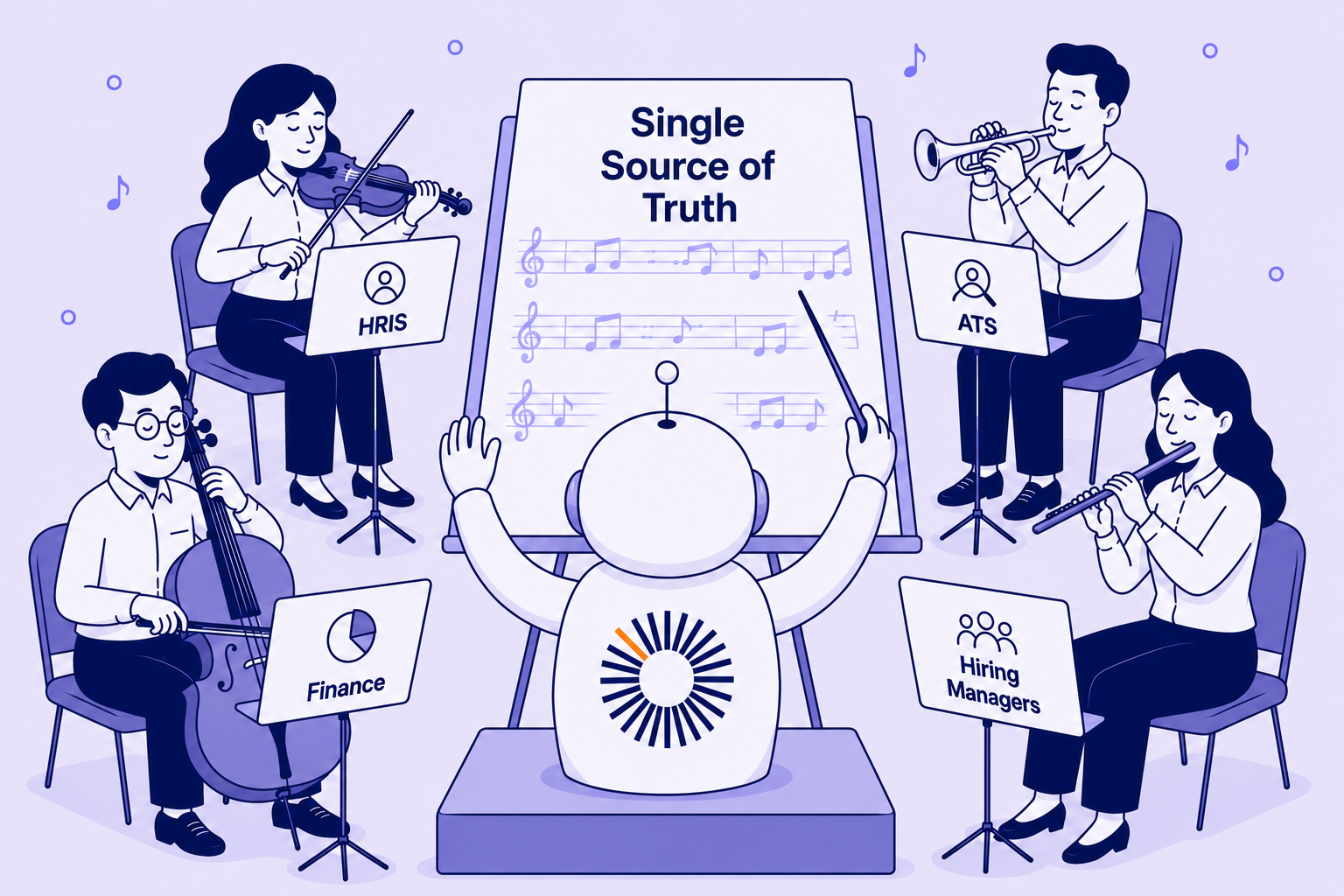
- One shared dataset. Do HR and finance work from a single source of truth, or do they reconcile two versions every month?
- Integrations. How well does it sync with your HRIS, ATS, payroll, and FP&A tools, so employee data management doesn't become a second job?
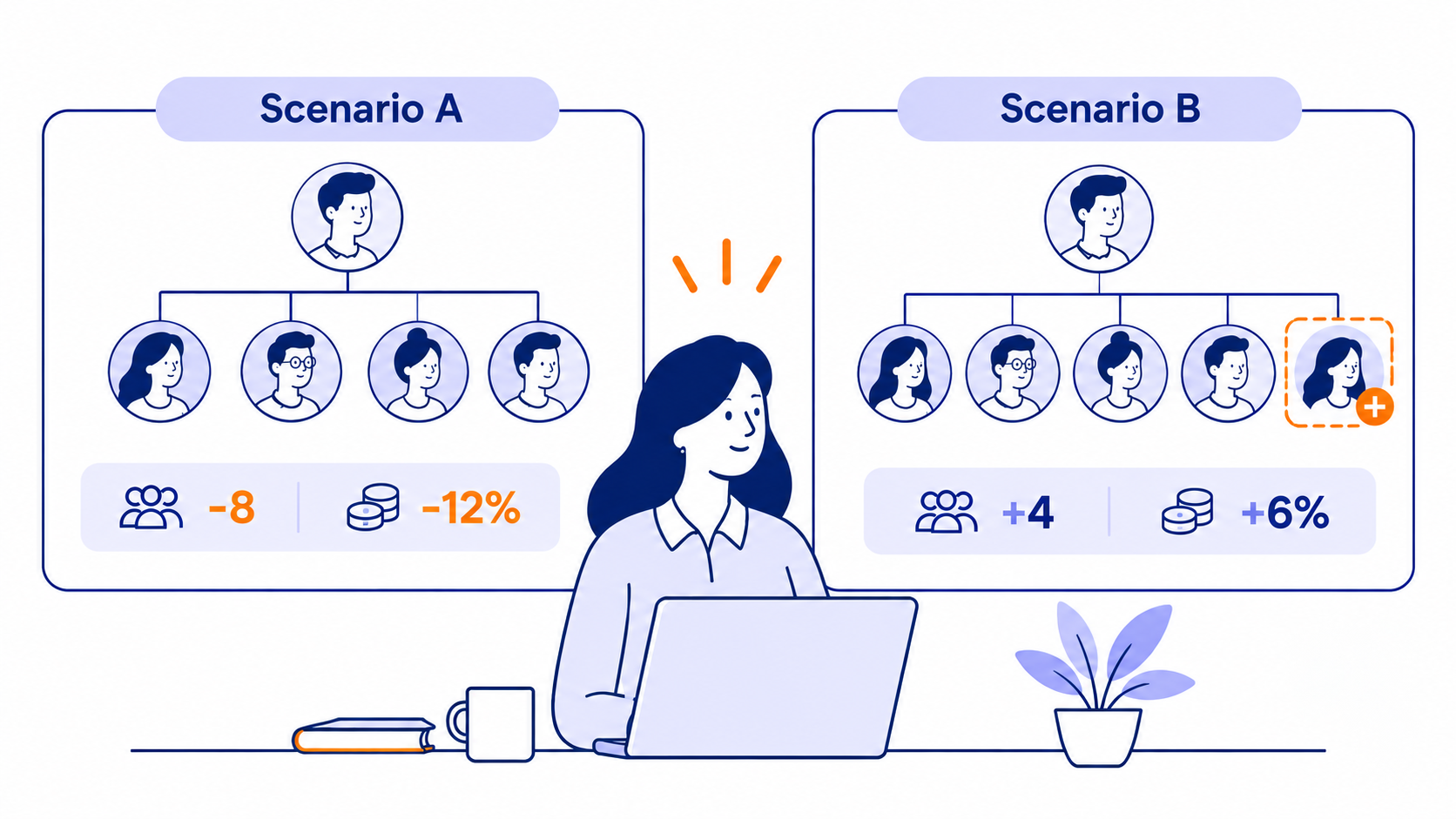
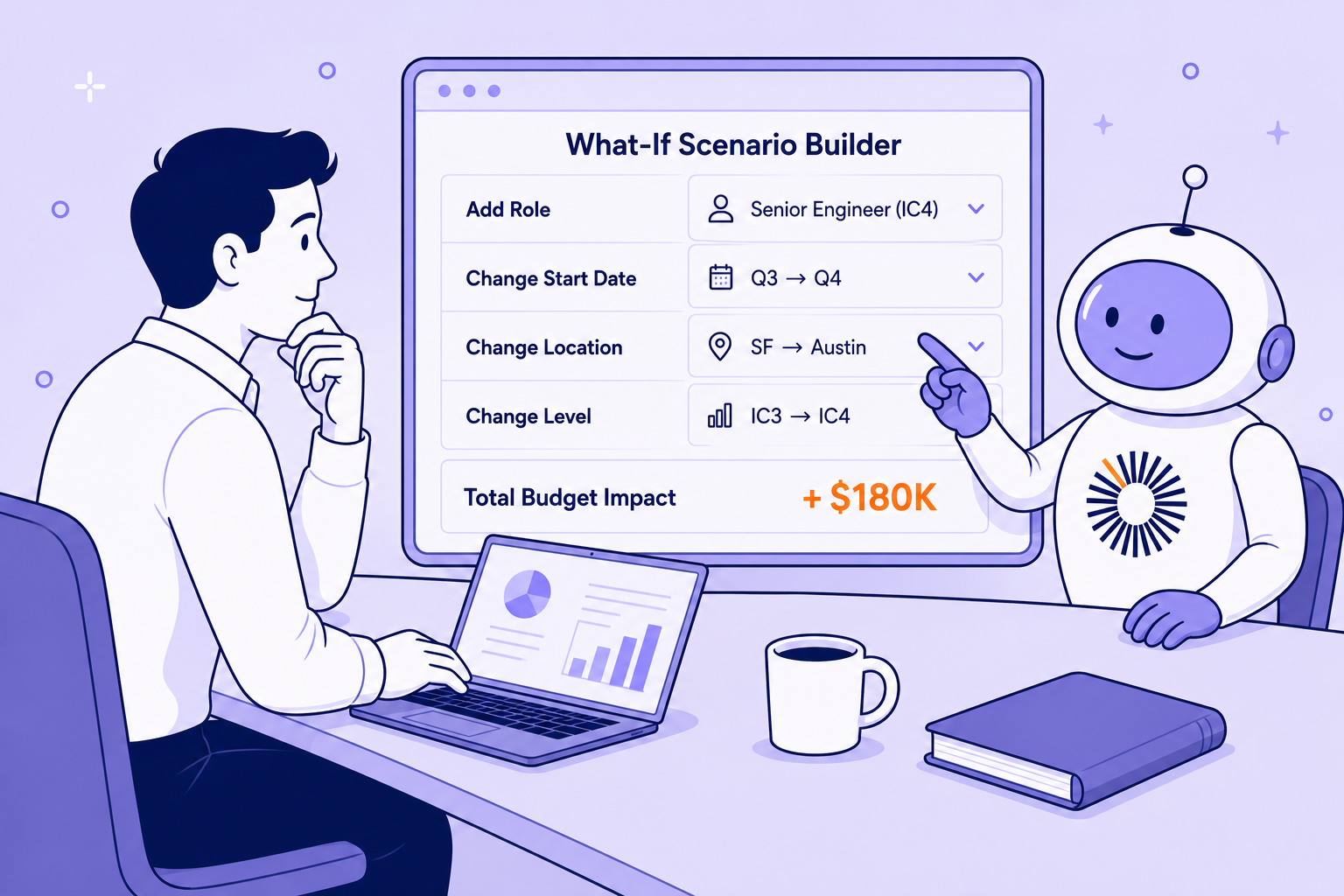
- Scenario modeling and forecasting. Can you see the cost of a hiring plan, and run headcount forecasting what-ifs, before you approve it?
- Governance. Who can open a role, who signs off, and is there an audit trail?
- Fit and time to value. Is it built for a company your size, and how much setup does it need?
What is position-level planning? Position-level planning tracks each role on its own, whether open, filled, or backfilled, with its own cost, start date, and approval history, instead of planning headcount as a single total per team.
The best workforce planning software for HR and finance teams
Purpose-built headcount and position planning
These tools were built around the headcount plan itself: who we're hiring, when, at what cost, and who approved it.
ChartHop
Best for: HR-led teams that think in org charts.
ChartHop lets you build scenarios by dragging and dropping on the org chart, with approval routing and real-time budget impact. It can run standalone or alongside its own HRIS.
Watch out for: It's a people-ops platform first, so company-wide financial modeling still lives in your FP&A tool.
TeamOhana
Best for: Finance, HR, and talent teams at growth-stage and mid-market companies that want one source of truth for headcount, plus a governed way to act on it.
TeamOhana is a headcount management platform with five modules: headcount management, scenario planning, dynamic org charts, compensation planning, and people analytics. It connects your HRIS, ATS, payroll, and FP&A systems, tracks every position through approval workflows with an audit trail, and pushes approved roles into your ATS, including one-click job openings in Greenhouse. Scenario planning is native in TeamOhana Computer, so you can model what-if hiring plans without leaving the platform. It works alongside your HRIS rather than replacing it.
Watch out for: TeamOhana isn't a full FP&A suite. If you need revenue, expense, and balance sheet modeling in the same place, pair it with a finance planning platform. Many teams do exactly that with Pigment.
Finance-led planning platforms
These are broader planning platforms where workforce planning is one use case among many. They shine when headcount needs to flow straight into the financial model.
Anaplan
Best for: Enterprise FP&A teams that want connected planning across finance, HR, and operations.
Anaplan's Operational Workforce Planning app supports position-based planning alongside Workday HCM, with integration that keeps plans and HR records in sync.
Watch out for: It's built for enterprise-scale planning, so smaller teams may find it more than they need.
Pigment
Best for: Finance-led teams that want headcount planning inside a modern, flexible planning platform.
Pigment gives HR, finance, talent acquisition, and hiring managers a shared view of one plan, with org chart modeling, scenario planning, capacity planning, and merit and promotion planning. Position-level decisions flow through to real-time cost forecasts.
Watch out for: As with any general-purpose planning platform, someone has to own and maintain the model, and it doesn't manage requisition approvals on its own.
Workday Adaptive Planning
Best for: Workday customers, and mid-market to enterprise teams that want workforce plans inside the financial model.
Adaptive Planning covers headcount and cost planning, compensation, skills, and talent planning. You can model hiring, transfers, and retention with driver-based assumptions and see the cost impact right away.
Watch out for: The scope is wide, so expect more to configure. It tends to deliver the most value when Workday is already your system of record.
Workforce analytics and org design
These tools lean toward understanding the workforce and redesigning it, with planning built on top.
Orgvue
Best for: Large organizations working through restructuring, organizational design, or M&A integration.
Orgvue combines org design with strategic workforce planning and scenario modeling.
Watch out for: It's best suited to large enterprises with complex planning needs, which can be heavy for a growth-stage team running a monthly headcount process.
Visier
Best for: HR teams that want people analytics first and planning second.
Visier unifies HR, talent, and business data into one analytics layer, and its workforce planning product supports scenario modeling for headcount, skills, and org design tied to financial planning. If your questions start with "why is attrition up in engineering?", it's a strong fit for HR analytics.
Watch out for: Check how it handles position-level approvals and requisition workflows if that's your main pain point.
Workforce planning software compared
Listed alphabetically, not ranked.
How to choose workforce planning software
Start with the problem you're actually trying to fix, not the feature list.
- Finance and HR keep arguing about whose headcount number is right. Look at purpose-built headcount platforms. They give both teams one position-level plan with approvals attached.
- Headcount needs to flow into a full financial model. Look at finance-led planning platforms, and consider pairing one with a headcount platform for the hiring workflow.
- You're redesigning the org or integrating an acquisition. Look at org design tools built for that work.
- Your biggest question is why people leave or where skills are thin. Look at workforce analytics first.
Do you need to replace your HRIS?
No. Your HRIS (HiBob, BambooHR, UKG, ADP, Workday, Paycom, and others) is your system of record for employees. Planning software sits next to it, pulls employee data in, and handles what an HRIS isn't built for: future roles, budgets, approvals, and scenarios. Some HRIS suites include their own planning modules, and those can work well if you live entirely inside one suite. Teams that plan with finance usually want something that connects across systems instead.
That's the idea behind a single source of truth for headcount. Your HRIS knows who works here today. Your planning tool knows who you plan to hire, what it costs, and who said yes. You need both views to agree.
Your HRIS knows who works here today. Your planning tool knows who you plan to hire, what it costs, and who said yes. You need both views to agree.
Ask every vendor for a demo with your own data, not a sample company. If a tool can't reconcile your open roles to your budget in the first call, it won't do it in month six either.
Ready to get HR and finance on the same plan?
See what connected headcount planning looks like for your finance and HR teams. Book a demo.
Take control of your headcount spend

Workforce planning software FAQs
Simplifying TeamOhana: your questions, answered.
Workforce planning software helps HR, finance, and operations teams forecast, model, and approve headcount, cost, and talent decisions against business goals. It connects to your HRIS and finance systems so everyone plans from the same data instead of separate spreadsheets.
Headcount planning decides how many roles you'll have, in which teams, and at what cost. Workforce planning is broader. It also covers skills, retention, succession, and talent acquisition over a longer horizon. Most HR and finance teams start with headcount planning because it's where budget and hiring collide.
Usually, yes. An HRIS tracks the employees you have today. Workforce planning software covers the roles you plan to add, the budget behind them, and the approvals in between. The two work together, and most planning tools integrate with the major HRIS platforms.
Look for position-level planning, one shared dataset, integrations with your HRIS, ATS, and payroll, scenario modeling with cost impact, and approval workflows with an audit trail. Then check that it fits your company size and the time you can spend on setup.
Not usually. Finance-led platforms like Anaplan, Pigment, and Workday Adaptive Planning model the whole business, with workforce as one piece. Purpose-built headcount tools go deeper on positions, approvals, and hiring execution. Many teams use both, with headcount data flowing into the financial model.
It turns your current employees, open roles, planned hires, and expected attrition into a forward-looking plan with costs attached. You can compare scenarios, such as a hiring freeze versus faster growth, and see the budget impact before you commit.