
Curious how TeamOhana can help you? Talk to us.
In this article
Never miss new content
The short answer: The best tool for real-time hiring budget tracking is the one that keeps your approved budget, live forecast, and actual hiring activity in one place, so variance shows up the day a start date slips, not at month-end close.
For finance, HR, and talent teams handling recruiting budget management and headcount tracking at growth-stage and enterprise companies, that usually means a purpose-built headcount platform that sits alongside your HRIS and ATS. TeamOhana is built for exactly that job. ChartHop fits teams that want planning and compensation inside one people platform. Pigment and Workday Adaptive Planning fit finance-led teams that model the workforce inside a broader FP&A system. Ashby and Deel cover budget guardrails if you already run their hiring or HR stack. Spreadsheets work right up until the first reorg.
Your hiring budget shouldn't live in a file called "Headcount_FINAL_v7_actually_final." Here's how the options compare.
What real-time hiring budget tracking actually means
Real-time hiring budget tracking is the ability to see, at any moment, what you approved to spend on headcount, what you're now forecasting to spend, and where the gap is, without rebuilding a spreadsheet to find out.
It matters because hiring plans change constantly. Target start dates move, offers land above or below the budgeted salary, and roles get added or cut mid-quarter. Each change nudges cost, and without a live system those nudges pile up into budget drift that Finance only discovers at close.
What is hiring budget variance? Hiring budget variance is the gap between the budget approved for a headcount and the current forecast of what it will cost. It comes from moving start dates, offers above or below budgeted compensation, and roles added to or removed from the plan.
We compared tools on six criteria that separate real tracking from a dressed-up spreadsheet:
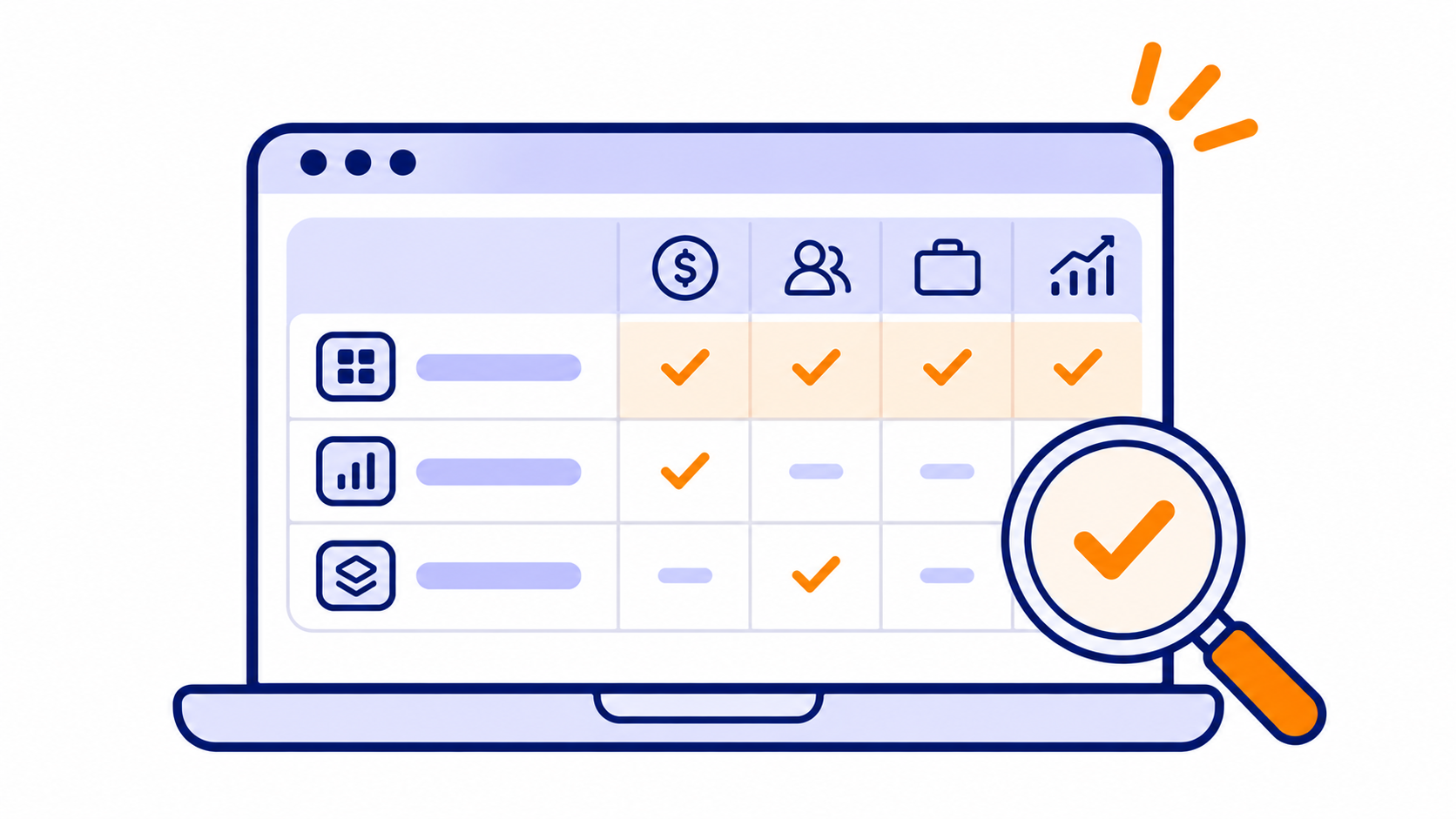
- Locked budget vs. live forecast. Does the tool freeze the approved budget and compare it to a forecast that updates as comp, level, location, or start date changes?
- Connected data. Does it sync with your HRIS, ATS, and finance systems, or does someone re-key numbers?
- Approval guardrails. Can you stop a requisition that breaks budget before it opens?
- Fully loaded cost. Does it model more than base salary, including timing and location?
- Scenario modeling. Can you test a hiring pause or acceleration before committing?
- Shared visibility. Can finance, HR, talent, and hiring managers each see the view they need?
What finance, HR, and talent leaders tell us
We talk with finance, HR, and talent leaders about hiring budgets all the time. The details change, but the same four problems keep coming up. Here's what we heard on recent calls, with names and companies left out on purpose.
- The plan goes stale fast. A finance leader at a growth-stage software company said annual plans are "outdated a week after they've been adopted," and that many people in the organization don't even know what hiring budget they have.
- Reconciliation eats real time. A finance lead keeping a separate Google Sheet for each function said monthly reconciliation takes about eight hours and lands on one person. A talent acquisition manager said reconciling 131 hires at year end took two to three days.
- Talent hears about roles late. A head of talent said she often learns about a budgeted role "the day they need the person." Hiring managers budget unrealistic compensation because recruiting isn't in the budgeting process, and approvals crawl through long email chains.
- Roles hide in the plan. An HR leader told us a sales leader quietly held backfills open for about 18 months. Untangling it took five people in HR and three in finance.
2 to 3 days: how long one talent acquisition manager said it took to reconcile 131 hires at year end.
Those stories are why the six criteria above focus on a locked budget, a live forecast, and approvals that happen where the work does.
Spreadsheets aren't the villain. They just can't notice a changed start date on their own.
Hiring budget tracking tools at a glance
Purpose-built headcount platforms, finance planning suites, and ATS-native tools all track hiring budget, but they differ on how live the data is and who owns the model.
| Tool | Best for | How it tracks hiring budget | Works with your existing systems | Keep in mind |
|---|---|---|---|---|
| TeamOhana | Finance, HR, and talent teams that want one live view of hiring budget | Locks budget at approval, forecasts cost as hires change, reports variance and remaining budget | Sits alongside your HRIS, ATS, and ERP | Purpose-built for headcount; not an HRIS, ATS, or full FP&A suite |
| ChartHop | Teams that want headcount planning and compensation in one people platform | Budget vs. actuals synced from the HRIS, scenario modeling, approval workflows | Pushes approved requisitions to ATSs like Ashby, Greenhouse, Jobvite, and Lever | Covers more than hiring budget, which suits an all-in-one approach |
| Pigment | Finance-led teams planning the workforce inside a larger FP&A model | Driver-based plans and scenarios tied to financials | Brings HR, finance, and talent acquisition data into one plan | Flexible by design; hiring tracking is configured to fit your process. Also a TeamOhana integration partner |
| Workday Adaptive Planning | Enterprises planning workforce cost inside finance | Headcount and cost planning with reconciliation, linked to financial models | Integrates with HR systems; tightest fit with Workday HCM | Full enterprise planning suite for finance-led teams |
| Deel Workforce Planning | Teams already running HR on Deel | Scenario modeling, requests, approvals, and budget dashboards | Integrates with Deel's HRIS and Ashby ATS, with more integrations planned | Narrower integration list today |
| Ashby | Recruiting teams already running hiring in Ashby | Headcount and budget tracking inside the ATS | Native to Ashby | Finance-grade forecasting often lives in a connected system |
| Spreadsheets | Very early-stage teams with a handful of hires | Manual updates and reconciliation | Manual exports and pastes | Version drift, no approval controls |
Tool-by-tool breakdown
TeamOhana
Best for: Finance, HR, and talent leaders who want live hiring spend visibility without replacing their HRIS.
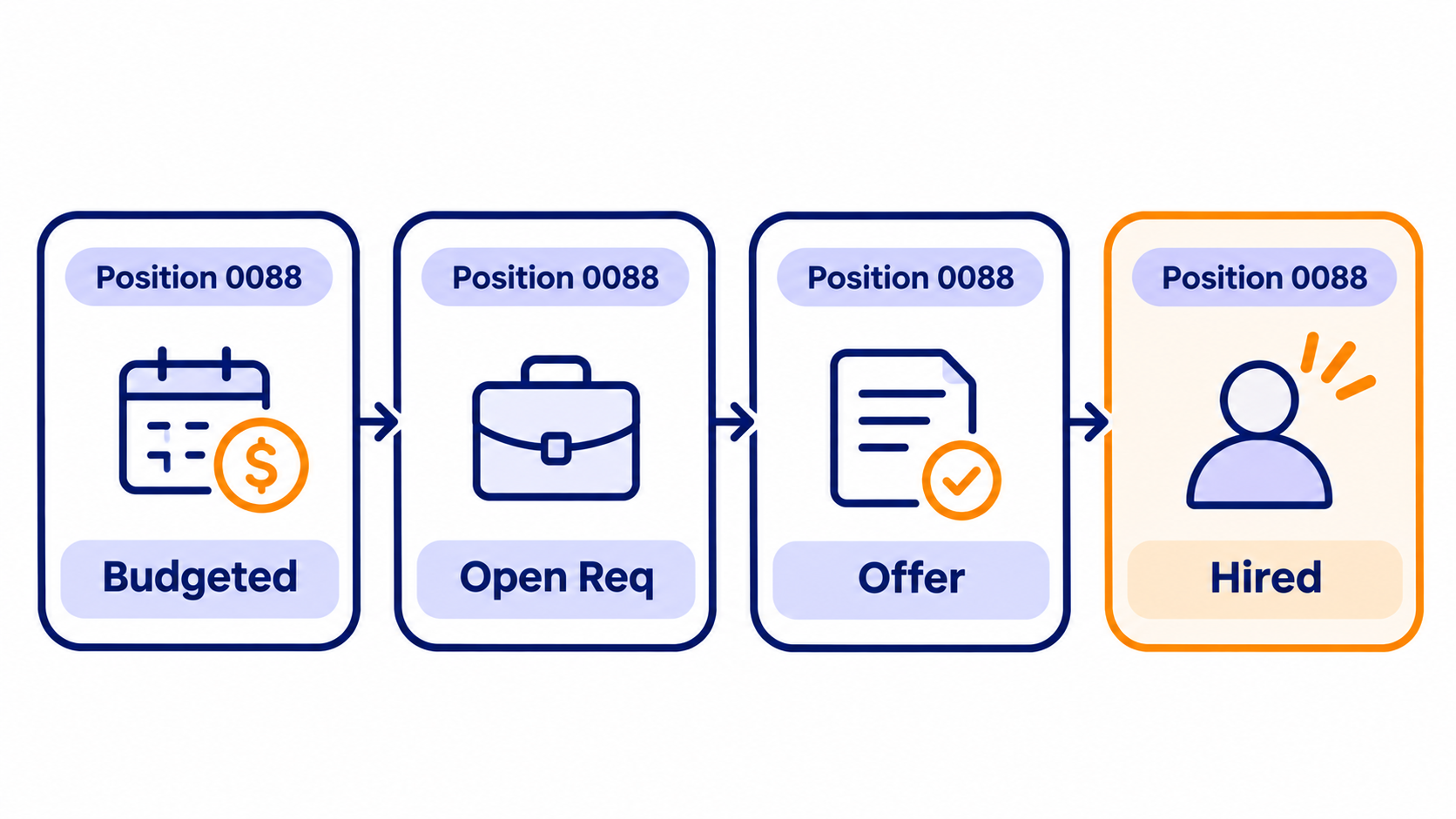
When a headcount request is approved, TeamOhana locks the budget based on job level, compensation, location, and start date. The forecast keeps updating as those details change. Variance is budget minus forecast, so a pushed start date or an over-budget offer shows up right away. Remaining budget shows budget minus committed spend, and you can toggle between fiscal-year and annualized impact.
Budget envelopes let Finance set caps by division or department, so hiring managers plan inside guardrails. Scenario planning is built into TeamOhana Computer, and headcount data from your HRIS, ATS, and ERP flows into one place, which replaces the manual reconciliation.
Keep in mind: It's a headcount and hiring budget platform, not an HRIS, ATS, or full financial consolidation tool. It's designed to complement those systems.
ChartHop
Best for: Teams that want headcount planning, org charts, and compensation planning in one people platform.
ChartHop syncs your headcount plan with actual hires, terminations, and role changes from the HRIS, and compares budget to actuals. It offers several scenario types, including create job, terminate and backfill, and budget scenarios, plus configurable approval workflows across HR, finance, and leadership. Approved requisitions can be pushed into ATSs like Ashby, Greenhouse, Jobvite, and Lever.
Keep in mind: It covers a lot of ground beyond hiring budget, which is great if you want planning, org charts, and compensation in one platform.
Pigment
Best for: Finance-led teams that want workforce planning inside a larger FP&A model.
Pigment's workforce planning covers headcount planning, scenario modeling, capacity planning, and merit and promotion planning. It gives HR, finance, talent acquisition, and hiring managers a shared view of the plan, and it ties hiring directly to the financial model.
Keep in mind: Pigment is a flexible planning platform, so hiring-specific tracking is configured to fit your process. It's also a TeamOhana integration partner, and many teams pair a planning model like Pigment with an execution layer that tracks hiring against it.
Workday Adaptive Planning
Best for: Large enterprises that plan workforce cost inside finance, especially those already on Workday.
Adaptive Planning covers headcount and cost planning, bottom-up workforce planning, and headcount forecasting and reconciliation, all linked to financial models. Approved positions can be created automatically in Workday HCM, and Workday says the planning tool integrates with any HR system.
Keep in mind: It's a full enterprise planning suite, built for companies that want workforce planning and financial modeling in one place.
Deel Workforce Planning
Best for: Companies that already run HR and payroll on Deel.
Deel's workforce planning lets teams compare headcount costs across roles, locations, and worker types before opening a role. It includes requests, approvals, and budget dashboards, and approved roles flow into the ATS.
Keep in mind: It currently integrates with Deel's HRIS and Ashby ATS, with more integrations planned.
Ashby
Best for: Talent teams that run recruiting in Ashby and want budget guardrails next to the pipeline.
Ashby is an all-in-one recruiting platform with applicant tracking, scheduling, sourcing, and analytics. It includes headcount management and budget tracking inside the ATS, and it integrates with FP&A tools for deeper forecasting.
Keep in mind: As an ATS, Ashby is built around the hiring workflow, so finance-grade forecasting often lives in a connected system.
Spreadsheets
Best for: Very early-stage teams with a handful of planned hires.
Spreadsheets are flexible and free. They're also where budget drift is born: every change needs a manual update, versions diverge, and there's no approval trail. Once Finance and HR are reconciling two copies of the same plan, it's time to move on.
The bottom line
Real-time hiring budget tracking comes down to one thing: everyone looking at the same budget, the same forecast, and the same variance, with changes flowing in as they happen. Pick the tool that fits your stack and who owns the plan, then judge it by how quickly a changed start date or offer reaches the forecast.
Whichever tool you're considering, ask every vendor three questions in the demo. How fast does a changed start date or offer reach the forecast? Can you show variance by role, not just by department? And what stops an over-budget requisition from opening?
See what connected headcount planning looks like for your finance team. Book a demo and we'll show you live budget, forecast, and variance working alongside your HRIS and ATS.
Patterns cited in this article are drawn from TeamOhana's recent conversations with Finance, HR, and Talent leaders. All references are anonymized and paraphrased.
Take control of your headcount spend

Hiring budget tracking FAQs
Simplifying TeamOhana: your questions, answered.
Hiring budget tracking is the practice of monitoring approved headcount, forecasted cost, and actual hiring spend against budget. The goal is to see where hiring is ahead of or behind plan while there is still time to adjust. Done well, it gives finance, HR, and talent teams one shared set of numbers.
The best tool depends on who owns the problem and what you already run. A purpose-built headcount platform like TeamOhana fits teams that want to keep their HRIS and ATS and add live budget, forecast, and variance tracking. Planning suites like Pigment and Workday Adaptive Planning fit finance-led teams, and ChartHop fits teams that want compensation planning in the same platform.
Look for six things: a locked budget compared with a live forecast, data synced from your HRIS, ATS, and finance systems, approval guardrails that stop over-budget requisitions, fully loaded cost modeling, scenario modeling, and views for finance, HR, talent, and hiring managers. If a tool cannot update the forecast when a start date or offer changes, it is a reporting layer, not real-time tracking.
Hiring budget variance is the gap between the budget approved for a headcount and the current forecast of what it will cost. It comes from moving start dates, offers that land above or below the budgeted compensation, and roles added to or removed from the plan. Monitoring it continuously lets you correct course before the quarter closes.
Workforce planning decides how many people, with which skills, you need to hit business goals. Hiring budget tracking checks whether the plan is staying on budget as it executes. The two work best together: the plan sets the budget, and tracking tells you when reality drifts from it.
Sometimes, in a limited way. Many ATSs can track requisitions and some include headcount features, but they are built to move candidates, not to forecast cost against budget. HRIS data shows who is already on payroll. A dedicated tool connects both to a live forecast so finance is not stitching exports together.
Start by giving the approved budget and the live forecast a single home that syncs with your HRIS and ATS. Lock the budget at approval, let the forecast update as start dates and compensation change, and route changes through approval workflows. That replaces the monthly reconciliation scramble with continuous budget variance monitoring.
A budget envelope is a spending cap that Finance sets for a division or department. Hiring managers build their hiring plans inside that cap, and a plan that pushes total headcount or total budget past it is flagged. That keeps hiring decisions inside guardrails before a role is approved, not after the spend is committed.
No. TeamOhana sits alongside your HRIS, ATS, and ERP, pulling headcount data from them into one place for budget, forecast, and variance tracking. Your HRIS stays the system of record for people, and your ATS stays the system for candidates.