Join TeamOhana for a live product update reviewing the latest features and releases built to help HR, Talent, Finance, and hiring managers make faster, more aligned workforce decisions.
Hosted by Akshara Anand, Chief of Staff at TeamOhana, this session will walk through what’s new across the platform, including recent product enhancements designed to improve visibility, streamline approvals, strengthen headcount governance, and give teams a more connected view of their workforce plan.
Attendees will see how TeamOhana continues to evolve as the real-time operating layer for headcount decisions, helping teams move beyond spreadsheets, manual reconciliation, and disconnected systems. Whether you’re focused on role-level visibility, budget alignment, hiring progress, or cross-functional planning, this webinar will show how the newest TeamOhana releases help teams stay aligned as plans change.
What you’ll learn:
- Recent TeamOhana product updates and feature releases
- How new capabilities improve visibility across Finance, HR, Talent, and hiring managers
- Ways to streamline headcount approvals and reduce manual reconciliation
- How TeamOhana helps teams govern workforce decisions in real time
Key Highlights
What You'll Learn
- How to add, edit, and bulk-upload locations, pay zones, and currency conversion rates directly in Org Setup
- How the "unclaimed" workflow keeps new HRIS locations from silently dropping employees out of view
- How to set organization-wide notification rules by user role, and how to exclude individual users from noisy notifications
- What's new on the Headcount page: reconciled top-line stats, expanded columns, and saved/shared filter views
- How saved views are being rolled out beyond the Headcount page to the Hiring Tracker, Recruiting Workboard, Variance Tracker, and Scenarios
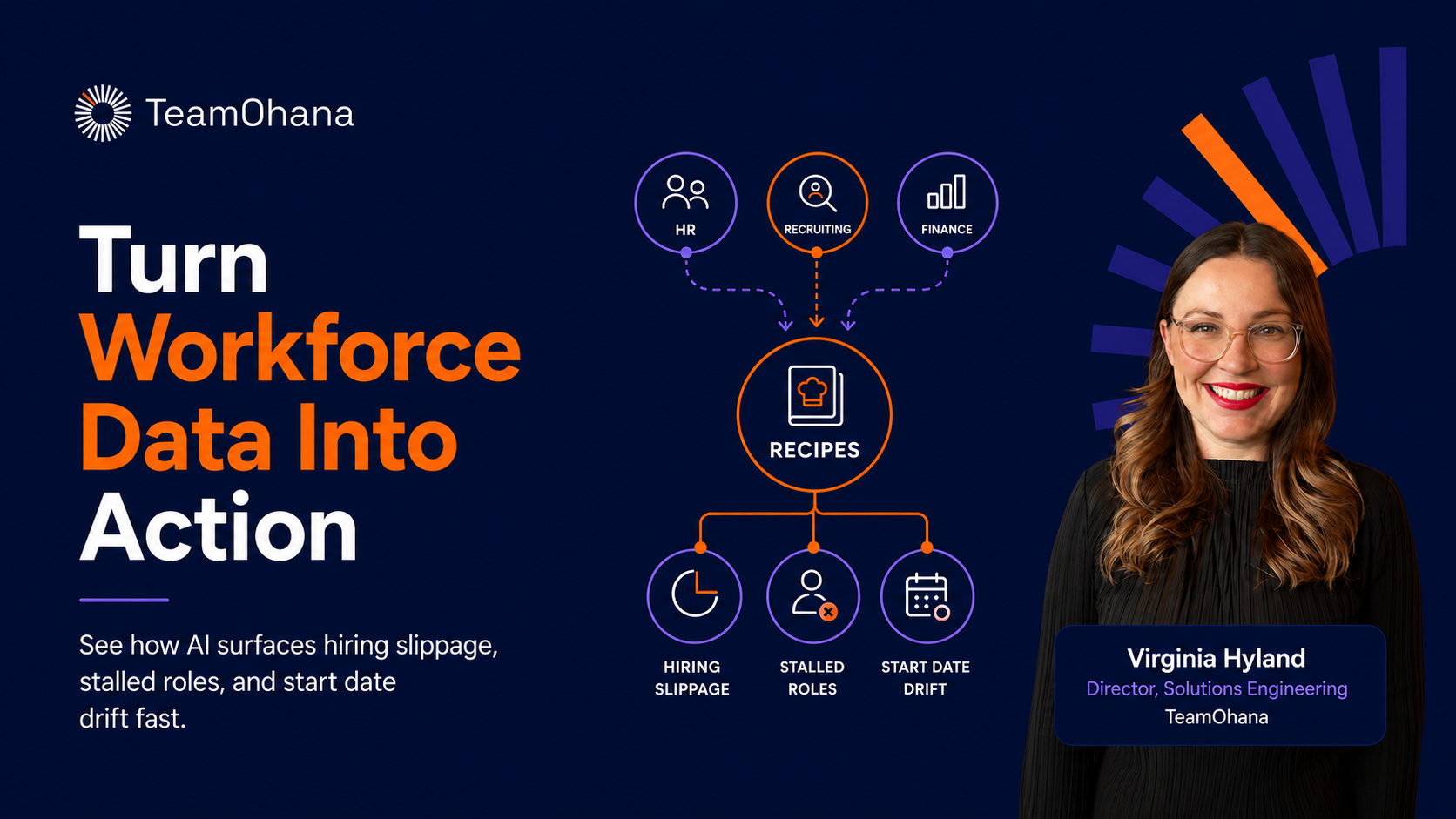
- How to enable Recipes for the right user roles now that it's included in every TeamOhana package
Takeaway 1: Admin control replaces support tickets
The consistent theme across the June release is moving configuration out of the back end and into the platform. Location changes, pay zone edits, currency rate updates, and notification preferences used to require a support request. They now live in Org Setup, editable by any admin with the right permission. This is the first wave. User permissions get the same treatment in the coming months.
Takeaway 2: The "unclaimed" workflow prevents silent data gaps
When a new location appears in your HRIS that isn't mapped in TeamOhana, employees assigned to that location won't show up until an admin claims it. This mirrors how unclaimed departments already work. Keeping the unclaimed queue maintained is what keeps your headcount view complete.
Takeaway 3: Notification governance without user-level chaos
Instead of every headcount action pinging everyone, admins can now set notification rules at the role level and layer in individual exclusions. Recruiting leads can be notified on every "ready to hire" event without spamming every recruiter. A specific admin who is overwhelmed can be excluded without touching the org-wide rule.
Takeaway 4: The Headcount page is now a working surface, not a static view
The redesigned Headcount page closes the gap between what you see in the platform and what you export. Top-line stats now show the formulas behind them, new columns like HRIS ID and local-currency conversion rates are available, and saved views mean your filters persist and can be shared by URL. Saved views are expanding across the platform, and Recipes going ungated puts self-serve insights in front of every user role.
"The releases we've done in June and this quarter really have been all about giving you back more control, allowing you to control things directly in the platform that you were historically reaching out to our support team to help you configure."— Akshara Anand, Chief of Staff to Customers, TeamOhana