Back to Video Hub
Conversational AI Workforce Analyst
Product Demo
Workforce planning and management
Headcount planning and management

TeamOhana Computer: Take Action on Headcount Directly in Slack

Key Highlights

Ask a Budget Question, Get a Real Answer in Seconds
A manager asks Computer, "Do I have room in the engineering budget to offer 10K more for TOH8?" Computer returns the overall budget, the current forecast, and remaining room for that specific role. The answer is grounded in live reconciled headcount data with the manager's own permissions applied.
Jump to
0:15
Take Action Without Leaving Slack
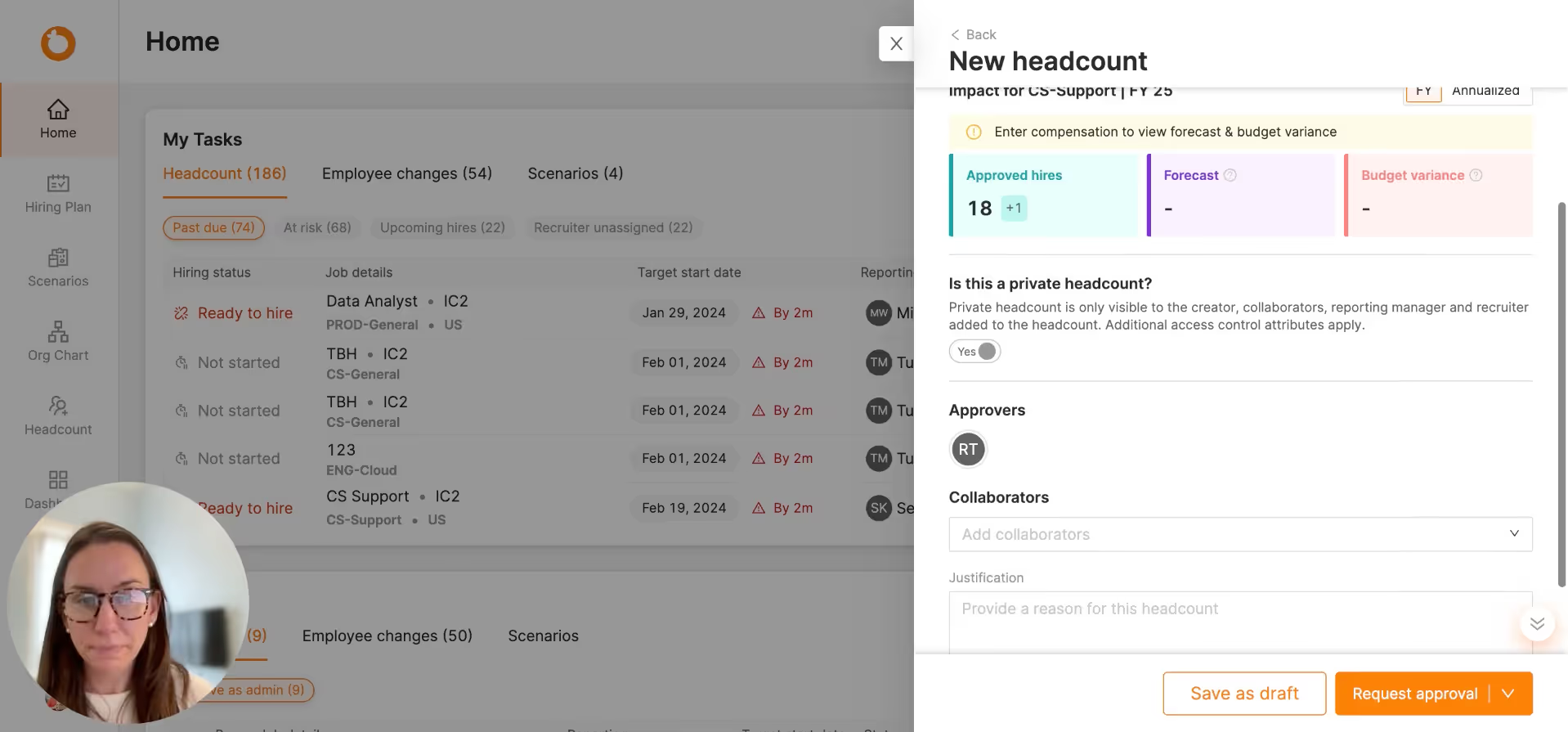
Once headroom is confirmed, the manager asks Computer to up-level TOH8 from IC2 to IC3. Computer confirms the change, drafts the request, and moves it into TeamOhana. No spreadsheet update, no separate ticket, no Slack ping to Finance.
Jump to
0:38
Autonomous Action, Governed Outcome
Computer submits the change as a pending request routed to Finance for approval. Once approved, the level change flows into TeamOhana and the record is updated. Every action carries a versioned audit trail. Speed at the front, control at the back.
Jump to
0:55

Most workforce AI tools stop at answering questions. TeamOhana Computer does the work. In this demo, watch a manager check budget headroom, up-level a role, and submit a governed change request without ever leaving Slack. Computer respects each user's access permissions, runs on live reconciled headcount data, and routes every action through the approval workflow already defined in TeamOhana.

What you’ll learn

  • How TeamOhana Computer answers live budget and headcount questions inside Slack, grounded in the manager's own permissions
  • How to take real action on a role (up-level, adjust comp, edit a position) directly from a Slack conversation
  • How  governance keeps every autonomous action inside the approval workflow Finance already trusts
  • How Computer eliminates the reconciliation lag between a manager's decision and Finance's visibility

Takeaway #1: The Manager's Question Becomes the Manager's Action

Most workforce tools force a hand-off. The manager asks a question, gets a chart, and then someone else has to open a spreadsheet, update a system, or ping Finance to move anything forward. TeamOhana Computer collapses that gap. The same interface that answers "do I have budget room" also executes "up-level this role." The decision and the action live in the same conversation.

Takeaway #2: Permissions Are Enforced at the Model Layer, Not the UI

Computer runs through TeamOhana's abstraction layer, which knows exactly who the user is and what they can see. A manager asking about the engineering budget sees only what they're authorized to see. Salaries, cross-org data, and restricted fields stay restricted. This is what governance means in practice, and it is why Computer can be rolled out to hiring managers safely.

Takeaway #3: Autonomous Does Not Mean Unaccountable

Computer executed the up-level request, but it did not skip approval. The change was submitted as pending, routed to the admin, approved, and only then applied. Every autonomous action becomes a governed decision with a versioned audit trail. This is the pattern Finance leaders have been waiting for: agents that move fast without breaking the controls the CFO already put in place.

"This is really the future of usability in TeamOhana. Managers ask questions, take action, and get answers in Slack. Every change still flows through the governed approval workflow Finance controls. Autonomy at the front, control at the back." - Virginia Hyland, Director, Solutions Engineering

Frequently asked questions

No. A chatbot answers questions. Computer completes tasks. In the demo, Computer did not just tell the manager there was budget headroom for TOH8. It drafted the up-level request, submitted it into TeamOhana, and routed it to Finance for approval. The intelligence is the same as our AI Workforce Analyst. The mode is different. You assign work, Computer runs it end to end, and the finished outcome lands as a governed record inside TeamOhana.
Computer runs through TeamOhana's abstraction layer, which enforces attribute-based access control (ABAC) at the data layer, not the interface. When a manager asks about the engineering budget, Computer sees exactly what that manager is authorized to see. Salaries stay hidden if the manager cannot see salaries. Cross-org data stays restricted. This is why Computer can be rolled out to hiring managers, not just admins. The permission model is the same one your Finance and HR teams already trust inside TeamOhana.
The opposite. Every action Computer initiates flows through the same approval workflow you already have configured in TeamOhana. In the demo, the up-level from IC2 to IC3 was submitted as pending. Finance had to approve it before the change was reflected in the system. Computer moves fast at the front. Governance holds at the back. Every action becomes a versioned, auditable decision the CFO can reproduce.
Because managers already live in Slack. Meeting them where they work drives adoption, and adoption is what turns headcount data from a Finance artifact into a shared operating system. Slack is the doorway. TeamOhana remains the source of truth. Every question Computer answers and every action it takes is grounded in the same reconciled headcount data that powers the web app. Surface, our dedicated home for Computer, is next on the roadmap and will let you work with Computer directly alongside every artifact it has built for you.