Key Highlights
Sales leaders make multi-million dollar capacity decisions every quarter, and most of them wait days for a chief of staff or ops analyst to reconcile headcount, ramp, and quota across three or four systems. By the time the answer arrives, the window to act has already narrowed. In this session, Virginia Hyland walks through how a head of sales uses TeamOhana Computer to answer capacity questions in minutes, take action inside the same interface, and build a full capacity model from a single prompt. The demo shows why an agentic coworker built on governed workforce data is a different category from a chatbot: it reasons over live headcount, respects user permissions, and closes the loop from insight to action without leaving the plan of record.
What you’ll learn
- How to answer "do I have enough sales capacity to hit quota" without pulling in ops or waiting on a spreadsheet refresh
- How Computer combines live headcount, role-specific time-to-fill, and ramp assumptions to expose Q1 readiness gaps before they hit revenue
- How to take action on a req directly from an insight, with a dry-run confirmation step before anything is written back
- How to structure a prompt that produces a full capacity dashboard on the first pass, including segment breakdowns and coverage gaps
- How to layer your own planning assumptions (quota, attainment, ramp) onto governed TeamOhana data without exporting anything
- Why an agentic coworker with ABAC governance is not the same as bolting an LLM on top of a CSV export
Takeaway #1: The bottleneck in sales capacity planning is reconciliation, not analysis
Most sales leaders already know the math for capacity coverage. What slows them down is stitching live headcount, open reqs, ramp curves, and quota targets across the ATS, HRIS, and finance spreadsheets. That reconciliation work is what turns a same-day question into a three-day project, and it is the reason capacity gaps get discovered mid-quarter instead of mid-plan.
Takeaway #2: A coworker does the work; a chatbot just answers the question
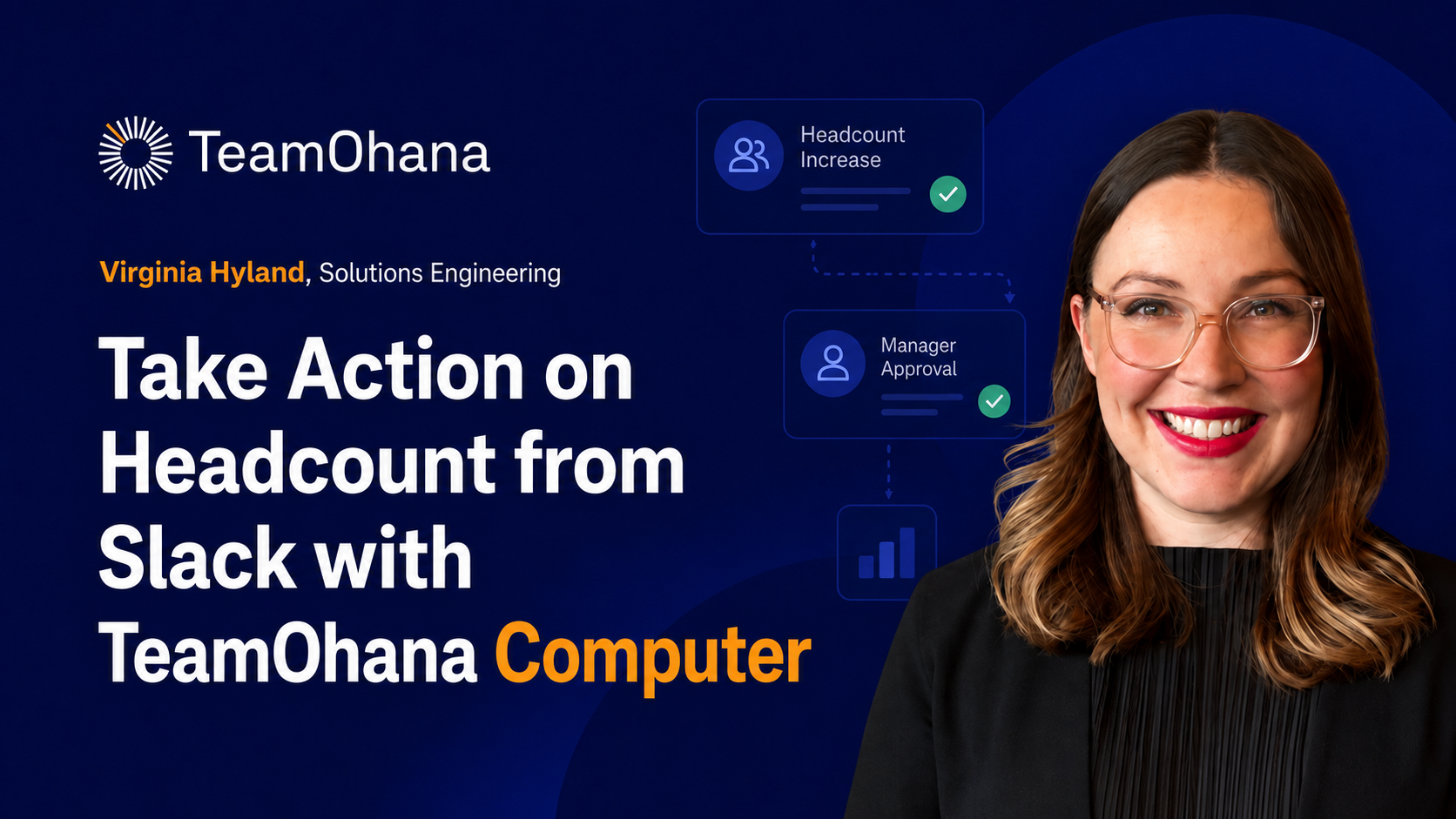
Computer does not stop at surfacing that 30 of 34 hires will miss the Q1 window. It lets the sales leader tag the assigned recruiter on a specific at-risk req, post the comment inside TeamOhana, and move on. That closed loop between insight and action is what separates an agentic coworker from a Q&A interface sitting on top of an export.
Takeaway #3: Governance is not a feature; it is the reason the answer is trustworthy
Every question a sales leader asks Computer inherits their permissions through TeamOhana's ABAC layer. The head of sales sees sales headcount, not comp for other departments. Finance sees the full picture. The same prompt returns a different, correctly scoped answer for each user, and no one gets a back door to data they should not see.
Takeaway #4: One prompt, structured well, replaces the first pass of an ops build
Virginia's capacity model came from three inputs (quota by segment, attainment, ramp by role) and one prompt. Computer figured out which employees carry quota, which do not, which reqs to include, and how to break the output down by SMB, mid-market, and enterprise. That is the ops analyst's first pass, delivered in minutes, ready to iterate on.
"The TeamOhana computer doesn't just tell you that you have some concerns with your hiring plan. It actually allows you to take action and collaborate on the team all within one screen. That's the difference between a chatbot that just answers questions and a coworker that does the work all in one place." — Virginia Hyland, Head of Solutions Engineering, TeamOhana