
.svg)
Curious how TeamOhana can help you? Talk to us.
In this article
Never miss new content
Your workforce data tells a story, but getting to it is a real headache.
Your headcount plan lives in a spreadsheet. Your employee data sits in your HRIS. Your hiring pipeline is stuck in your ATS. By the time someone pulls it all together into a report or dashboard, it's already out of date — and the question you actually needed answered has moved on.
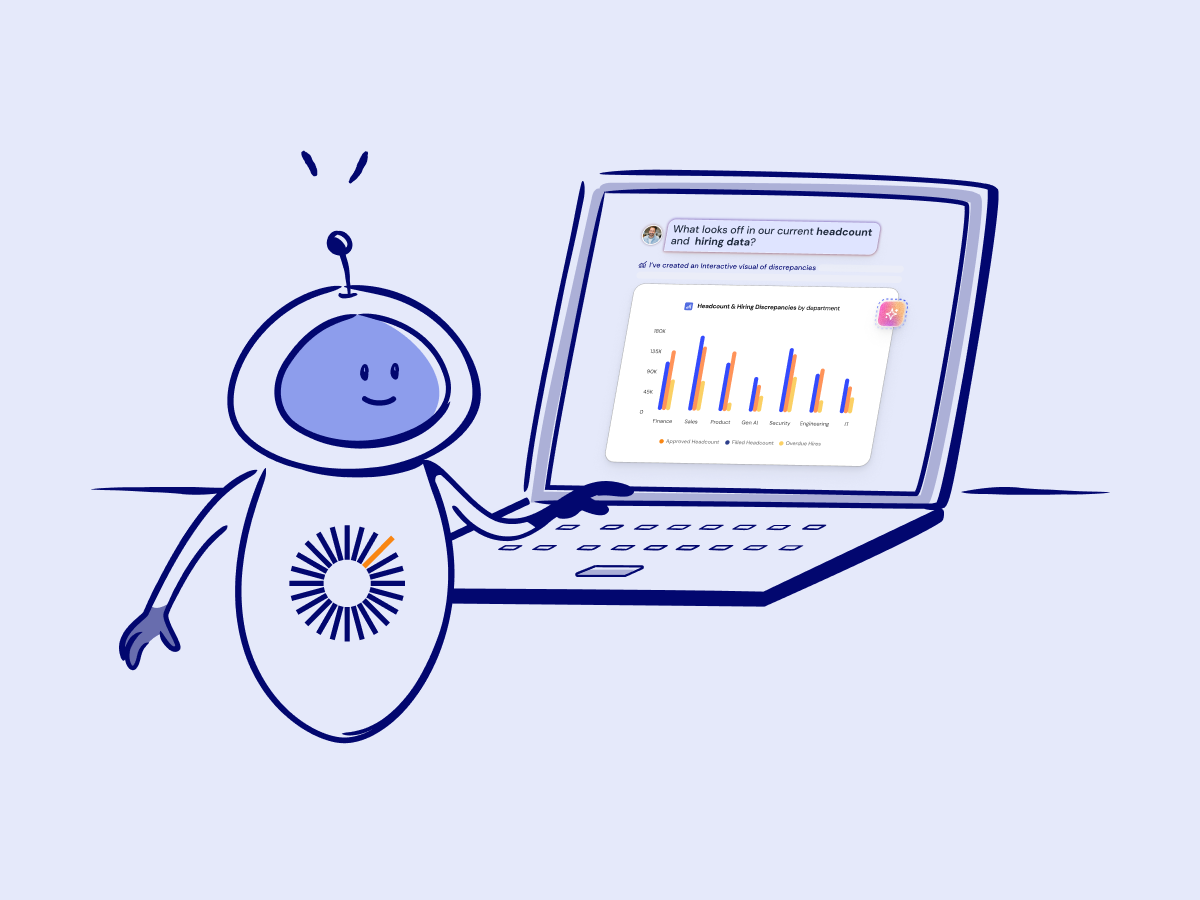
AI workforce analytics agents like Teemo are built to solve this. Instead of waiting on a report, you ask a question in plain English and get an answer pulled directly from your live data.
But there's a catch that doesn't get talked about enough: getting genuinely useful outputs from an AI agent is a skill.
The people who treat it like a search engine—typing a vague question and hoping for the best—get mediocre results. The people who understand how the agent works and what it needs to return a reliable answer get insights that used to take hours to produce.
This AI prompting guide explains how to get the most out of Teemo to unlock the value in all your workforce data. That means understanding what's happening behind the scenes when you submit a prompt, what parameters the agent needs to return accurate results, and how to structure questions that give you something actionable.
Best practices for prompting an AI workforce analysis agent
The most important thing to understand about prompting a workforce analytics agent is that you’re essentially providing instructions for the agent to generate a SQL query of your live data.
But don’t worry, the agent takes part of the SQL coding behind the scenes. The beauty of AI is that you can simply use natural language to ask questions about your workforce data that the agent will then interpret and transform into a SQL query to return a result.
Think of it like a knowledgeable analyst on your team. Someone who understands all of your workforce data, but may need to be guided on the parameters and filters you want applied. The more precise your question, the better the output. Like with any analyst, vague questions can lead to less valuable answers.
You don’t need to know SQL to make your prompts more precise, but thinking like someone who does will get you better results. These are some of the core best practices for prompting an AI workforce analyst with SQL queries in mind.
Define the grain
A good prompt should have a clear unit of analysis. Before you ask your question, think about what one row of your output should represent. Should it be one row per department? Per open role? Per manager?
Leaving it open to interpretation creates potential for responses that don’t match expectations. A simple addition to your prompt like “show me one row per department” goes a long way.
Define your metric and how to calculate it
.png)
Your prompts should clearly explain “what are we measuring?” and “how should we roll it up?”
“Show me open roles” and “give me a count of open roles by department” will return very different results.
Phrases like “count of,” “total,” average,” and “sum of” remove ambiguity and produce more trustworthy outputs. Consider additional guardrails as well. Adding “use distinct count of [metric]” to your prompt can help avoid duplicates.
Anchor your time period
.png)
Effective prompts for workforce analysis include clear date boundaries.
Instead of asking about “recent hires” or “this year,” use explicit date ranges when necessary: “between January 1 and March 31, 2026,” “for Q2 FY2026,” or “as of today.”
Specify attributes and values
.png)
When you ask for data filtered down to a value, specify which attribute that value belongs to.
Attributes are the categories of values in your workforce data (e.g. Department, Division, Employee Type, etc.). Values are the individual options within that attribute (e.g. Engineering or Product in the Department attribute). These are some examples of good vs. bad instances of specifying attributes and values.
- “Show me all open headcount in the Engineering department” instead of “Show me all open headcount in Engineering”
- “Show me all contractors (employee type) instead of “Show me all contractors”
- “What is the average time to hire by Reporting Manager” instead of “What is average time to hire by manager?”
“How many employees do we have with the job title Account Executive and Senior Account Executive” instead of “How many sales reps do we have?”
Ask for sanity checks in the output
Structure your prompts so you receive a validation layer in the result. Ask the agent to include “checksum” fields like:
- “Include a total row at the bottom”
- “Also show the overall total headcount so I can reconcile”
- “Show row counts (number of employees/roles included”
Start simple, then layer complexity
.png)
Prompting an agent for workforce analysis works best as a conversation. Start simple with prompts like:
- “How many open roles do we have by department?”
- “What’s our hiring progress this quarter?”
- “Show me headcount by location”
Then refine the results with follow-ups like:
- “Break that down by Team”
- “Show this as percentages”
- “Summarize the key insights”
Each iteration gets you closer to the results you need rather than relying on one over-engineered initial prompt to get it right.
3 example prompts and use cases for AI workforce analysis
The prompting principles above will serve you well across almost any workforce data question you need to answer. But some questions are worth highlighting because they show just how much analytical horsepower you can unlock when you combine good prompting with the right tool.
The use cases below come from real Teemo demos. You can watch a full presentation of our AI workforce analytics agent below to see how the conversational interface works in practice.
Each use case reflects the prompting principles we covered above, so you can see exactly how those techniques translate to real results across Finance, HR, and Talent.
Prompt 1: “How much can we save this fiscal year by delaying hiring of all headcount in the Go To Market department by 90 days?”
If you need a quick read on potential cost savings without making permanent headcount decisions, this prompt is a good place to start.
The calculation looks only at planned headcounts in the Go To Market department that haven't started yet and calculates the fiscal year cost impact of pushing each one out by 90 days. Roles already in progress or filled are excluded, so the result reflects actual opportunities rather than theoretical ones.
Notice how this prompt puts our best practices to work. It:
- Specifies a department attribute ("Go To Market department") rather than leaving scope open to interpretation
- Anchors the time period ("this fiscal year"), defines a clear action ("delaying hiring"),
- And sets an explicit time boundary ("90 days")
Each of those elements removes a decision Teemo would otherwise have to make on its own. And every assumption the agent has to make is a potential source of error.
If you want to pressure-test the number further, you can layer in follow-ups: break it down by role level, filter to specific hiring managers, or ask which headcount IDs are driving the most savings.
Prompt 2: “In what departments are we under budget due to delayed hiring?”
This prompt flips the budget variance question on its head. Rather than looking for overspend, you're identifying where delayed hiring has created budget slack.
It's a useful question when you need to understand the full picture of your fiscal year spend, not just where you're over. The result gives you a department-level breakdown of underspend driven specifically by hiring delays, which is a different signal than underspend driven by compensation variance.
Here's how this prompt reflects the best practices we covered:
- Metric and aggregation. The prompt asks for a specific type of variance (budget underspend) tied to a specific cause (delayed hiring), rather than a general budget summary
- Grain. The output is scoped to the department level, so each row of the result represents one department
- Implicit filter. By specifying "due to delayed hiring," you're telling Teemo to isolate timing variance from compensation variance—two distinct drivers that would otherwise be rolled together
From there, you can follow up to drill into any department that stands out. You might ask Teemo to show which specific roles are driving the delay, or whether those roles are still active in the hiring plan or have been closed out entirely.
Prompt 3: "What is my current ratio of active employees (less future terminations) with the job title Account Executive compared to employees with the job title Solutions Engineer?"
By accounting for future terminations and anchoring to job title as the attribute in this prompt, you're eliminating the ambiguity that would otherwise leave Teemo guessing about which employees to include.
The prompt is precise because it:
- Calls out job title as the explicit attribute rather than a vague role description
- Defines exactly which employee population to include ("active employees less future terminations")
- Makes clear you want a direct comparison between two specific groups
A ratio that's out of expected range naturally generates follow-up questions — it tells you something is worth investigating but not why.
From there you might break down attrition by division, look at the hiring plan to see whether the imbalance is likely to improve, or check whether approved headcounts in the pipeline would bring the ratio back in line. The same approach works for any structural health check where two roles should be tracked in proportion to each other.
The future of workforce planning is conversational and agentic
Everything covered in this guide reflects what Teemo can do today as an analyst agent. But this is just the starting point.
The next evolution is action agents: AI that doesn't just analyze your workforce data but acts on it. Think creating new headcounts, pushing out start dates, running backfills, or up-leveling roles all through a prompt. The analysis and the execution happen in the same place, and what used to require multiple steps across multiple systems becomes a conversation followed by a button.
“With Teemo, we won’t be waiting on reports or stitching together spreadsheets. We’ll get real-time answers on headcount, hiring progress, org structure, and cost so we can move faster with confidence.” — Tommy Hansen, Senior Director of Recruiting
TeamOhana customers are already seeing what's possible when Finance, HR, and Talent have a single place to query their workforce data in real time. As Teemo continues to develop, that same platform becomes the place where decisions don't just get made — they get executed.
“I’m excited by where TeamOhana is taking workforce planning and intelligence. Teemo feels like a practical step forward that helps teams not just speed up tasks, but improve the quality of decisions.” — Michele Yoshihara, Senior Manager, Talent Planning
If you want to see Teemo in action with your own data, book a live demo and we'll walk you through it.
Take control of your headcount spend

AI prompting for workforce analysis FAQs
Simplifying TeamOhana: your questions, answered.
AI prompting is the practice of writing questions or instructions that get an AI agent to return accurate, useful results. In workforce planning, where decisions depend on precise data about headcount, compensation, and hiring, a vague or poorly structured prompt can return results that look right but can't be trusted. Learning to prompt well means understanding what parameters the agent needs—things like time boundaries, specific metrics, and defined employee populations—so the output reflects your actual question.
A general-purpose AI tool generates responses based on probability—it predicts what a useful answer looks like, but it isn't doing math against your actual data. A specialized workforce analytics agent like Teemo translates your natural language question into a SQL query that runs directly against your live headcount, hiring, and compensation data. That means the results are grounded in your system of record, the calculations are transparent, and the outputs meet the accuracy standard that Finance and HR teams require.
AI workforce analytics agents can handle a wide range of questions, from straightforward headcount counts and hiring progress checks to complex scenario analysis like estimating savings from delayed hiring or identifying budget variance by department. They can also surface org structure insights like role ratios, span of control, and headcount distribution by location or level. The key is that the agent pulls from live data across your HRIS, ATS, and headcount plan simultaneously, so you're not limited to whatever a pre-built report was designed to show.
The most effective approach is to start with simple, broad questions and build toward complexity through follow-up prompts rather than trying to engineer one perfect question upfront. Providing feedback when results don't match expectations helps the agent improve, and using precise language—specifying attributes and values that match how your data is actually structured—reduces the chance of misinterpretation. The more you interact with the agent and learn how it handles your specific data, the faster and more accurately it responds to your questions.

.png)
